OSI Model
The OSI model helps you understand where different technologies operate (TCP at Layer 4, HTTP at Layer 7, load balancers at Layer 4 or 7).
Quick answer: OSI Model
OSI Model is covered here as a practical system design concept. The OSI model helps you understand where different technologies operate (TCP at Layer 4, HTTP at Layer 7, load balancers at Layer 4 or 7). Use it to understand the Networking idea, where it appears in production systems, and how to discuss it clearly in interviews.
Focus on the problem being solved, the main design choice, the failure mode, and the tradeoff you would defend in front of a senior engineer. This page is part of the DosiBridge system design knowledge graph, so it links related concepts, interview problems, tradeoffs, and references instead of leaving the topic isolated.
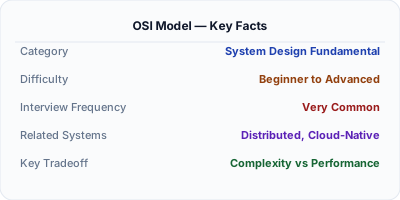
The OSI (Open Systems Interconnection) model is a conceptual framework that divides network communication into 7 layers: Physical, Data Link, Network, Transport, Session, Presentation, and Application. Each layer handles a specific aspect of network communication and communicates with the layers above and below it.
Why This Matters
The OSI model helps you understand where different technologies operate (TCP at Layer 4, HTTP at Layer 7, load balancers at Layer 4 or 7). In system design, knowing which layer a problem occurs at helps you choose the right solution.
The Building Blocks
- Layer 7 (Application): HTTP, HTTPS, WebSocket, DNS — what most system design focuses on.
- Layer 4 (Transport): TCP (reliable, ordered) vs UDP (fast, unordered) — affects your protocol choice.
- Layer 3 (Network): IP addressing, routing — determines how data traverses the internet.
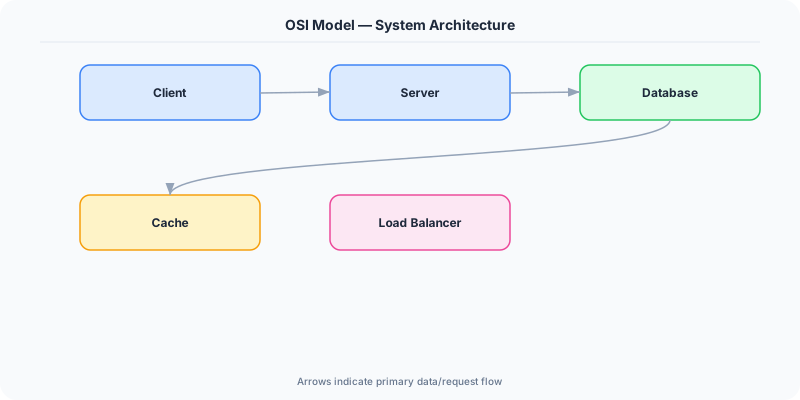
- Layer 4 vs Layer 7 load balancers: L4 balancers route by IP/port (faster, stateless). L7 balancers can route by URL, cookie, or header (smarter, more flexible).
- Encapsulation: Each layer wraps data with its own header. A single HTTP request becomes an HTTP header + TCP header + IP header + Ethernet frame.
Under the Hood
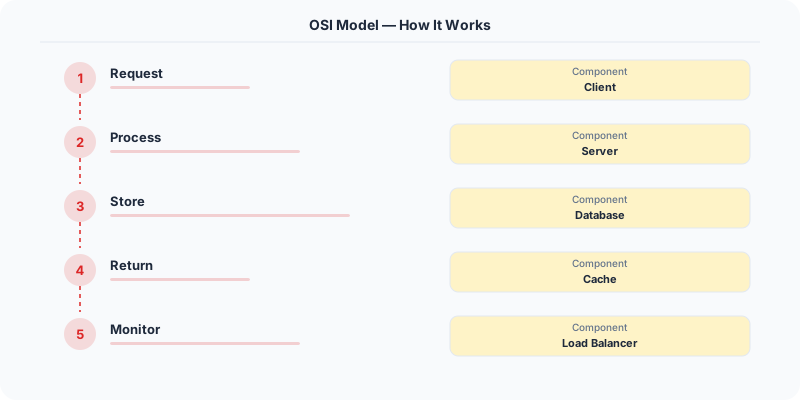
When you send an HTTP request, it travels down the OSI stack on your machine (Application → Transport → Network → Data Link → Physical), across the network, and back up the stack on the server. Each layer adds/removes its own header. Understanding this helps you debug networking issues and choose the right tools.
How Companies Actually Do This
AWS ELB offers both Application Load Balancer (Layer 7) and Network Load Balancer (Layer 4). ALB can route based on URL path; NLB routes based on IP.
Cloudflare operates at Layer 7 for DDoS protection, inspecting HTTP headers to distinguish legitimate traffic from attacks.
WireGuard VPN operates at Layer 3, encapsulating IP packets inside encrypted tunnels.
Common Pitfalls
- Confusing TCP/IP layers with OSI layers — the TCP/IP model has only 4 layers
- Not knowing where common protocols sit in the stack
Interview Questions Worth Practicing
- What are the 7 layers of the OSI model?
- What is the difference between Layer 4 and Layer 7 load balancing?
- At which OSI layer does TCP operate? HTTP?
The Tradeoffs
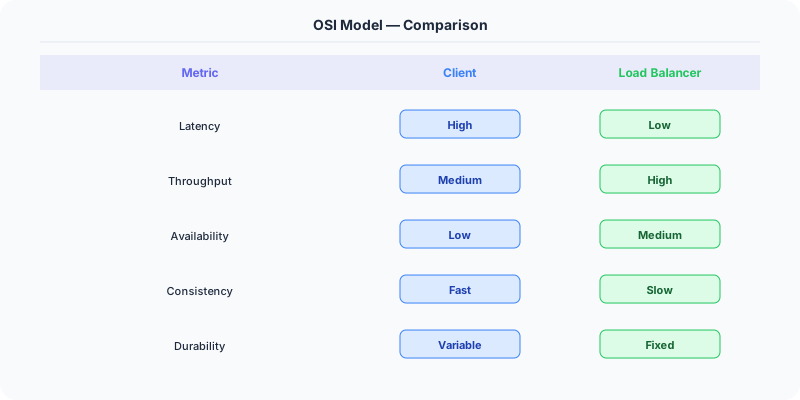
- Layer 4 vs Layer 7 LB: L4 is faster and handles more connections; L7 is smarter and can do content-based routing.
- TCP vs UDP: TCP guarantees delivery but adds latency; UDP is faster but unreliable.
Related Topics
Original DosiBridge notes for OSI Model
This section is written specifically for this page, not copied from a general system-design checklist. The useful way to study OSI Model is to connect the concept to a production service where growth exposes the first weak assumption in the original design. That framing changes the design discussion from definitions to operating choices.
What makes this topic distinct
- Packet Path: For OSI Model, decide the packet path before choosing tools; otherwise the design looks clean but fails when osi changes.
- Timeout Budget: For OSI Model, decide the timeout budget before choosing tools; otherwise the design looks clean but fails when model changes.
- TLS Boundary: For OSI Model, decide the TLS boundary before choosing tools; otherwise the design looks clean but fails when osi changes.
- Proxy Behavior: For OSI Model, decide the proxy behavior before choosing tools; otherwise the design looks clean but fails when model changes.
- Backpressure: For OSI Model, decide the backpressure before choosing tools; otherwise the design looks clean but fails when osi changes.
Production review question
If a team adopts OSI Model, what observable signal proves it helped instead of only making the architecture diagram more fashionable?
Practical metric to track
Track osi-model health as a named dashboard or review item: combine one user-facing metric, one saturation metric, and one correctness metric. For OSI Model, this keeps the discussion grounded in behavior that can be measured after deployment instead of generic advice that sounds good in an interview but never gets verified.