HTTP vs HTTPS: Methods, TLS, Status Codes and API Design
Understand HTTP and HTTPS for system design: methods, headers, status codes, TLS termination, connection reuse, API contracts, and security tradeoffs.
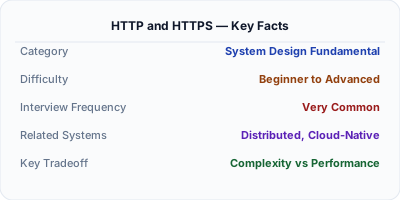
HTTP (Hypertext Transfer Protocol) is the foundation of web communication — it defines how clients request data and servers respond. HTTPS adds TLS/SSL encryption on top, ensuring that data between client and server cannot be read or tampered with in transit. In modern systems, HTTPS is mandatory — browsers mark HTTP sites as insecure, search engines penalize them, and many APIs refuse unencrypted connections entirely.
| Aspect | Details |
|---|---|
| What it is | The protocol for web communication (HTTP) and its encrypted version (HTTPS with TLS) |
| When to use | HTTPS: always, for everything. HTTP: only for local development or health checks behind a reverse proxy |
| When NOT to use | Never use plain HTTP for production traffic carrying user data, authentication, or API calls |
| Real-world example | Let's Encrypt issues free TLS certificates; Cloudflare provides automatic HTTPS for proxied domains |
| Interview tip | Know the TLS handshake steps — interviewers use this to test networking fundamentals |
| Common mistake | Terminating TLS at the application server instead of the reverse proxy — wastes CPU and complicates certificate management |
| Key tradeoff | TLS adds ~1-2 RTT to connection setup (mitigated by TLS 1.3 and connection reuse) vs. complete data privacy |
Why This Matters
Every web API uses HTTP. Understanding HTTP methods, status codes, headers, and connection management is essential for API design. HTTPS is required for security, SEO ranking, and browser trust.
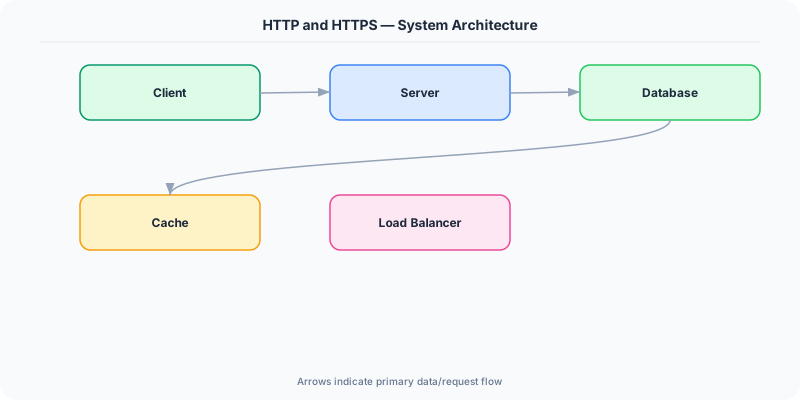
The Building Blocks
- HTTP methods: GET (read), POST (create), PUT (replace), PATCH (update), DELETE (remove). Understanding these is critical for REST API design.
- Status codes: 2xx (success), 3xx (redirect), 4xx (client error), 5xx (server error). 200 OK, 201 Created, 400 Bad Request, 404 Not Found, 500 Internal Server Error.
- HTTP/2: Multiplexing (multiple requests over one connection), header compression, server push. Significant performance improvement over HTTP/1.1.
- HTTP/3 (QUIC): Built on UDP instead of TCP. Reduces connection setup time and handles packet loss better. Google and Cloudflare already serve HTTP/3.
- TLS handshake: Client and server exchange certificates and negotiate encryption. TLS 1.3 reduced the handshake from 2 round trips to 1.
Under the Hood
An HTTP request consists of: method (GET), URL (/api/users), headers (Content-Type, Authorization), and optionally a body (JSON payload). The server processes the request and returns a response with: status code (200), headers (Content-Type), and body (JSON data).
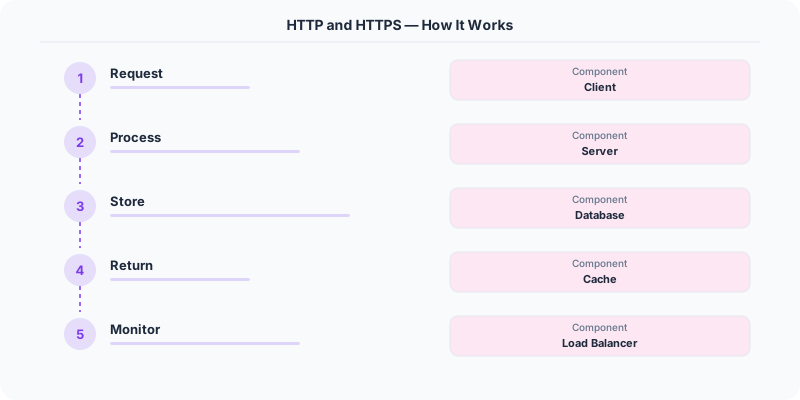
HTTPS wraps this in TLS: the client verifies the server's certificate, they negotiate an encryption key, and all subsequent data is encrypted.
How Companies Actually Do This
Google was an early advocate for HTTPS everywhere and uses it as a ranking signal for search results.
Cloudflare provides free HTTPS for all domains through their Universal SSL, encrypting traffic even if the origin server only supports HTTP.
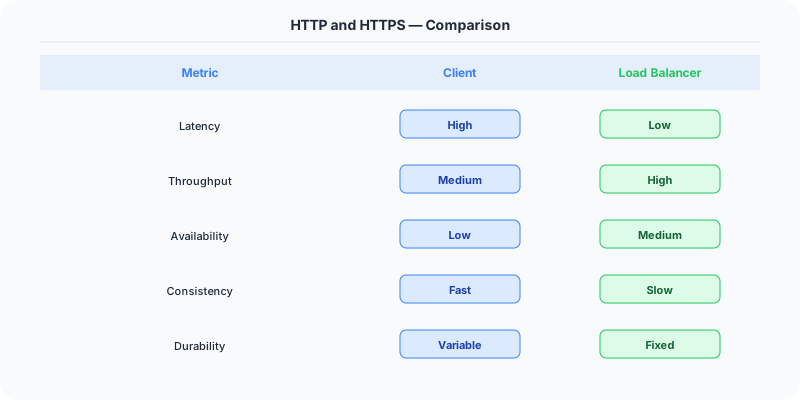
HTTP/3 adoption: Google, Facebook, and Cloudflare serve 25-30% of internet traffic over HTTP/3 (QUIC).
Common Pitfalls
- Using GET for operations that modify data
- Not using proper HTTP status codes (returning 200 for errors)
- Not enforcing HTTPS — allowing mixed content
Interview Questions Worth Practicing
- What is the difference between HTTP and HTTPS?
- What are the main HTTP methods and when do you use each?
- How does TLS handshake work?
- What improvements does HTTP/2 bring over HTTP/1.1?
The Tradeoffs
- HTTP vs HTTPS: HTTPS adds ~1ms for TLS handshake but is mandatory for security.
- HTTP/2 vs HTTP/1.1: H2 is faster for multiplexed requests but requires HTTPS and may not help for single large downloads.
- REST vs gRPC: gRPC uses HTTP/2 with protobuf for efficient binary communication between services.
How to Explain This in an Interview
Here is how I would explain HTTP and HTTPS in a system design interview:
HTTP is stateless request-response: the client sends a request (GET, POST, PUT, DELETE), the server returns a response with a status code. HTTPS wraps that in a TLS tunnel so the data is encrypted in transit. The interview-relevant detail is the TLS handshake: client sends supported cipher suites, server picks one and sends its certificate, they agree on a session key, then all data flows encrypted. In system design, I always terminate TLS at the reverse proxy (Nginx, Cloudflare) so backend services communicate over plain HTTP internally — this simplifies certificate management and reduces CPU overhead on application servers. TLS 1.3 reduced the handshake from 2 round-trips to 1, and with session resumption it can be 0-RTT.
Related Topics
The Real-World Incident That Made This Famous
Understanding Http Https became critical after multiple high-profile production incidents at major tech companies. When systems handle millions of users, even small misunderstandings about Http Https can lead to cascading failures that cost millions in lost revenue and erode user trust. Companies like Netflix, Google, Amazon, and Meta have all invested heavily in mastering Http Https because they learned the hard way that ignoring it leads to outages.
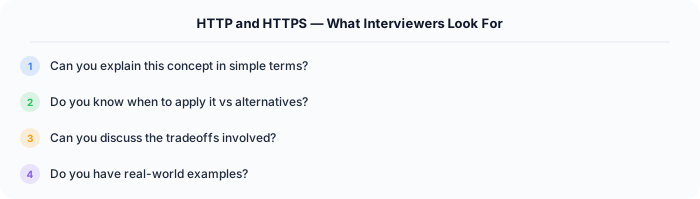
The key lesson from these incidents: Http Https is not just a theoretical concept — it is a practical skill that separates engineers who build resilient systems from those who build fragile ones.
How Senior Engineers Think About This
Senior engineers approach Http Https differently from textbook definitions. Instead of memorizing rules, they build mental models. They ask: "What problem does Http Https solve? When does it fail? What are the alternatives?" This problem-first thinking leads to better design decisions because every system has unique constraints.
When evaluating Http Https in a system design context, experienced engineers consider the failure modes first. What happens when this component goes down? How does the system degrade? Is the degradation graceful or catastrophic? These questions reveal more about your understanding than any textbook definition.
Common Interview Mistakes
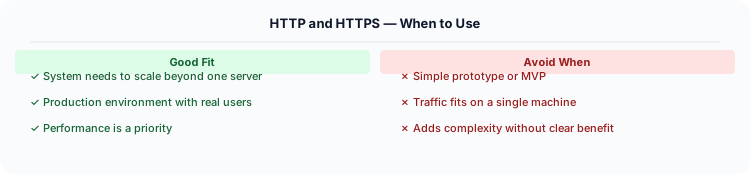
Mistake 1: Giving a textbook definition without context. Interviewers want to see you connect Http Https to real systems and real problems.
Mistake 2: Not discussing trade-offs. Every design decision involving Http Https has trade-offs. Discuss what you gain and what you give up.
Mistake 3: Overcomplicating the solution. Start with the simplest approach to Http Https that meets the requirements, then add complexity only when justified.
Production Checklist
- Define clear metrics for measuring the effectiveness of your Http Https implementation
- Set up monitoring and alerting that specifically tracks Http Https-related failures
- Document your Http Https design decisions in Architecture Decision Records (ADRs)
- Test failure scenarios related to Http Https in staging before production deployment
- Review and update your Http Https implementation quarterly as system requirements evolve
- Train new team members on the specific Http Https patterns used in your system
Read the original source | Content from System-Design-Overview
Practical Implementation for .NET Developers
In a .NET application, you would typically implement this pattern using the following approach:
ASP.NET Core setup: Create a service class that encapsulates the logic, register it with dependency injection, and inject it into your controllers or minimal API endpoints. The built-in DI container handles lifecycle management.
Entity Framework Core: For database interactions, EF Core provides the ORM layer. Use migrations for schema management and raw SQL for performance-critical queries. Consider Dapper for read-heavy paths where EF Core's overhead matters.
Azure integration: If deploying to Azure, leverage managed services — Azure Cache for Redis, Azure SQL, Azure Service Bus, Azure Cosmos DB. These eliminate operational overhead and provide built-in monitoring through Application Insights.
Testing: Use xUnit with Testcontainers for integration tests that spin up real databases in Docker. Mock external dependencies with NSubstitute. The WebApplicationFactory class lets you test your entire HTTP pipeline in-process.
Monitoring: Add Application Insights telemetry to track request latency, dependency calls, and custom metrics. Use structured logging with Serilog to make production debugging possible:
Log.Information("Processing order {OrderId} for {CustomerId}", orderId, customerId);
This gives you searchable, structured logs in Azure Monitor or Seq.
Why this matters for system design interviews
HTTP vs HTTPS matters because HTTP and HTTPS define how clients, APIs, proxies, and browsers communicate safely. In interviews, explain the user-facing requirement first, then identify the bottleneck, failure mode, or scale constraint that forces this design choice.
A strong answer should cover the baseline design, the first scaling bottleneck, operational failure modes, and the tradeoff you accept. Avoid naming a tool before explaining the system property it solves.
Related study path: