TCP vs UDP
Choosing between TCP and UDP affects your system's performance and reliability. Real-time systems (video calls, gaming) cannot afford TCP's overhead.
Quick answer: TCP vs UDP
TCP vs UDP is covered here as a practical system design concept. Choosing between TCP and UDP affects your system's performance and reliability. Real-time systems (video calls, gaming) cannot afford TCP's overhead. Use it to understand the Networking idea, where it appears in production systems, and how to discuss it clearly in interviews.
Focus on the problem being solved, the main design choice, the failure mode, and the tradeoff you would defend in front of a senior engineer. This page is part of the DosiBridge system design knowledge graph, so it links related concepts, interview problems, tradeoffs, and references instead of leaving the topic isolated.
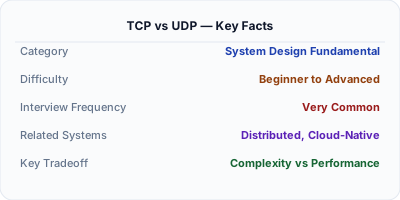
TCP (Transmission Control Protocol) provides reliable, ordered, error-checked delivery of data. UDP (User Datagram Protocol) provides fast, connectionless delivery without guarantees. TCP is used when data integrity matters (web, email, file transfer). UDP is used when speed matters more than reliability (video streaming, gaming, DNS).
Why This Matters
Choosing between TCP and UDP affects your system's performance and reliability. Real-time systems (video calls, gaming) cannot afford TCP's overhead. Reliable systems (banking, file transfer) cannot afford UDP's packet loss.
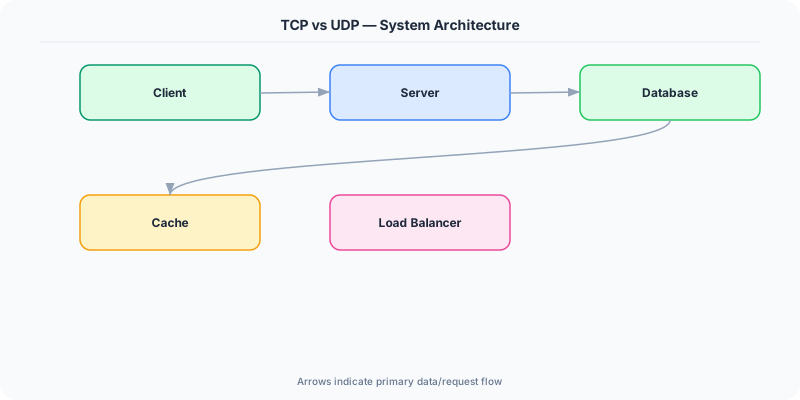
The Building Blocks
- TCP: Connection-oriented (3-way handshake), reliable delivery, ordered packets, flow control, congestion control. Higher latency but guaranteed delivery.
- UDP: Connectionless, no delivery guarantee, no ordering, no congestion control. Lower latency and overhead.
- TCP use cases: HTTP/HTTPS, email (SMTP), file transfer (FTP), database connections.
- UDP use cases: DNS queries, video streaming, online gaming, VoIP, IoT sensors.
- HTTP/3 uses QUIC (over UDP): Google's QUIC protocol builds reliability on top of UDP, getting TCP's guarantees with UDP's speed.
Under the Hood
TCP establishes a connection via 3-way handshake (SYN → SYN-ACK → ACK), then sends data in ordered segments with acknowledgments. If a packet is lost, TCP retransmits it. This guarantees delivery but adds overhead.
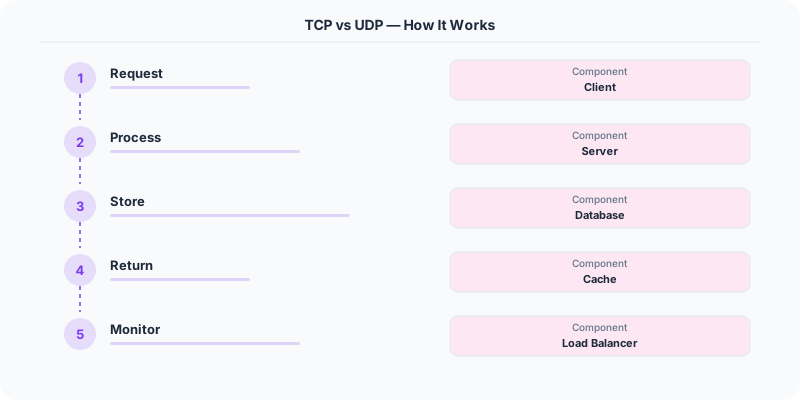
UDP just sends packets (datagrams) without any handshake or acknowledgment. If a packet is lost, the application must handle it (or ignore it). This is why UDP is faster — no handshake, no retransmission, no ordering.
How Companies Actually Do This
Zoom uses UDP for video/audio streaming because a lost video frame is acceptable but a delayed frame ruins the experience.
DNS uses UDP for queries (single request-response, low overhead) but TCP for zone transfers (large, must be complete).
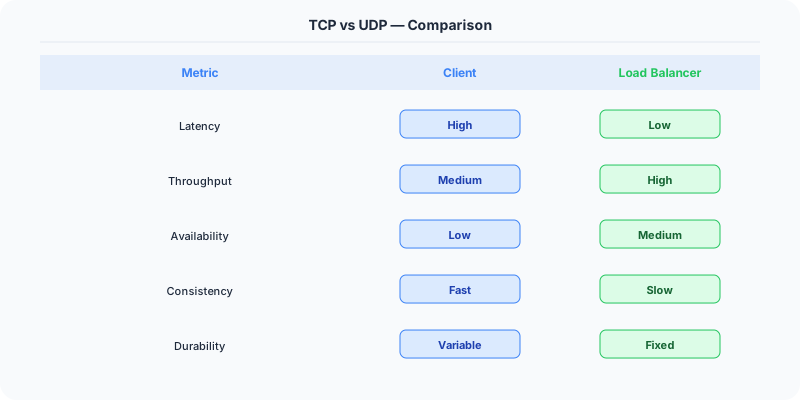
Netflix streams video over TCP (HTTP) because adaptive bitrate streaming can handle TCP's overhead and needs reliable delivery of video segments.
Common Pitfalls
- Assuming UDP is always faster — TCP with persistent connections and HTTP/2 multiplexing is very efficient
- Using UDP for data that must be reliable — then you end up reimplementing TCP badly
- Not handling packet loss in UDP applications
Interview Questions Worth Practicing
- When would you choose TCP over UDP, and vice versa?
- How does TCP guarantee reliable delivery?
- Why does DNS use UDP?
- How does QUIC combine UDP speed with TCP reliability?
The Tradeoffs
- Reliability vs Speed: TCP guarantees delivery at the cost of latency. UDP prioritizes speed at the cost of reliability.
- Head-of-line blocking: TCP delivers packets in order, so a single lost packet blocks all subsequent packets until retransmitted. UDP avoids this.
- Connection overhead: TCP requires a handshake per connection; UDP is stateless.
Related Topics
Original DosiBridge notes for TCP vs UDP
This section is written specifically for this page, not copied from a general system-design checklist. The useful way to study TCP vs UDP is to connect the concept to a production service where growth exposes the first weak assumption in the original design. That framing changes the design discussion from definitions to operating choices.
What makes this topic distinct
- Packet Path: For TCP vs UDP, decide the packet path before choosing tools; otherwise the design looks clean but fails when tcp changes.
- Timeout Budget: For TCP vs UDP, decide the timeout budget before choosing tools; otherwise the design looks clean but fails when vs changes.
- TLS Boundary: For TCP vs UDP, decide the TLS boundary before choosing tools; otherwise the design looks clean but fails when udp changes.
- Proxy Behavior: For TCP vs UDP, decide the proxy behavior before choosing tools; otherwise the design looks clean but fails when tcp changes.
- Backpressure: For TCP vs UDP, decide the backpressure before choosing tools; otherwise the design looks clean but fails when vs changes.
Production review question
If a team adopts TCP vs UDP, what observable signal proves it helped instead of only making the architecture diagram more fashionable?
Practical metric to track
Track tcp-udp health as a named dashboard or review item: combine one user-facing metric, one saturation metric, and one correctness metric. For TCP vs UDP, this keeps the discussion grounded in behavior that can be measured after deployment instead of generic advice that sounds good in an interview but never gets verified.