Load Balancing
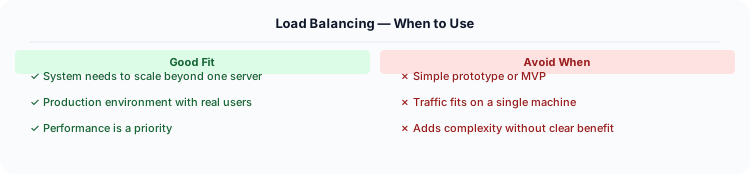
Load balancing is used in virtually every production system. It is one of the first things you add when scaling beyond a single server.
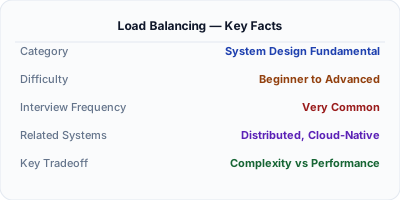
Load balancing distributes incoming traffic across multiple servers so no single machine is overwhelmed. It is the foundation of horizontal scaling — without it, you cannot add more servers to handle more traffic. Every production system uses some form of load balancing, from DNS round-robin to dedicated L7 load balancers like Nginx, HAProxy, or AWS ALB.
| Aspect | Details |
|---|---|
| What it is | Distributing network traffic across multiple server instances |
| When to use | Any system with 2+ servers; horizontal scaling; high availability requirements |
| When NOT to use | Single-server applications; when sticky sessions create more problems than they solve |
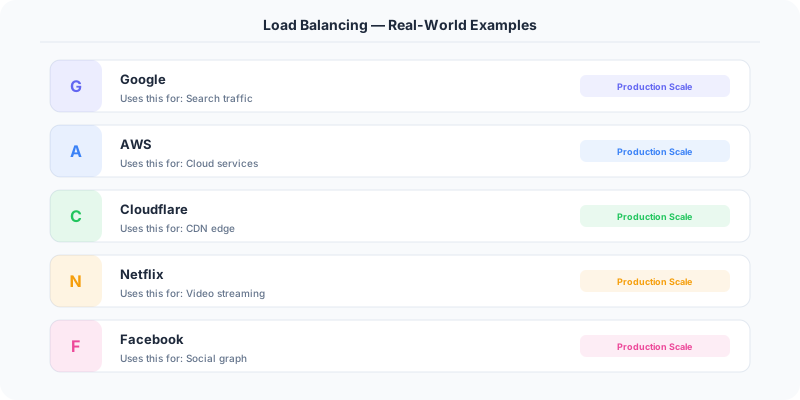
| Real-world example | AWS ALB routes by URL path; Google Maglev load-balances at L4 globally; Netflix Zuul does L7 routing |
| Interview tip | Know at least 3 algorithms: round-robin, least connections, consistent hashing — and when to use each |
| Common mistake | Forgetting the LB itself is a single point of failure — always discuss redundancy (active-passive pairs) |
| Key tradeoff | L4 is faster (no HTTP parsing) but L7 is smarter (content-based routing, SSL termination) |
Why This Matters
Load balancing is used in virtually every production system. It is one of the first things you add when scaling beyond a single server. In interviews, discussing load balancing strategies shows you understand distributed system fundamentals.
The Building Blocks
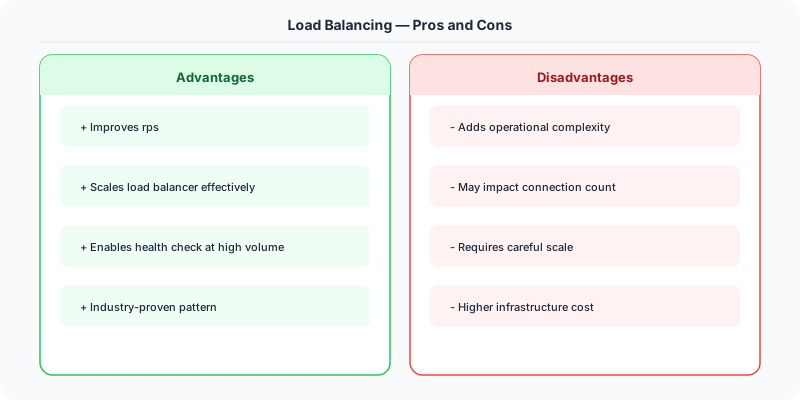
- Round Robin: Requests are distributed to servers sequentially. Simple and fair if servers have equal capacity.
- Weighted Round Robin: Servers with more capacity get proportionally more requests. Useful for heterogeneous server fleets.
- Least Connections: New requests go to the server with the fewest active connections. Best for long-lived connections (WebSockets).
- IP Hash: The client's IP determines which server handles the request. Provides session affinity without cookies.
- Layer 4 vs Layer 7: L4 load balancers route by IP/port (faster, used for TCP traffic). L7 load balancers route by HTTP content (URL, headers, cookies — smarter but slower).
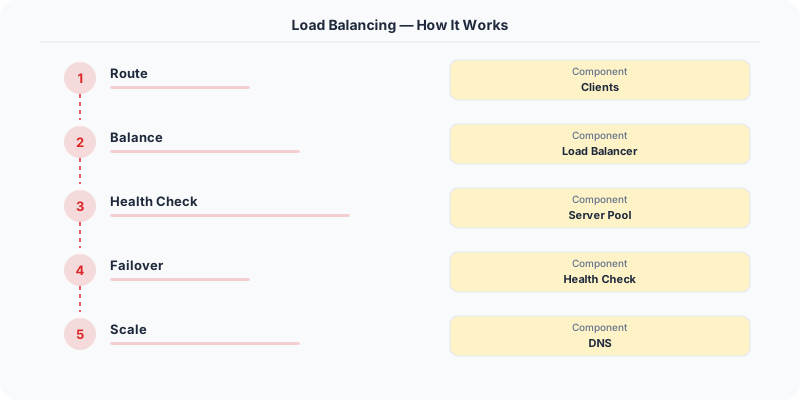
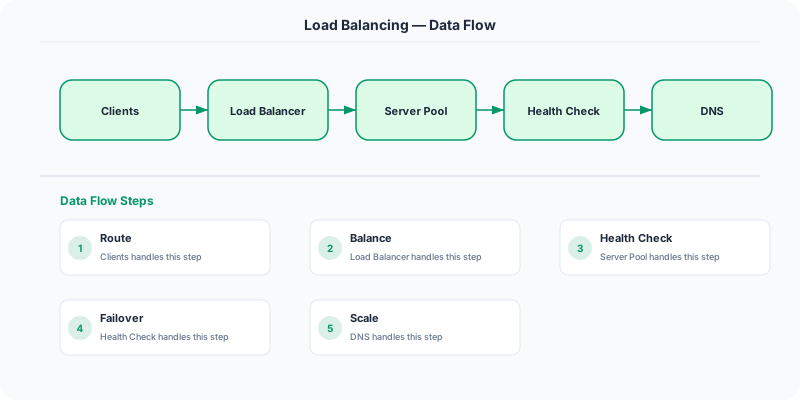
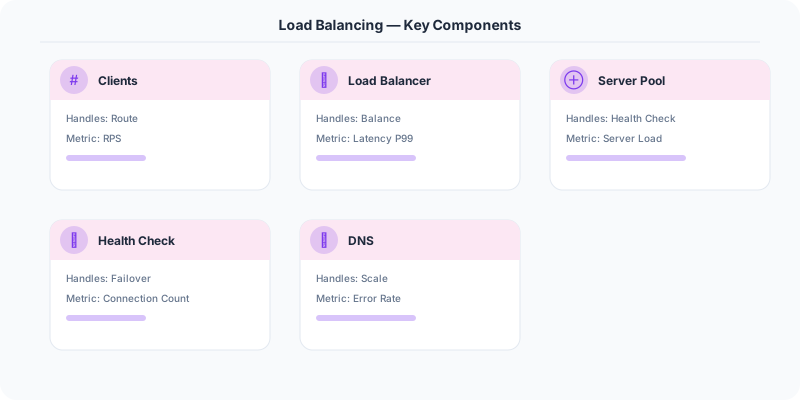
- Health checks: Load balancers periodically ping backend servers. Unhealthy servers are removed from the pool until they recover.
Under the Hood
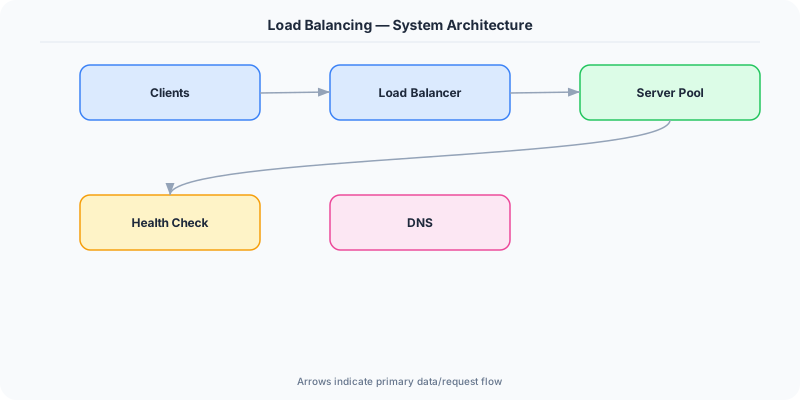
A load balancer sits between clients and backend servers. When a request arrives, the LB selects a healthy server using its configured algorithm and forwards the request. The server processes the request and sends the response back through the LB (or directly to the client in DSR mode).
For high availability, deploy load balancers in pairs (active-passive or active-active) to avoid the LB itself becoming a single point of failure.
How Companies Actually Do This
AWS ALB: Layer 7 load balancer that routes based on URL path (/api → API servers, /static → static servers), supports WebSockets, and integrates with auto-scaling.
Nginx: The world's most popular reverse proxy/load balancer. Handles millions of concurrent connections with minimal memory.
Google Cloud: Uses Maglev, a custom Layer 4 load balancer that distributes traffic across global backend pools using consistent hashing.
Common Pitfalls
- Not configuring health checks — traffic continues going to dead servers
- Using round robin with heterogeneous servers — overloads weaker machines
- Making the load balancer a single point of failure
- Not considering connection draining during deployments
Interview Questions Worth Practicing
- What load balancing algorithms do you know? When would you use each?
- What is the difference between Layer 4 and Layer 7 load balancing?
- How do you avoid the load balancer becoming a single point of failure?
- What is sticky sessions and when is it needed?
- How does health checking work?
The Tradeoffs
- L4 vs L7: L4 is faster (no HTTP parsing) but L7 is smarter (content-based routing).
- Sticky sessions vs stateless: Sticky sessions simplify session management but reduce load distribution effectiveness.
- Hardware vs software LB: Hardware LBs (F5) handle more traffic; software LBs (Nginx, HAProxy) are cheaper and more flexible.
How to Explain This in an Interview
Here is how I would explain Load Balancing in a system design interview:
Load balancing is how you scale horizontally. Put a load balancer in front of N identical servers. When a request arrives, the LB picks a healthy server — round-robin for simplicity, least-connections when request durations vary, consistent hashing when you need session affinity. Three things interviewers want to hear: first, health checks — the LB pings backends and removes dead ones from the pool. Second, redundancy — run LBs in active-passive pairs so the LB itself is not a SPOF. Third, the L4 vs L7 decision — use L4 for raw TCP and database connections, L7 when you need to route based on URL paths or HTTP headers. In .NET systems, you would typically sit behind an Azure Application Gateway or Nginx, with Kestrel handling the application layer.
Related Topics
- Proxy vs Reverse Proxy
- Consistent Hashing
- Scalability
- Design a Load Balancer
- Load Balancing Algorithms
The Real-World Incident That Made This Famous
In November 2012, Netflix experienced a significant outage when their AWS Elastic Load Balancer (ELB) in the us-east-1 region became overwhelmed during a traffic spike. The root cause was subtle: the ELB had not been "pre-warmed" to handle the sudden surge, and AWS load balancers at the time scaled incrementally. Netflix was seeing a 3x traffic increase within minutes (common for a popular show premiere), but the ELB could only scale at about 50% every 5 minutes.
This incident led Netflix to build their own edge proxy called Zuul. Zuul sits in front of all Netflix microservices and handles dynamic routing, monitoring, resiliency, and security. Unlike traditional load balancers that operate at L4 (TCP), Zuul operates at L7 (HTTP) and can make intelligent routing decisions based on request content, headers, and even the health of backend services.
The key insight from Netflix's experience: a load balancer is not just a traffic distributor. It is the first line of defense against cascading failures. When Netflix's recommendation service degrades, Zuul can route those requests to a fallback service that returns cached or generic recommendations. When a new deployment is happening, Zuul performs canary routing — sending 1% of traffic to the new version before rolling out fully. This "smart load balancing" approach is now standard practice, implemented in service meshes like Istio and Envoy.
How Senior Engineers Think About This
Think of load balancing in layers, like an onion. The outermost layer is DNS-based load balancing (Route 53 weighted routing), which distributes traffic across regions. The next layer is the L4 load balancer (AWS NLB), which distributes TCP connections across availability zones. The innermost layer is the L7 load balancer (Nginx, Envoy, Zuul), which distributes HTTP requests across service instances.
The biggest mental shift for senior engineers is moving from "which algorithm should I use" to "what failure modes do I need to handle." Round-robin works fine until one server is slower than the others — then it accumulates a queue while fast servers sit idle. Least-connections works better but requires real-time connection tracking. Weighted round-robin handles heterogeneous server fleets but requires manual tuning.
The real-world answer most senior engineers land on is adaptive load balancing with health checks. Your load balancer tracks the latency and error rate of each backend. If a server starts responding slowly (200ms when others are at 20ms), it gets fewer requests automatically. If it starts returning 500 errors, it gets pulled out of rotation entirely. Envoy proxy calls this "outlier detection" and it prevents one sick server from degrading the entire service.
One crucial detail: sticky sessions (sending the same user to the same server) solve some problems but create others. They break horizontal scaling, create hot spots, and make deployments painful. The senior approach is to make your application stateless and store session data in Redis or a database.
Common Interview Mistakes
Mistake 1: Only knowing round-robin. You should be able to discuss at least round-robin, least connections, weighted round-robin, consistent hashing, and random with two choices (the "power of two choices" approach used by Nginx).
Mistake 2: Confusing L4 and L7 load balancing. L4 operates at the TCP level and cannot inspect HTTP content. L7 operates at the HTTP level and can route based on URL path, headers, cookies, and request body. Know when each is appropriate.
Mistake 3: Forgetting about health checks. A load balancer that does not perform health checks will happily send traffic to dead servers. Discuss active health checks (periodic pings) vs. passive health checks (tracking error rates from real traffic).
Mistake 4: Not discussing the load balancer as a single point of failure. If your load balancer goes down, everything behind it is unreachable. Discuss redundancy: active-passive pairs, floating IPs, or DNS failover.
Mistake 5: Ignoring connection draining. When you remove a server from the pool (for deployment or maintenance), existing connections should be allowed to complete. Abruptly dropping connections causes errors for users mid-request.
Production Checklist
- Configure both active health checks (every 5-10 seconds) and passive health checks (track 5xx error rates from real traffic)
- Enable connection draining with a 30-second timeout before removing servers from the pool
- Use L7 load balancing when you need content-based routing, SSL termination, or header manipulation
- Use L4 load balancing for non-HTTP protocols (gRPC, WebSockets, databases) or when you need maximum throughput
- Set up redundant load balancers in active-passive or active-active configuration
- Monitor backend server response times at p50, p95, and p99 — p99 spikes often indicate one slow server
- Configure circuit breaker behavior: remove backends that exceed error thresholds, re-add them after a recovery period
- Set appropriate connection limits per backend to prevent any single server from being overwhelmed
- Enable access logging on the load balancer for debugging and audit purposes
- Test failover scenarios monthly — kill a backend server and verify traffic redistributes correctly
Read the original source | Content from System-Design-Overview
Load Balancing .NET Applications
When deploying ASP.NET Core behind a load balancer, there are specific configurations you need:
Forwarded Headers: Behind a reverse proxy (Nginx, Azure Application Gateway), your app does not see the client's real IP. Configure ForwardedHeaders middleware:
builder.Services.Configure<ForwardedHeadersOptions>(options =>
    options.ForwardedHeaders = ForwardedHeaders.XForwardedFor | ForwardedHeaders.XForwardedProto;
);
app.UseForwardedHeaders();
Health Checks: ASP.NET Core has built-in health check endpoints that load balancers use to detect unhealthy instances:
builder.Services.AddHealthChecks()
    .AddSqlServer(connectionString)    // Check database
    .AddRedis(redisConnection)         // Check cache
    .AddUrlGroup(new Uri("https://api.stripe.com"), "stripe"); // Check dependencies

app.MapHealthChecks("/healthz");
Azure-specific: Azure App Service and Azure Kubernetes Service (AKS) provide built-in load balancing. App Service auto-scales based on CPU, memory, or HTTP queue length. For .NET developers, this means zero load balancer configuration — Azure handles it.
Kestrel tuning: The Kestrel web server in ASP.NET Core handles 1M+ concurrent connections. For high-throughput scenarios, tune MaxConcurrentConnections and MaxRequestBodySize in your configuration.