Data Compression
Data compression reduces payload sizes for faster network transfer and lower storage costs.
Quick answer: Data Compression
Data Compression is covered here as a practical system design concept. Data compression reduces payload sizes for faster network transfer and lower storage costs. Use it to understand the Networking idea, where it appears in production systems, and how to discuss it clearly in interviews.
Focus on the problem being solved, the main design choice, the failure mode, and the tradeoff you would defend in front of a senior engineer. This page is part of the DosiBridge system design knowledge graph, so it links related concepts, interview problems, tradeoffs, and references instead of leaving the topic isolated.
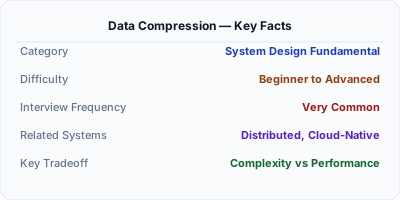
Data compression reduces the size of data for faster network transfer and lower storage costs. HTTP responses are typically compressed with gzip (universal) or Brotli (20% better ratio). Internal systems use Snappy or LZ4 for speed over ratio. The tradeoff is always CPU time vs size reduction: Brotli compresses 20% better than gzip but takes 3-5x longer to compress. In system design, compression matters when bandwidth is the bottleneck — mobile clients, cross-region replication, and CDN edge serving.
| Aspect | Details |
|---|---|
| What it is | Algorithms that reduce data size by eliminating redundancy, trading CPU cycles for smaller payloads and faster transfers |
| When to use | HTTP response compression, database storage, cross-region replication, mobile APIs, log storage — anywhere bandwidth or storage costs matter |
| When NOT to use | Already-compressed data (images, video, encrypted content) or ultra-low-latency paths where even microseconds of CPU overhead matter |
| Real-world example | Google invented Brotli for HTTP compression — it reduces web page transfer sizes by 15-20% compared to gzip, improving Core Web Vitals |
| Interview tip | Know the speed vs ratio spectrum: LZ4 (fastest, worst ratio) → Snappy → gzip → Zstandard → Brotli (slowest, best ratio) |
| Common mistake | Compressing already-compressed data (JPEG, PNG, encrypted payloads) — this wastes CPU and may actually increase size |
| Key tradeoff | Compression ratio vs CPU cost — better compression saves bandwidth but costs more server CPU per request |
Why This Matters
A 1MB API response compressed to 100KB with gzip transfers 10x faster on a mobile connection. At scale, compression saves terabytes of bandwidth daily. Google found that Brotli compression improved page load times by 15-20% compared to gzip, directly impacting Core Web Vitals and SEO rankings. For internal systems, compression reduces cross-datacenter replication bandwidth — when replicating terabytes between US and EU data centers, even a 2:1 compression ratio halves the network bill.
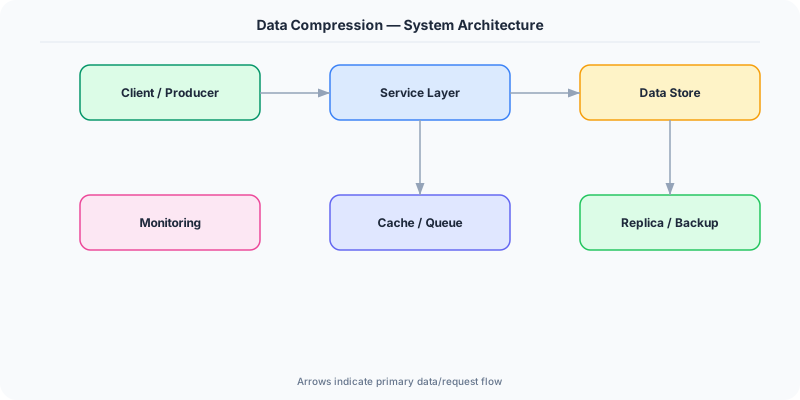
The Building Blocks
- gzip: The universal standard for HTTP compression. Supported by every browser and server. Compression level 1-9 trades speed for ratio. Level 6 is the sweet spot.
- Brotli: Google's compression algorithm with 15-20% better ratio than gzip. Slower to compress but fast to decompress. Used for static assets; pre-compress at build time.
- Snappy/LZ4: Speed-optimized algorithms for internal data. Snappy (Google) and LZ4 compress at GB/s with modest 2-3x ratios. Used in Kafka, Cassandra, RocksDB.
- Zstandard: Facebook's algorithm that offers gzip-like ratios at 3-5x the speed. Supports dictionary compression for small payloads. Increasingly used as a gzip replacement.
- Content Negotiation: HTTP Accept-Encoding header lets clients declare supported algorithms. The server picks the best mutual option: br > gzip > deflate > identity.
Under the Hood
When a browser sends a request with Accept-Encoding: gzip, br, the server compresses the response body before sending it. For dynamic content, compression happens in real-time (the web server compresses each response as it is generated). For static assets (JS, CSS, fonts), pre-compression at build time avoids runtime CPU cost — store both original.js and original.js.br on disk, serve the pre-compressed version.
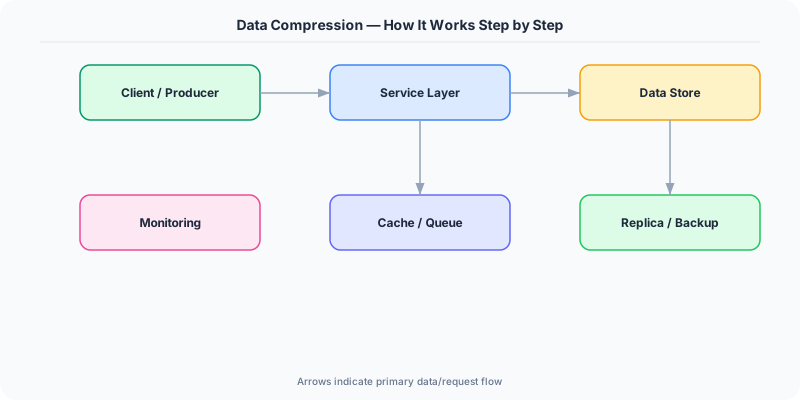
The compression ratio depends heavily on content type. JSON and HTML compress 5-10x (highly repetitive text). Binary data like Protobuf compresses 2-3x. Already-compressed formats (JPEG, PNG, GZIP archives) compress 0-5% — attempting to compress them wastes CPU.
For internal service communication, the tradeoff shifts from ratio to speed. Kafka uses Snappy or LZ4 because message throughput matters more than compression ratio. A 2x compression at 3GB/s (LZ4) is better than 5x compression at 100MB/s (gzip) when you are processing millions of messages per second. The CPU cost of compression must be weighed against the network cost of larger payloads.
How Companies Actually Do This
Google invented Brotli and requires it for optimal Lighthouse scores. Chrome, Nginx, and CDN edge servers all support Brotli. Google's CDN pre-compresses static assets with Brotli-11 for maximum savings.
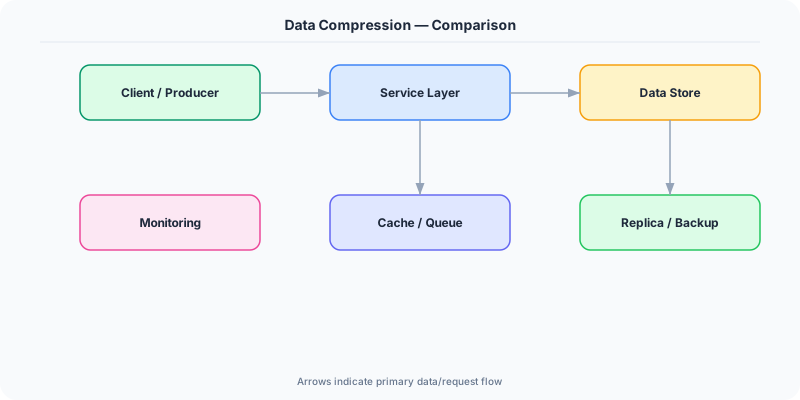
Facebook developed Zstandard (zstd) which provides gzip-level compression at 3-5x the speed. They use it for data warehouse compression, saving petabytes of storage across their fleet.
Cloudflare automatically compresses HTTP responses at the edge with Brotli for supported browsers and gzip for others. They report 15% average bandwidth savings for their 30M+ websites.
Common Pitfalls
- Compressing already-compressed content (JPEG, encrypted data) — wastes CPU and can actually increase payload size due to compression headers
- Using maximum compression level for dynamic content — Brotli-11 takes 100x longer than Brotli-4, with only 5% better ratio. Pre-compress static assets; use fast levels for dynamic
- Not setting Content-Encoding headers correctly — browsers receiving compressed data without the header cannot decompress it, causing garbled responses
Interview Questions Worth Practicing
- When would you choose Snappy over gzip for data compression in a distributed system?
- How does content negotiation work for HTTP compression, and why does Brotli not replace gzip entirely?
- What is the tradeoff between compression ratio and CPU cost, and how does it change for static vs dynamic content?
The Tradeoffs
- Ratio vs Speed: Better compression ratios (Brotli, Zstandard) save more bandwidth but cost more CPU. Speed-focused algorithms (LZ4, Snappy) use minimal CPU but achieve lower ratios.
- Bandwidth vs CPU: Compression converts a bandwidth problem into a CPU problem. When bandwidth is expensive (mobile, cross-region), aggressive compression pays off. When CPU is the bottleneck, skip it.
- Static vs Dynamic: Pre-compressing static assets at build time eliminates runtime CPU cost. Dynamic content must be compressed per-request, so fast algorithms (gzip-1, Zstandard-1) are essential.
How to Explain This in an Interview
Here is how I would explain Data Compression in a system design interview:
Data compression trades CPU for bandwidth savings. For HTTP responses, I use Brotli for static assets (pre-compressed at build time for maximum ratio) and gzip for dynamic content (fast enough for real-time compression). The Content-Encoding header tells the browser which algorithm was used. For internal systems like Kafka, I use LZ4 or Snappy — they compress at GB/s with 2-3x ratios because throughput matters more than ratio. The key insight: never compress already-compressed data (images, encrypted payloads). For a system design, I consider compression at three points: CDN edge (Brotli for web assets), API responses (gzip for JSON), and internal data (LZ4 for message queues and log storage).
Related Topics
Original DosiBridge notes for Data Compression
This section is written specifically for this page, not copied from a general system-design checklist. The useful way to study Data Compression is to connect the concept to a production service where growth exposes the first weak assumption in the original design. That framing changes the design discussion from definitions to operating choices.
What makes this topic distinct
- Packet Path: For Data Compression, decide the packet path before choosing tools; otherwise the design looks clean but fails when data changes.
- Timeout Budget: For Data Compression, decide the timeout budget before choosing tools; otherwise the design looks clean but fails when compression changes.
- TLS Boundary: For Data Compression, decide the TLS boundary before choosing tools; otherwise the design looks clean but fails when data changes.
- Proxy Behavior: For Data Compression, decide the proxy behavior before choosing tools; otherwise the design looks clean but fails when compression changes.
- Backpressure: For Data Compression, decide the backpressure before choosing tools; otherwise the design looks clean but fails when data changes.
Production review question
If a team adopts Data Compression, what observable signal proves it helped instead of only making the architecture diagram more fashionable?
Practical metric to track
Track data-compression health as a named dashboard or review item: combine one user-facing metric, one saturation metric, and one correctness metric. For Data Compression, this keeps the discussion grounded in behavior that can be measured after deployment instead of generic advice that sounds good in an interview but never gets verified.