Capacity Planning
Capacity planning estimates future resource needs (CPU, memory, storage, bandwidth) based on traffic projections, ensuring the system can handle growth.
Quick answer: Capacity Planning
Capacity Planning is covered here as a practical system design concept. Capacity planning estimates future resource needs (CPU, memory, storage, bandwidth) based on traffic projections, ensuring the system can handle growth. Use it to understand the Core Concepts idea, where it appears in production systems, and how to discuss it clearly in interviews.
Focus on the problem being solved, the main design choice, the failure mode, and the tradeoff you would defend in front of a senior engineer. This page is part of the DosiBridge system design knowledge graph, so it links related concepts, interview problems, tradeoffs, and references instead of leaving the topic isolated.
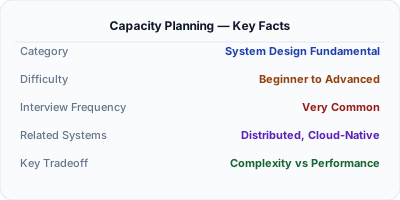
Capacity planning answers: how many servers, how much storage, and how much bandwidth will this system need in 6 months? In system design interviews, this is the "back of the envelope estimation" step. You start with expected traffic (1M DAU), derive QPS (1M × 10 requests / 86,400 seconds = ~115 QPS average, ~350 QPS peak), then calculate storage (1M users × 1KB profile = 1GB, growing 10% monthly). Under-provision and the system crashes during peak traffic. Over-provision and you waste infrastructure budget.
| Aspect | Details |
|---|---|
| What it is | The process of estimating future compute, storage, and network resources based on traffic projections and growth models |
| When to use | System design interviews (back-of-envelope), infrastructure budgeting, pre-launch scaling, SLA capacity guarantees |
| When NOT to use | Serverless architectures where capacity scales automatically, or early-stage startups where traffic is unpredictable |
| Real-world example | Netflix capacity-plans for 100M+ concurrent streams during peak hours, provisioning GPU transcoders months in advance |
| Interview tip | Show the calculation chain: DAU → QPS → storage → bandwidth → server count. Interviewers want to see your reasoning process. |
| Common mistake | Planning for average traffic instead of peak — systems must handle 3-10x the average during spikes (Black Friday, viral events) |
| Key tradeoff | Precision vs speed — interviewers want reasonable estimates in 5 minutes, not exact numbers that take an hour to calculate |
Why This Matters
Every system design interview includes capacity estimation. The interviewer is not looking for exact numbers — they want to see your reasoning process. Can you convert DAU to QPS? Can you estimate storage growth? Can you identify the bottleneck (CPU, memory, disk, network)? Capacity planning also matters in production: Netflix provisions transcoding capacity months before expected subscriber growth, and AWS engineers plan EC2 fleet sizes for Prime Day six months in advance.
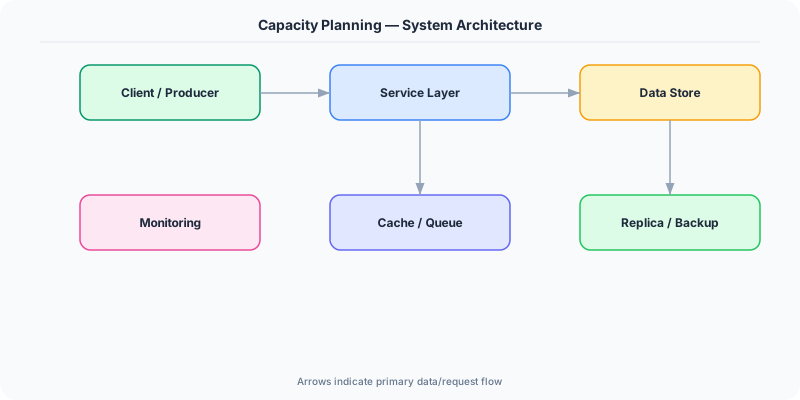
The Building Blocks
- Traffic Estimation: Convert DAU (daily active users) to QPS. Formula: QPS = DAU × actions_per_user / 86,400. Peak QPS is typically 2-3x average. Seasonal events (Black Friday) can be 10x.
- Storage Estimation: Calculate data per user × total users × retention period. Example: 1M users × 5KB/day × 365 days = 1.8TB/year. Include replication factor (3x for durability).
- Bandwidth Estimation: QPS × average response size = bandwidth. 1000 QPS × 10KB response = 10MB/s = 80Mbps. Add 20% overhead for TCP/TLS headers.
- Compute Estimation: If one server handles 1000 QPS, and peak is 10,000 QPS, you need 10 servers + 50% headroom = 15 servers. Account for redundancy (N+2 for high availability).
- Growth Modeling: Estimate growth rate (10% monthly, 2x yearly) and plan capacity 6-12 months ahead. Use auto-scaling for elastic demand and reserved instances for baseline load.
Under the Hood
A structured approach to capacity planning in a system design interview: Start with the requirements — 10M monthly active users, 1M DAU. Each user makes 20 requests per day. That is 20M requests per day, or ~230 QPS average. Peak traffic is 3x: ~700 QPS. If each request takes 50ms of server CPU time, one core handles 20 QPS. 700 QPS needs 35 cores. With 8-core servers, that is 5 servers. Add 50% headroom: 8 servers.
For storage: if each user generates 10KB of data per day, that is 10M users × 10KB = 100GB per day, or 36TB per year. With 3x replication, you need 108TB of disk. At $0.08/GB/month for SSD, that is $8,640/month.
For bandwidth: 700 QPS × 5KB average response = 3.5MB/s = 28Mbps. This is negligible for modern infrastructure. The bottleneck is almost never bandwidth — it is usually CPU (computation) or IOPS (database).
The critical insight: identify the bottleneck. If the database handles 5,000 QPS with proper indexing, and your peak is 700 QPS, the database is not the bottleneck. Focus capacity planning on whatever hits its limit first.
How Companies Actually Do This
Netflix capacity-plans 6 months ahead for subscriber growth and seasonal peaks (holidays, new show releases). They pre-provision GPU transcoding capacity because it cannot scale instantly.
Amazon plans infrastructure for Prime Day starting in January. The 2023 Prime Day handled 375M items sold in 48 hours, requiring pre-provisioned capacity far beyond normal daily traffic.
Google designs data centers 2-3 years ahead of demand. Their capacity planning considers not just current growth rates but projected growth of new products (AI/ML workloads).
Common Pitfalls
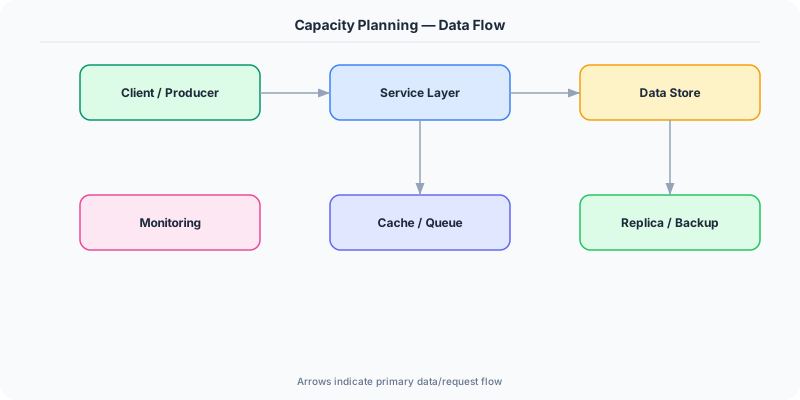
- Planning for average traffic instead of peak — a system that handles average load but crashes at 3x during Black Friday is a capacity planning failure
- Ignoring storage growth — compute scales easily with auto-scaling, but database storage grows linearly and requires proactive planning (sharding, archival, compression)
- Over-precision in interviews — spending 10 minutes calculating exact bytes instead of using round numbers and showing the reasoning process
Interview Questions Worth Practicing
- Estimate the storage and bandwidth needs for a URL shortener handling 100M URLs per month.
- How would you capacity-plan for a chat application with 50M daily active users?
- What is the difference between planning for average load vs peak load, and why does it matter?
The Tradeoffs
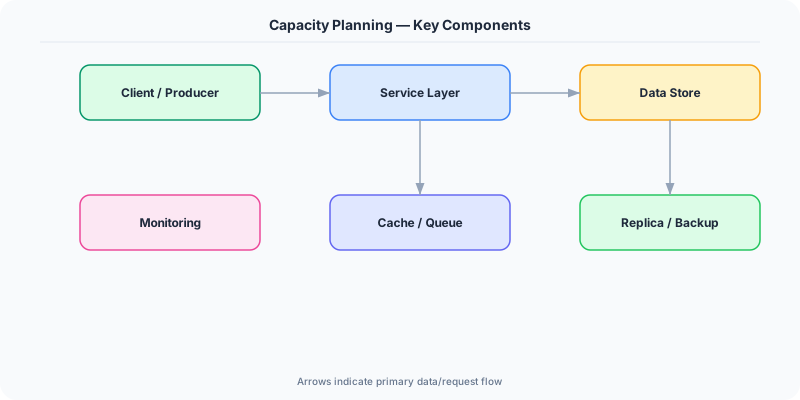
- Over-provisioning vs Under-provisioning: Over-provisioning wastes money but ensures reliability. Under-provisioning saves money but risks outages during traffic spikes. Most teams aim for 50-70% utilization.
- Reserved vs On-Demand: Reserved instances are 40-60% cheaper but require commitment. On-demand handles unpredictable spikes but costs more. Hybrid: reserved for baseline, on-demand for peaks.
- Precision vs Speed: Detailed capacity models take weeks to build but are accurate. Quick estimates take minutes and are directionally correct. In interviews, quick estimates with clear reasoning win.
How to Explain This in an Interview
Here is how I would explain Capacity Planning in a system design interview:
Capacity planning is estimating how many resources a system needs now and in the future. In an interview, I follow a structured chain: start with DAU, derive QPS (DAU × requests_per_user / 86,400), multiply by average payload size for storage and bandwidth, then calculate server count based on single-server throughput. I always plan for peak (3x average) and add 50% headroom. For example, a URL shortener with 100M monthly users: that is ~3.3M DAU, ~40 QPS for writes and ~4000 QPS for reads (100:1 read/write ratio). Each URL entry is ~500 bytes, so 100M URLs = 50GB. Reads are cacheable, so a Redis layer handles 90% of read traffic. The key insight I emphasize: identify the bottleneck first — it is usually IOPS or CPU, not bandwidth.
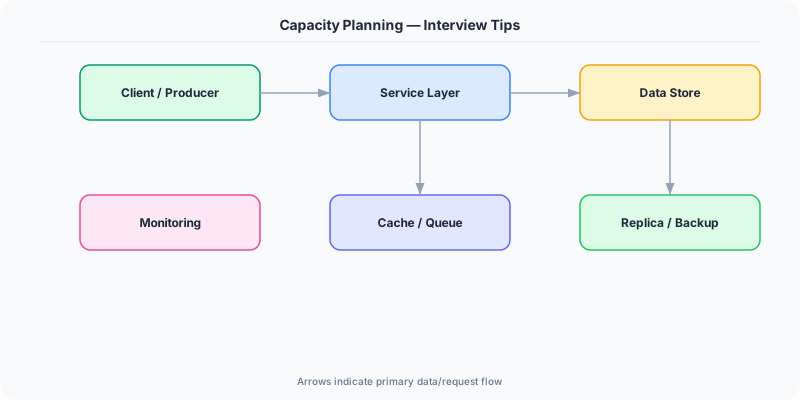
Related Topics
Original DosiBridge notes for Capacity Planning
This section is written specifically for this page, not copied from a general system-design checklist. The useful way to study Capacity Planning is to connect the concept to a traffic-management problem where overload behavior matters more than the happy-path diagram. That framing changes the design discussion from definitions to operating choices.
What makes this topic distinct
- SLO: For Capacity Planning, decide the SLO before choosing tools; otherwise the design looks clean but fails when capacity changes.
- Capacity Headroom: For Capacity Planning, decide the capacity headroom before choosing tools; otherwise the design looks clean but fails when planning changes.
- Failure Mode: For Capacity Planning, decide the failure mode before choosing tools; otherwise the design looks clean but fails when capacity changes.
- Degradation Path: For Capacity Planning, decide the degradation path before choosing tools; otherwise the design looks clean but fails when planning changes.
- Operator Signal: For Capacity Planning, decide the operator signal before choosing tools; otherwise the design looks clean but fails when capacity changes.
Production review question
If a team adopts Capacity Planning, what observable signal proves it helped instead of only making the architecture diagram more fashionable?
Practical metric to track
Track capacity-planning health as a named dashboard or review item: combine one user-facing metric, one saturation metric, and one correctness metric. For Capacity Planning, this keeps the discussion grounded in behavior that can be measured after deployment instead of generic advice that sounds good in an interview but never gets verified.