Scalability
Every production system eventually faces growth. If your architecture cannot scale, you will hit a wall — either the system crashes under load, or you.
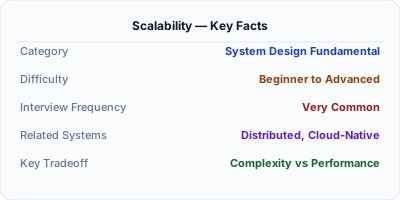
Scalability is a system's ability to handle increased load by adding resources without redesigning the architecture. Vertical scaling means a bigger machine (more CPU, RAM) — simpler but has hard limits. Horizontal scaling means more machines behind a load balancer — harder to implement but scales almost indefinitely. Every system design interview question is ultimately about scalability.
| Aspect | Details |
|---|---|
| What it is | The ability to handle growing traffic and data by adding resources, not rewriting code |
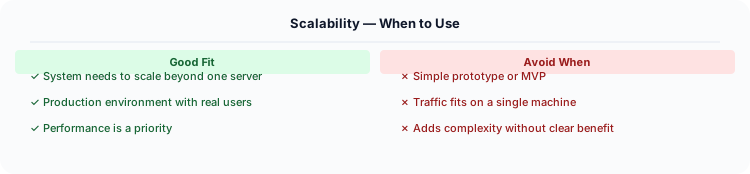
| When to use | Every system design discussion — always explain how your design scales from 1,000 to 1,000,000 users |
| When NOT to use | MVP/prototype stage where premature optimization wastes time better spent on product-market fit |
| Real-world example | Instagram scaled from 1 to 1B users on PostgreSQL + Redis + sharding; Discord handles 15M concurrent users |
| Interview tip | Start with vertical scaling for simplicity, then explain the inflection point where horizontal becomes necessary |
| Common mistake | Jumping straight to microservices and sharding — start simple and scale only when you hit actual bottlenecks |
| Key tradeoff | Horizontal scaling enables near-unlimited growth but adds distributed systems complexity (network failures, data consistency) |
The Problem Scalability Solves
Every production system eventually faces growth. If your architecture cannot scale, you will hit a wall — either the system crashes under load, or you must rewrite it from scratch. Scalability is the most frequently discussed topic in system design interviews because it tests whether you can think beyond a single-server solution.
How It Works Under the Hood
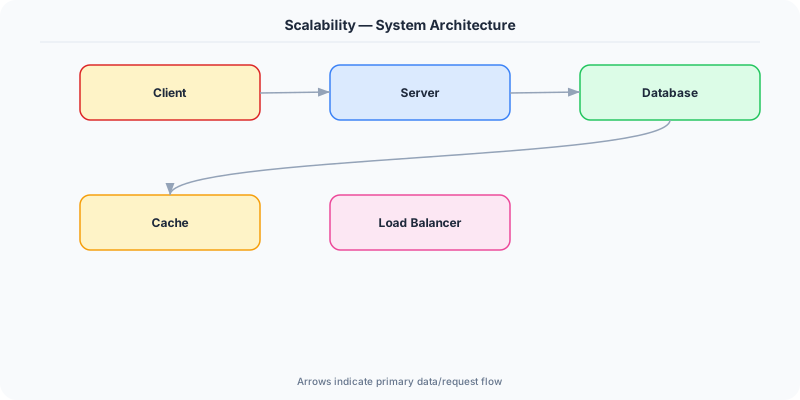
Scalability is the ability of a system to handle increased load — whether more users, more data, or more transactions — by adding resources. A scalable system maintains acceptable performance as demand grows, without requiring a fundamental redesign.
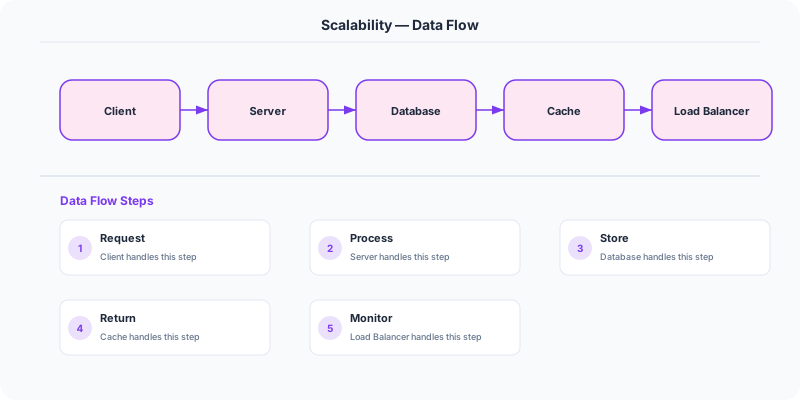
A system scales by decomposing work across multiple resources. For read-heavy workloads, you add read replicas and caches. For write-heavy workloads, you shard the database. For compute-heavy workloads, you add application servers behind a load balancer. The key insight is that different parts of your system have different scaling characteristics — your database, application layer, and cache each scale differently and have different bottleneck points.
A common scaling pattern: Start with a single server. As traffic grows, separate the database onto its own machine. Add a load balancer with multiple application servers. Add a cache layer (Redis/Memcached). Add read replicas for the database. Finally, shard the database when a single master cannot handle write volume.
The Mental Model
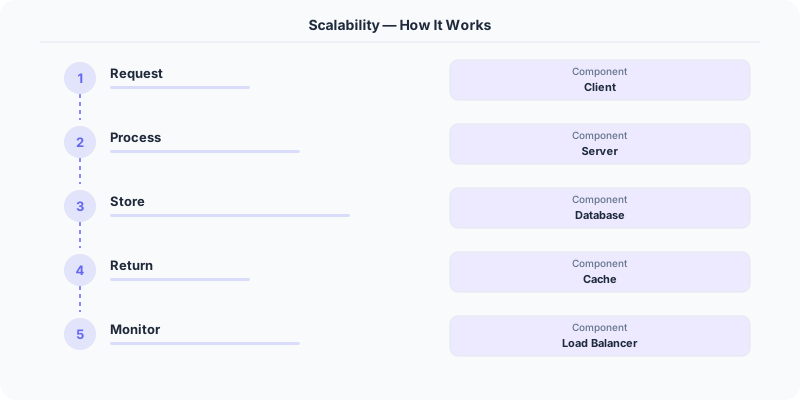
- Vertical scaling (scale up) means adding more CPU, RAM, or storage to a single machine. It is simple but has hard limits — you cannot buy a server with infinite resources. AWS offers instances up to 24 TB of RAM, but eventually you hit the ceiling.
- Horizontal scaling (scale out) means adding more machines to distribute the load. This is the approach used by every large-scale system (Google, Netflix, Amazon). It requires your application to be stateless or to use shared state stores.
- Elasticity means automatically scaling resources up and down based on demand. Cloud providers offer auto-scaling groups that add/remove instances based on CPU utilization, request count, or custom metrics.
- Load distribution is critical for horizontal scaling. You need load balancers, consistent hashing, or partitioning strategies to spread work evenly across machines.
- Bottleneck identification is the first step in scaling. Use Amdahl's Law: if only 5% of your system is parallelizable, adding more machines gives diminishing returns. Find and fix the serialized bottleneck first.
Real Systems That Depend on This
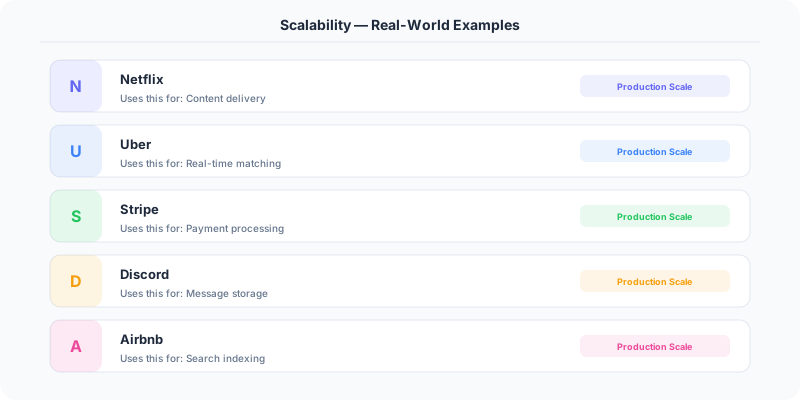
Netflix scales its streaming service to 200M+ subscribers by using a microservices architecture with thousands of instances on AWS. Each microservice scales independently based on its specific load pattern.
Instagram scaled from 0 to 1 billion users with just a dozen engineers by making strategic choices: PostgreSQL with sharding, Memcached for caching, and keeping the tech stack simple.
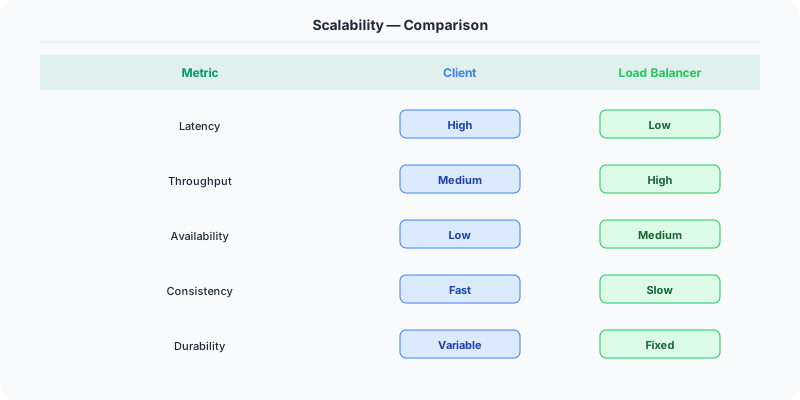
Slack handles millions of concurrent WebSocket connections by horizontally scaling their messaging infrastructure with a service mesh and connection-level load balancing.
Where This Shows Up in Interviews
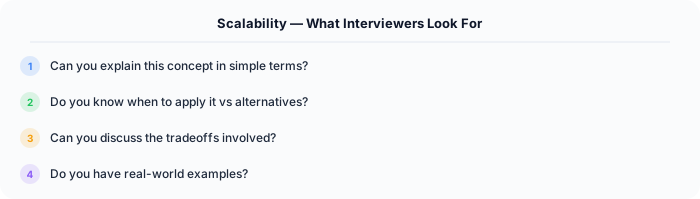
- How would you scale a system from 1,000 users to 10 million users?
- What is the difference between vertical and horizontal scaling, and when would you choose each?
- How do you identify the bottleneck in a system that is not scaling well?
- What challenges arise when scaling a database horizontally?
- How does caching help with scalability, and what are the risks?
Tradeoffs
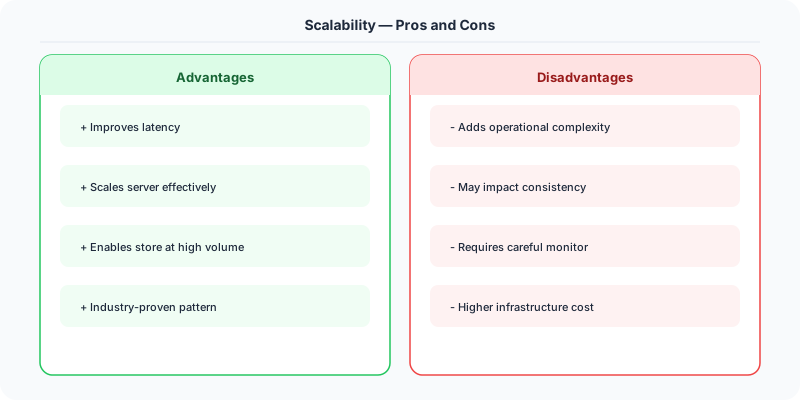
- Simplicity vs. Scale: Vertical scaling is simpler (no distributed coordination) but has limits. Horizontal scaling is more complex but theoretically unlimited.
- Consistency vs. Availability: Distributed systems face the CAP theorem — as you scale out, you often must choose between strong consistency and high availability.
- Cost vs. Performance: Over-provisioning wastes money; under-provisioning causes outages. Auto-scaling helps but adds complexity.
Watch Out For
- Premature optimization — scaling before identifying the actual bottleneck
- Ignoring database scaling — adding app servers without addressing database limits
- Not testing at scale — systems that work with 100 users may fail at 100,000
- Assuming stateless by default — session state, file uploads, and caches create hidden statefulness
How to Explain This in an Interview
Here is how I would explain Scalability in a system design interview:
Scalability means your system handles 10x traffic by adding resources, not by rewriting code. I always start with vertical scaling — a bigger database server handles more queries with zero code changes. When that hits limits (single machine CPU, memory, or I/O ceiling), I go horizontal: stateless application servers behind a load balancer (easy to scale), read replicas for the database (handles read-heavy workloads), and sharding for the write path when a single primary cannot keep up (hardest step). The foundational principle: make your application servers stateless first. Move all state to Redis (sessions, caches) and the database. Once no server holds unique state, you can add or remove app servers freely behind the load balancer. That is the foundation of horizontal scaling.
Go Deeper
- Availability — start here if this is new to you
- Load Balancing
- Database Sharding
- caching-strategies
- vertical-vs-horizontal-scaling
The Real-World Incident That Made This Famous
Instagram's scaling story is one of the most remarkable in tech history. When Facebook acquired Instagram in April 2012 for $1 billion, the app had 30 million users and was run by a team of just 13 people (only 3 engineers). Their entire backend ran on AWS: a few EC2 instances, a single PostgreSQL database, Redis for caching, and S3 for photo storage. The system was simple, well-architected, and scaled to 30 million users without any exotic distributed systems.
The key decisions that enabled this: they used PostgreSQL with read replicas instead of sharding (sharding adds complexity, replicas add read capacity), they cached aggressively in Redis (session data, feed data, counters), and they stored photos in S3 (infinite storage that scales automatically). They resisted the temptation to add complexity — no microservices, no Kafka, no custom infrastructure. As co-founder Mike Krieger said, "Do the simple thing first."
By contrast, Twitter's scaling journey was defined by pain. Their famous "Fail Whale" error page appeared constantly during 2008-2010 as the service grew. Twitter was built on Ruby on Rails, which could not handle the load. They rewrote their backend in Scala, moved to a microservices architecture, built a custom in-memory timeline service (Snowflake), and developed their own message queue (Kestrel, later replaced by Kafka). The lesson: premature complexity is expensive, but so is premature simplicity. Instagram's approach worked because photo sharing has simpler access patterns than Twitter's social graph and real-time timeline fanout.
How Senior Engineers Think About This
The most important mental model: scaling is not about handling more load. It is about handling more load while keeping latency, cost, and complexity acceptable. Anyone can scale by throwing money at bigger servers. The art is scaling efficiently.
Senior engineers think in a scaling hierarchy. Start at the bottom (cheapest, simplest) and only move up when the current level is exhausted. Level 1: optimize the code (fix N+1 queries, add missing indexes, remove unnecessary computation). Level 2: add caching (absorb 80-95% of reads). Level 3: vertical scaling (bigger server — zero code changes). Level 4: read replicas (scale reads without sharding). Level 5: CDN for static content. Level 6: horizontal scaling of stateless application servers. Level 7: database sharding (last resort — most complex).
The key metric is the scaling factor: how much additional capacity do you get per unit of investment? Adding a read replica doubles your read capacity at the cost of one server. Adding a CDN serves static content globally at pennies per GB. Sharding doubles your write capacity but adds months of engineering work. Senior engineers always pick the option with the highest scaling factor for their specific bottleneck.
One critical insight: identify YOUR bottleneck before scaling. If your database is at 20% CPU but your application servers are at 90% CPU, adding database replicas is wasted effort. Use metrics (CPU, memory, disk I/O, network, connection counts) to identify the actual bottleneck, then apply the appropriate scaling technique.
Common Interview Mistakes
Mistake 1: Jumping straight to horizontal scaling. Always discuss simpler options first: caching, indexing, vertical scaling. Show that you exhaust cheap options before reaching for expensive ones.
Mistake 2: Confusing scalability with performance. Performance is about speed (latency per request). Scalability is about capacity (total requests the system can handle). A system can be fast but not scalable, or scalable but slow.
Mistake 3: Not providing specific numbers. "The system should handle a lot of traffic" is vague. "The system should handle 10,000 requests per second with p99 latency under 100ms" is specific and shows engineering maturity.
Mistake 4: Ignoring cost. Scaling has a cost curve. The interviewer may ask "can we handle 10x traffic?" and the best answer considers both technical and financial feasibility.
Mistake 5: Not discussing stateless vs. stateful scaling. Stateless services scale trivially (add more instances behind a load balancer). Stateful services (databases, caches) require careful data distribution strategies.
Production Checklist
- Establish baseline metrics before scaling: current QPS, latency percentiles (p50, p95, p99), CPU/memory utilization, database connections
- Identify the bottleneck with data, not assumptions — profile before optimizing
- Implement horizontal auto-scaling for stateless services based on CPU or request queue depth
- Use caching as your first scaling lever: it has the highest impact-to-complexity ratio
- Set up load testing with realistic traffic patterns (not just uniform requests) to find capacity limits
- Monitor and optimize database queries before adding replicas or sharding
- Implement connection pooling for databases to handle more concurrent requests per instance
- Use a CDN for all static assets and consider CDN-level caching for semi-dynamic content
- Design services to be stateless from the beginning — store session data in Redis, not in application memory
- Plan for 3-5x your current peak traffic to handle growth and traffic spikes without emergency scaling
Read the original source | Content from System-Design-Overview
Implementing Scalability in .NET
In the .NET ecosystem, scalability starts with how you structure your application. ASP.NET Core is designed for high-throughput scenarios — Microsoft's TechEmpower benchmarks show it handling over 7 million requests per second on commodity hardware.
Horizontal scaling with ASP.NET Core is straightforward because the framework is stateless by default. Each request is independent. Store session state in Redis using Microsoft.Extensions.Caching.StackExchangeRedis, not in-memory:
// Program.cs — configure distributed cache
builder.Services.AddStackExchangeRedisCache(options =>
    options.Configuration = "redis-server:6379");

// Use IDistributedCache in your service
public class ProductService
    private readonly IDistributedCache _cache;
    public async Task<Product> GetProduct(int id)
        var cached = await _cache.GetStringAsync($"product:{id}");
        if (cached != null) return JsonSerializer.Deserialize<Product>(cached);
        // Cache miss — query database and cache result
Database scaling with Entity Framework Core: Use read replicas by configuring separate DbContext instances for reads and writes. EF Core 8 supports connection resiliency with EnableRetryOnFailure() for handling transient failures during scaling events.
Real example: Stack Overflow runs entirely on .NET — serving 1.3 billion pageviews per month on just 9 web servers. Their secret is aggressive caching with Redis and careful SQL Server query optimization, proving that .NET can scale to massive traffic with relatively modest infrastructure.