Blue-Green Deployment: Zero-Downtime Releases and Rollbacks
Learn blue-green deployment for system design: parallel environments, traffic switching, database migration risks, rollback strategy, and release tradeoffs.
Quick answer: Blue-Green Deployment: Zero-Downtime Releases and Rollbacks
Blue-Green Deployment: Zero-Downtime Releases and Rollbacks is covered here as a practical system design concept. Learn blue-green deployment for system design: parallel environments, traffic switching, database migration risks, rollback strategy, and release tradeoffs. Use it to understand the Architecture Patterns idea, where it appears in production systems, and how to discuss it clearly in interviews.
Focus on the problem being solved, the main design choice, the failure mode, and the tradeoff you would defend in front of a senior engineer. This page is part of the DosiBridge system design knowledge graph, so it links related concepts, interview problems, tradeoffs, and references instead of leaving the topic isolated.
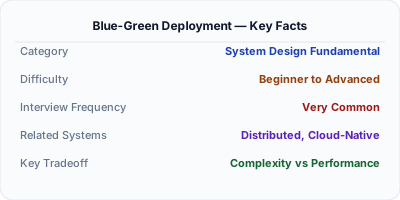
Blue-green deployment uses two identical production environments. Blue runs the current version; green gets the new version. After testing green, traffic switches from blue to green in one atomic operation (DNS change or load balancer update). If something breaks, switch back to blue instantly. There is no rollout period — 100% of traffic moves at once. This gives you zero-downtime deployment with instant rollback, at the cost of running double infrastructure during deployment.
| Aspect | Details |
|---|---|
| What it is | A deployment strategy using two identical environments where traffic switches atomically from the current (blue) to the new (green) version |
| When to use | Mission-critical systems requiring zero-downtime deployment with instant rollback capability |
| When NOT to use | Resource-constrained environments where running double infrastructure is too expensive, or when database schema changes make instant rollback impossible |
| Real-world example | Amazon uses blue-green deployment for production services where instant rollback is a safety requirement for customer-facing systems |
| Interview tip | Contrast with canary releases — blue-green is all-or-nothing, canary is gradual. Explain when each is appropriate |
| Common mistake | Forgetting about database schema compatibility — if the new version changes the schema, rolling back to blue may fail because the database is now incompatible |
| Key tradeoff | Instant rollback safety vs double infrastructure cost and database migration complexity |
Why This Matters
Traditional deployments (stop old, start new) create downtime. Rolling deployments can leave the system in a mixed-version state. Blue-green deployment eliminates both problems: the new version is fully deployed and tested on green before any traffic hits it. The switch is atomic — zero mixed-version requests. If a production issue is detected, switching back to blue takes seconds, not the minutes or hours of a rollback deployment. For systems with strict SLA requirements, this instant rollback capability is invaluable.
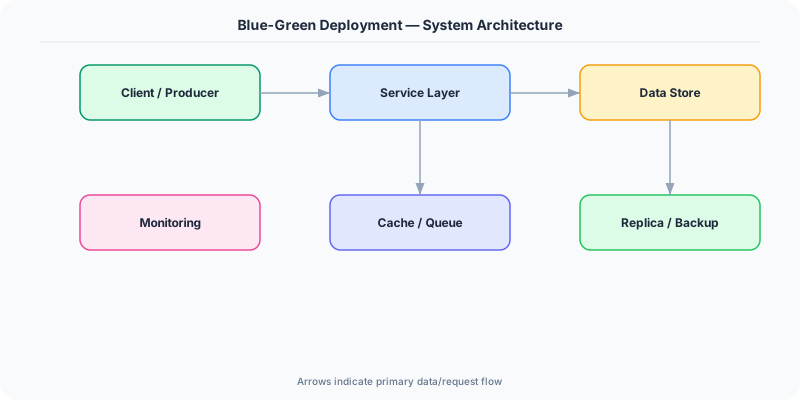
The Building Blocks
- Blue Environment: The currently active production environment serving all traffic. It remains untouched during the deployment process.
- Green Environment: The identical environment where the new version is deployed and tested. Once validated, it becomes the new blue.
- Traffic Switch: A load balancer rule change or DNS update that redirects 100% of traffic from blue to green in one atomic operation.
- Smoke Tests: Automated tests run against the green environment before traffic switches. Validates critical paths: login, checkout, API health.
- Database Compatibility: Schema changes must be backward-compatible. Both blue and green versions must work with the same database during the transition window.
Under the Hood
Before deployment, blue is live and green is idle (or serving internal test traffic). The deployment pipeline deploys the new version to green, runs automated smoke tests against green's health endpoints, and verifies all critical functionality. If tests pass, the pipeline updates the load balancer to route traffic to green. The switch is a single API call to the load balancer — it takes milliseconds.
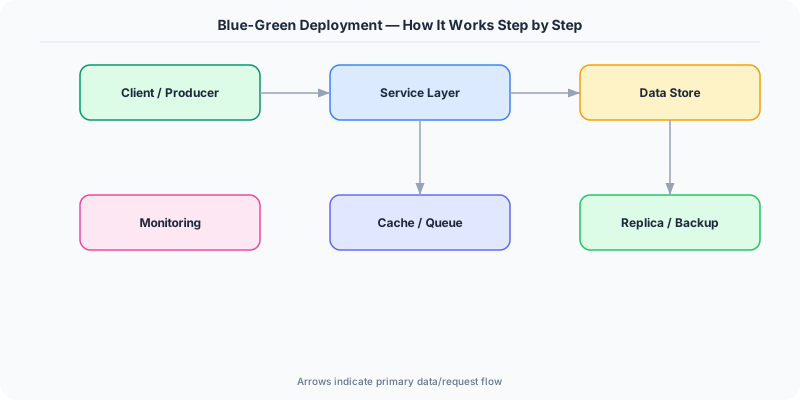
After the switch, blue is idle but kept running for 15-30 minutes. If monitoring detects issues (error rate spike, latency increase), the pipeline switches traffic back to blue. Once the green deployment is confirmed stable, blue's resources are deallocated or repurposed for the next deployment.
The hardest challenge is database migration. If the new version adds a column, the migration runs before the switch. But if you rollback to blue, the old code must tolerate the new column (it should ignore unknown columns). If the new version removes or renames a column, you cannot rollback safely. The solution: always use expand-and-contract migrations — add the new column first, deploy code that uses it, then remove the old column in a separate deployment.
How Companies Actually Do This
Amazon uses blue-green deployment for customer-facing services. Their deployment pipeline automatically rolls back within seconds if CloudWatch alarms fire after the traffic switch.
Netflix implements a variant using red-black deployment (their term for blue-green). New AMIs are spun up alongside existing ones, traffic shifts, and old instances are terminated after a soak period.
Heroku provides built-in blue-green deployment via 'preboot' — new dynos start alongside existing ones, and the router switches traffic atomically once the new dynos are healthy.
Common Pitfalls
- Not testing database schema backward compatibility — if the green version's migration breaks the blue version, rollback is impossible without data loss
- Leaving the blue environment running indefinitely after a successful deployment — this wastes resources and doubles infrastructure cost
- Switching DNS for the traffic change instead of the load balancer — DNS TTL caching means some users stay on blue for minutes or hours after the switch
Interview Questions Worth Practicing
- How does blue-green deployment achieve zero-downtime, and what is required for instant rollback?
- How do you handle database migrations in a blue-green deployment strategy?
- When would you choose blue-green over canary deployment?
The Tradeoffs
- Instant Rollback vs Cost: Keeping a complete duplicate environment enables instant rollback but doubles infrastructure cost during deployment windows.
- Simplicity vs Gradual Validation: All-or-nothing traffic switches are simpler to implement than canary, but you cannot detect issues that only appear under partial load.
- Speed vs Risk: Switching 100% of traffic at once is fast but exposes all users to potential issues simultaneously, unlike canary's gradual approach.
How to Explain This in an Interview
Here is how I would explain Blue-Green Deployment in a system design interview:
Blue-green deployment uses two identical environments. Blue runs the current version, green gets the new one. After deploying and smoke-testing green, I switch the load balancer to route 100% of traffic to green in one atomic operation. If errors spike, I switch back to blue in seconds — instant rollback. The main challenge is database migrations: both versions must be compatible with the same schema, so I use expand-and-contract migrations. The tradeoff vs canary deployment: blue-green is simpler and provides instant rollback, but it is all-or-nothing — you cannot detect issues that only appear under partial load. I use blue-green for backend services and canary for user-facing changes where gradual validation is more important.
Related Topics
Original DosiBridge notes for Blue-Green Deployment: Zero-Downtime Releases and Rollbacks
This section is written specifically for this page, not copied from a general system-design checklist. The useful way to study Blue-Green Deployment: Zero-Downtime Releases and Rollbacks is to connect the concept to a production service where growth exposes the first weak assumption in the original design. That framing changes the design discussion from definitions to operating choices.
What makes this topic distinct
- Ownership Boundary: For Blue-Green Deployment: Zero-Downtime Releases and Rollbacks, decide the ownership boundary before choosing tools; otherwise the design looks clean but fails when blue changes.
- Blast Radius: For Blue-Green Deployment: Zero-Downtime Releases and Rollbacks, decide the blast radius before choosing tools; otherwise the design looks clean but fails when green changes.
- Deployment Path: For Blue-Green Deployment: Zero-Downtime Releases and Rollbacks, decide the deployment path before choosing tools; otherwise the design looks clean but fails when deployment changes.
- Runtime Coupling: For Blue-Green Deployment: Zero-Downtime Releases and Rollbacks, decide the runtime coupling before choosing tools; otherwise the design looks clean but fails when blue changes.
- Operational Handoff: For Blue-Green Deployment: Zero-Downtime Releases and Rollbacks, decide the operational handoff before choosing tools; otherwise the design looks clean but fails when green changes.
Production review question
If a team adopts Blue-Green Deployment: Zero-Downtime Releases and Rollbacks, what observable signal proves it helped instead of only making the architecture diagram more fashionable?
Practical metric to track
Track blue-deployment health as a named dashboard or review item: combine one user-facing metric, one saturation metric, and one correctness metric. For Blue-Green Deployment: Zero-Downtime Releases and Rollbacks, this keeps the discussion grounded in behavior that can be measured after deployment instead of generic advice that sounds good in an interview but never gets verified.