Event-Driven vs Request-Driven
Request-driven architectures use synchronous calls where the client waits for a response.
Request-driven architectures use synchronous calls where the client waits for a response. Event-driven architectures use asynchronous events where producers and consumers are decoupled. The choice between synchronous vs asynchronous communication is closely related. Each model has distinct implications for latency, coupling, and system complexity.
Which Should You Pick?
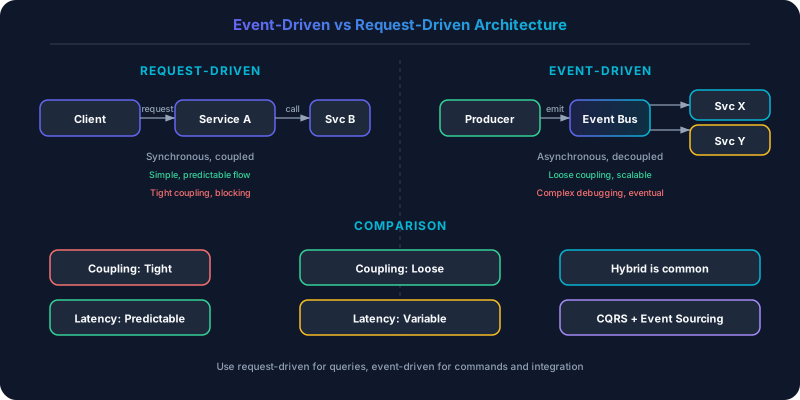
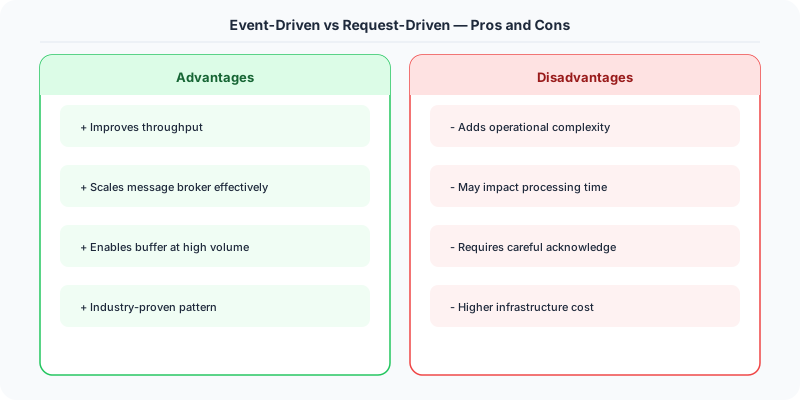
In request-driven architecture, service A calls service B and waits for a response — direct, synchronous coupling. In event-driven architecture, service A publishes an event and any interested service reacts independently — no direct coupling. Event-driven systems are more resilient and scalable (a slow consumer does not block the producer) but harder to debug because there is no single request trace to follow.
| Aspect | Details |
|---|---|
| What it is | Two architectural styles: direct service calls (request-driven) vs event publication and reaction (event-driven) |
| When to use | Request-driven: simple CRUD, queries needing immediate response. Event-driven: workflows spanning multiple services, audit trails, analytics pipelines |
| When NOT to use | Event-driven: simple two-service interactions where sync is simpler. Request-driven: fan-out to many consumers |
| Real-world example | Uber uses event-driven for trip lifecycle (ride requested → driver matched → trip started → trip completed); traditional REST APIs are request-driven |
| Interview tip | Show you know when NOT to use events — overuse creates 'event spaghetti' that is impossible to debug |
| Common mistake | Using events for everything including simple request-reply — adds latency and complexity without benefit |
| Key tradeoff | Resilience and loose coupling vs. debugging difficulty and eventual consistency |
Understanding Request-Driven Architecture
A client sends a request and blocks until it receives a response. HTTP REST APIs, gRPC calls, and traditional database queries follow this pattern.
Strengths: The mental model is simple. Send a request, get a response, handle errors. The call stack is visible in a single trace. Debugging is straightforward — you can reproduce the exact request and observe the exact response. Latency is predictable for fast operations. Error handling is immediate: the client knows right away if something failed.
Weaknesses: Tight coupling between caller and callee. If the downstream service is slow or down, the caller is blocked. Cascading failures spread when one slow service blocks all its callers, which block their callers, and so on. Scaling is constrained because every request holds a connection and a thread (or goroutine) for the duration of the call.
Stripe's payment API is request-driven by design. When you charge a card, you need to know immediately whether it succeeded. The merchant's checkout page blocks until Stripe returns a success or failure. There is no sensible event-driven alternative for this interaction.
Understanding Event-Driven Architecture
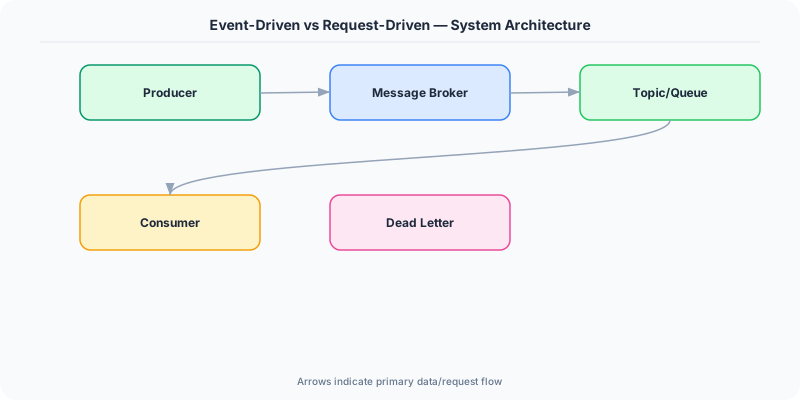
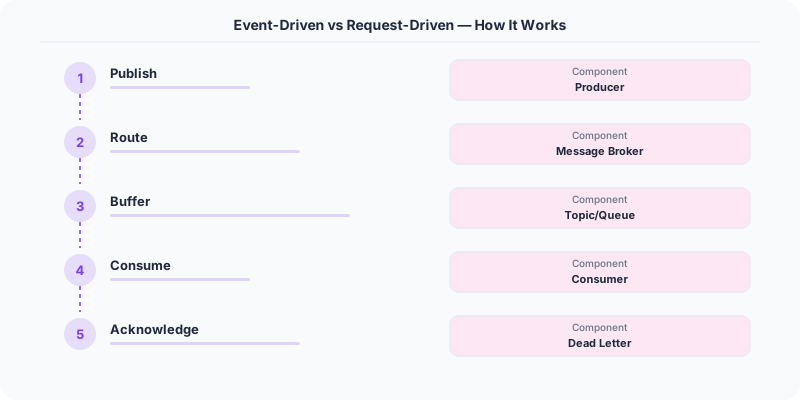
Producers emit events to a broker (Kafka, RabbitMQ, SQS). Consumers subscribe to events and process them independently. The producer does not know who consumes the event or when.
Strengths: Full decoupling between producer and consumer. The order service emits an "OrderPlaced" event. The inventory service, email service, analytics service, and fraud detection service each consume it independently via a publish-subscribe pattern. Adding a new consumer requires zero changes to the producer.
Load leveling absorbs traffic spikes. If 10,000 orders arrive in one second, the events queue up in message queues like Kafka. The payment processing service consumes them at its own pace (say, 500 per second). No requests are dropped; processing just takes longer.
Fault tolerance improves because events are persisted in the broker. If the email service crashes, the events wait in the queue. When the service recovers, it picks up where it left off. No events are lost.
Weaknesses: Eventual consistency is unavoidable. After emitting an event, the producer does not know when (or if) consumers have processed it. The user places an order and sees "Order Placed," but the inventory has not been decremented yet. If the user immediately checks inventory, it shows the old count.
Debugging is harder. A single business operation might trigger a chain of events across five services. Tracing the full flow requires correlation IDs, distributed tracing, and centralized logging. When something goes wrong, you cannot just look at a stack trace.
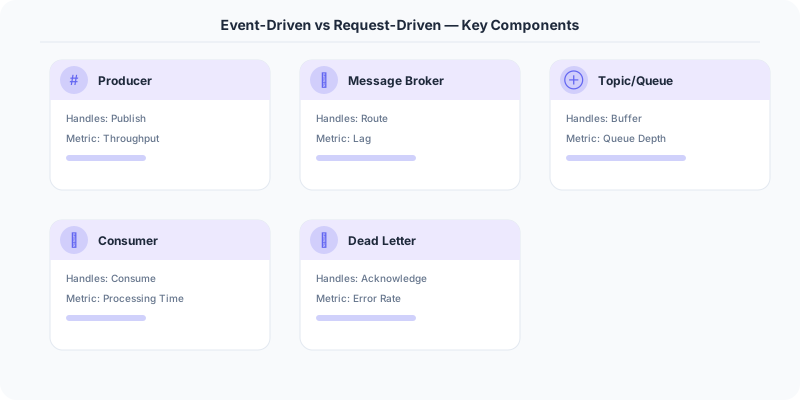
Error handling is complex. What happens when a consumer fails to process an event? Dead letter queues capture failed events, but someone must monitor and reprocess them. Idempotency is critical — if an event is processed twice, the outcome must be the same.
Real-World Hybrid Architectures
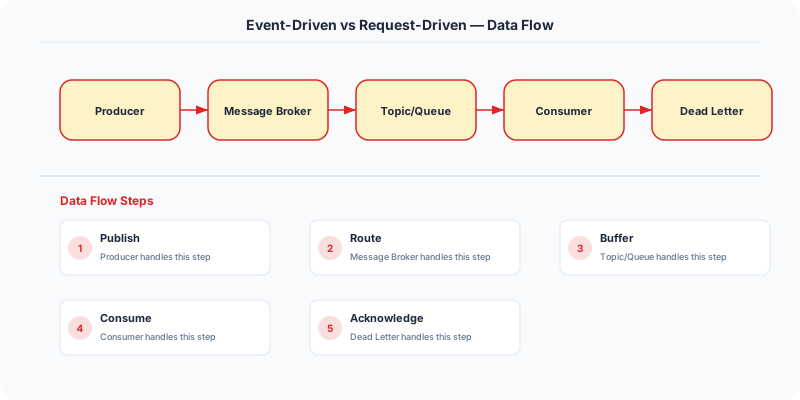
Most production systems use both patterns. The boundary typically falls along synchronous user-facing operations and asynchronous backend processing.
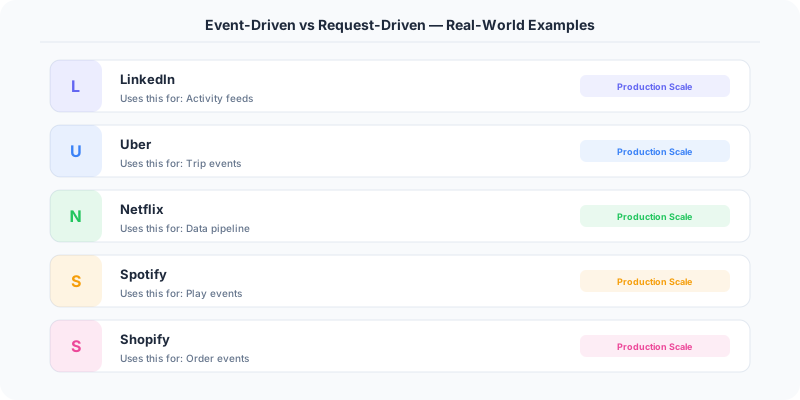
Uber: The ride request flow is request-driven — the rider taps "Request Ride" and needs immediate confirmation. But once the trip starts, event-driven processing kicks in: trip events flow to the pricing service, the ETA service, the safety monitoring service, and the analytics pipeline. Each consumes the events independently.
LinkedIn: The API gateway handles request-driven traffic for profile views, connection requests, and feed rendering. Behind the scenes, Kafka processes 7 trillion events per day for activity tracking, notification delivery, recommendation updates, and search indexing. The feed you see is assembled from pre-computed results that were updated by event-driven consumers.
Shopify: Webhook-based events notify merchants of orders, inventory changes, and customer actions. The storefront API is request-driven (synchronous product queries, cart operations). The backend processing (payment capture, fulfillment, tax calculation) is event-driven.
The Saga Pattern
When a business operation spans multiple services in an event-driven architecture, the saga pattern coordinates the sequence:
- Order Service creates an order and emits "OrderCreated"
- Payment Service processes payment and emits "PaymentCompleted" (or "PaymentFailed")
- Inventory Service reserves stock and emits "StockReserved" (or "StockInsufficient")
- On failure at any step, compensating events undo previous steps ("RefundPayment", "CancelOrder")
This replaces the ACID transaction that a monolith would use. The tradeoff: more code, more failure modes, but full service independence.
Side-by-Side Comparison
| Dimension | Request-Driven | Event-Driven |
|---|---|---|
| Coupling | Tight (caller knows callee) | Loose (producer ignores consumers) |
| Latency | Immediate response | Eventual processing |
| Error Handling | Synchronous, simple | Async, complex (DLQ, retries) |
| Debugging | Stack traces | Distributed tracing |
| Scaling | Connection-limited | Queue-buffered |
| Data Consistency | Strong (single request) | Eventual |
| Adding Consumers | Requires caller changes | Zero producer changes |
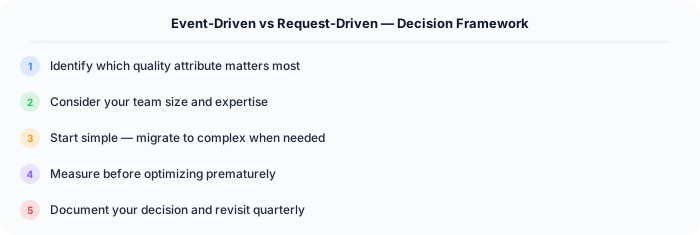
The default for user-facing APIs is request-driven. The default for inter-service communication and background processing is event-driven. The art is choosing the boundary correctly: synchronous where the user needs immediate feedback, asynchronous everywhere else.
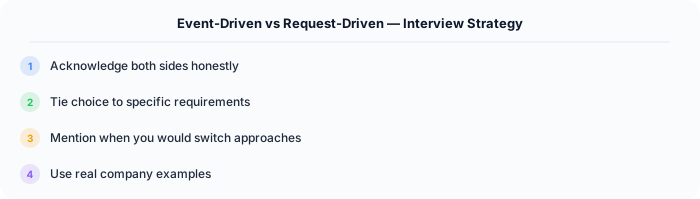
How to Explain This in an Interview
Here is how I would explain Event-Driven vs Request-Driven in a system design interview:
The choice between event-driven and request-driven comes down to coupling and fan-out. If service A needs data from service B and only service B, a direct HTTP call is simpler and easier to debug. But if an action triggers work in five different services (payment, inventory, shipping, notification, analytics), publishing a single event is far better than making five synchronous calls — any one of which could fail and block the user. I use request-driven for reads and queries (GET endpoints) and event-driven for state changes that other services care about (order placed, user signed up, payment processed). In .NET, I would use MassTransit or Azure Service Bus with the outbox pattern to reliably publish events from ASP.NET Core services.
Practical Implementation for .NET Developers
In a .NET application, you would typically implement this pattern using the following approach:
ASP.NET Core setup: Create a service class that encapsulates the logic, register it with dependency injection, and inject it into your controllers or minimal API endpoints. The built-in DI container handles lifecycle management.
Entity Framework Core: For database interactions, EF Core provides the ORM layer. Use migrations for schema management and raw SQL for performance-critical queries. Consider Dapper for read-heavy paths where EF Core's overhead matters.
Azure integration: If deploying to Azure, leverage managed services — Azure Cache for Redis, Azure SQL, Azure Service Bus, Azure Cosmos DB. These eliminate operational overhead and provide built-in monitoring through Application Insights.
Testing: Use xUnit with Testcontainers for integration tests that spin up real databases in Docker. Mock external dependencies with NSubstitute. The WebApplicationFactory class lets you test your entire HTTP pipeline in-process.
Monitoring: Add Application Insights telemetry to track request latency, dependency calls, and custom metrics. Use structured logging with Serilog to make production debugging possible:
Log.Information("Processing order {OrderId} for {CustomerId}", orderId, customerId);
This gives you searchable, structured logs in Azure Monitor or Seq.