Materialized Views
Materialized views are precomputed query results stored as physical tables, trading storage space and write overhead for dramatically faster read.
Quick answer: Materialized Views
Materialized Views is covered here as a practical system design concept. Materialized views are precomputed query results stored as physical tables, trading storage space and write overhead for dramatically faster read. Use it to understand the Databases idea, where it appears in production systems, and how to discuss it clearly in interviews.
Focus on the problem being solved, the main design choice, the failure mode, and the tradeoff you would defend in front of a senior engineer. This page is part of the DosiBridge system design knowledge graph, so it links related concepts, interview problems, tradeoffs, and references instead of leaving the topic isolated.
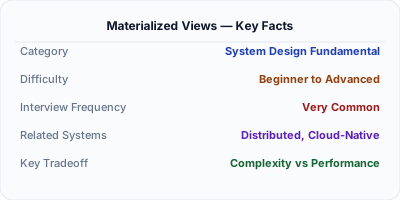
A materialized view is a database object that stores the result of a query as a physical table, unlike a regular view which re-executes the query every time it's accessed. This means complex joins, aggregations, and transformations are computed once and read instantly. Materialized views are a powerful tool for read-heavy workloads where you can tolerate slightly stale data, commonly used for dashboards, reporting, and denormalized read models in CQRS architectures.
| Aspect | Details |
|---|---|
| What it is | A precomputed snapshot of a query result stored as a physical table in the database, refreshed on a schedule or on demand |
| When to use | Dashboards, reporting queries, complex aggregations, CQRS read models, or any query that's expensive to compute but tolerates slight staleness |
| When NOT to use | Data that must always be perfectly real-time, or simple queries that are already fast with proper indexes |
| Real-world example | Netflix uses materialized views in its data platform to precompute viewing statistics dashboards that would otherwise require expensive joins across billions of rows |
| Interview tip | Frame materialized views as a specific form of caching — precomputed results that trade freshness for read speed — and discuss refresh strategies |
| Common mistake | Refreshing materialized views too frequently, negating their performance benefit, or too infrequently, serving dangerously stale data |
| Key tradeoff | You trade storage space and write-path overhead for dramatically faster reads, but must manage the staleness window |
Why This Matters
Materialized views matter because many real-world queries involve joining multiple large tables, computing aggregations, or applying complex transformations — operations that can take seconds or minutes on raw data. Running these queries on every request doesn't scale. Materialized views shift this computation from read time to write time (or refresh time), turning expensive queries into simple table scans. They're a core pattern in CQRS, data warehousing, and any system where read performance matters more than real-time accuracy. Understanding when and how to use them is essential for designing performant data architectures.
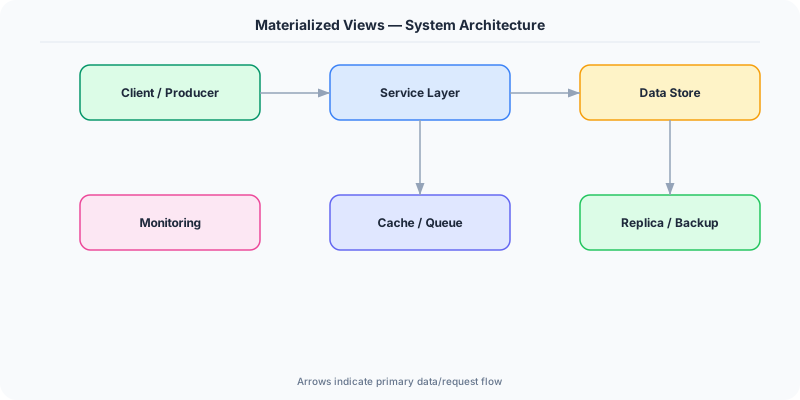
The Building Blocks
- Physical Storage: Unlike regular views that are just saved SQL, materialized views store actual rows on disk. This means reads are as fast as scanning a regular table with no join or aggregation overhead.
- Refresh Strategies: Views can be refreshed on a schedule (every 5 minutes), on demand (triggered by application code), or incrementally (only updating rows affected by recent changes).
- Incremental Refresh: Instead of recomputing the entire view, incremental refresh applies only the deltas from the base tables, dramatically reducing refresh time for large datasets.
- Indexed Materialized Views: You can create indexes on materialized views just like regular tables, enabling fast lookups, range scans, and sorted access on precomputed data.
- CQRS Read Models: In CQRS architectures, materialized views serve as the read model — denormalized projections optimized for specific query patterns, updated asynchronously from the write model.
Under the Hood
When you create a materialized view, the database executes the defining query and writes the result set to physical storage, just like a regular table. The query plan for populating the view is optimized once, and the results include all rows, columns, and computed values. Subsequent reads against the materialized view bypass the original tables entirely, reading directly from this precomputed snapshot.
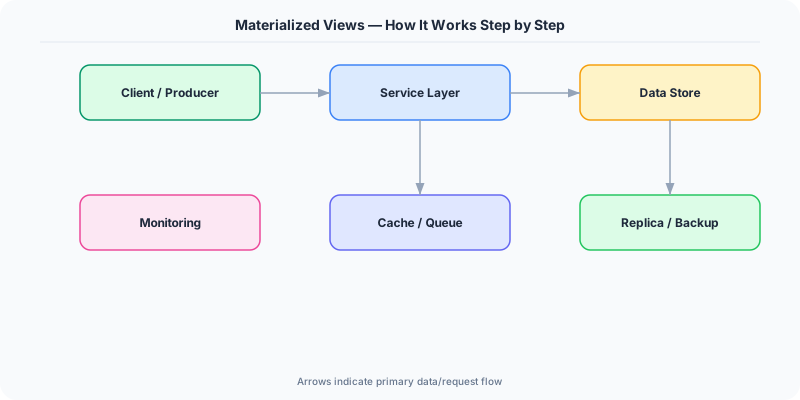
Refresh is where the complexity lies. A full refresh truncates the materialized view and re-executes the query from scratch — simple but expensive for large datasets. Incremental (or fast) refresh uses change logs or materialized view logs to identify which rows in the base tables changed since the last refresh, then applies only those deltas. This requires the base tables to have materialized view logs enabled and the defining query to meet certain restrictions (e.g., no DISTINCT, specific join types).
In practice, materialized views are often combined with scheduled jobs. A cron job or database scheduler triggers a refresh every N minutes, creating a predictable staleness window. For event-driven systems, a change data capture pipeline can trigger targeted refreshes when relevant base data changes. Some databases like ClickHouse and Apache Druid use materialized views as real-time aggregation engines, updating the view incrementally as data streams in.
How Companies Actually Do This
LinkedIn Uses materialized views extensively in its data infrastructure to precompute profile view counts, connection statistics, and feed ranking signals that would be prohibitively expensive to calculate on every request.
Stripe Precomputes dashboard analytics like payment volume, dispute rates, and revenue summaries using materialized views, enabling merchants to load complex financial dashboards in under a second.
Airbnb Their search ranking system uses materialized views to precompute host quality scores, pricing aggregates, and availability summaries, avoiding expensive real-time computation during search queries.
Common Pitfalls
- Forgetting to refresh — a materialized view that's never refreshed serves permanently stale data; always set up automated refresh schedules and monitor staleness
- Using full refresh on huge views when incremental is possible — a full refresh on a billion-row materialized view can lock the base tables and consume enormous resources
- Creating too many materialized views — each one consumes storage and adds refresh overhead; they should target specific, expensive, frequently-run queries, not every possible read pattern
Interview Questions Worth Practicing
- How would you decide between a materialized view and an application-level cache for a dashboard query?
- Explain how you'd implement incremental refresh for a materialized view that aggregates order totals by region.
- In a CQRS architecture, how do materialized views relate to the read model, and how do you handle the consistency gap?
The Tradeoffs
- Freshness vs Performance: Materialized views serve precomputed results instantly but may be minutes or hours stale depending on refresh frequency
- Storage vs Compute: Storing precomputed results uses additional disk space but eliminates repeated expensive computation on every read
- Complexity vs Speed: Incremental refresh is faster than full refresh but requires careful query design and materialized view logs, adding operational complexity
How to Explain This in an Interview
Here is how I would explain Materialized Views in a system design interview:
Explain materialized views as precomputed query results stored as physical tables. Start with the problem: some queries join many tables or aggregate millions of rows and take seconds to run, which is unacceptable for user-facing features. A materialized view runs that query once and stores the result, so reads become simple table scans. Discuss refresh strategies — full refresh recomputes everything (simple but slow), while incremental refresh applies only deltas (fast but requires change tracking). Mention that in CQRS, materialized views are essentially the read model — denormalized projections updated asynchronously from write events. The key tradeoff is freshness vs performance: you get fast reads but must accept a staleness window. Always mention monitoring — you need alerts if refresh jobs fail or fall behind.
Related Topics
Original DosiBridge notes for Materialized Views
This section is written specifically for this page, not copied from a general system-design checklist. The useful way to study Materialized Views is to connect the concept to a production service where growth exposes the first weak assumption in the original design. That framing changes the design discussion from definitions to operating choices.
What makes this topic distinct
- Query Shape: For Materialized Views, decide the query shape before choosing tools; otherwise the design looks clean but fails when materialized changes.
- Write Amplification: For Materialized Views, decide the write amplification before choosing tools; otherwise the design looks clean but fails when views changes.
- Replication Lag: For Materialized Views, decide the replication lag before choosing tools; otherwise the design looks clean but fails when materialized changes.
- Migration Safety: For Materialized Views, decide the migration safety before choosing tools; otherwise the design looks clean but fails when views changes.
- Data Ownership: For Materialized Views, decide the data ownership before choosing tools; otherwise the design looks clean but fails when materialized changes.
Production review question
If a team adopts Materialized Views, what observable signal proves it helped instead of only making the architecture diagram more fashionable?
Practical metric to track
Track materialized-views health as a named dashboard or review item: combine one user-facing metric, one saturation metric, and one correctness metric. For Materialized Views, this keeps the discussion grounded in behavior that can be measured after deployment instead of generic advice that sounds good in an interview but never gets verified.