Database Indexes
Indexes are the single most impactful performance optimization for databases. A query that takes 30 seconds without an index can take 1 millisecond with.
Quick answer: Database Indexes
Database Indexes is covered here as a practical system design concept. Indexes are the single most impactful performance optimization for databases. A query that takes 30 seconds without an index can take 1 millisecond with. Use it to understand the Databases idea, where it appears in production systems, and how to discuss it clearly in interviews.
Focus on the problem being solved, the main design choice, the failure mode, and the tradeoff you would defend in front of a senior engineer. This page is part of the DosiBridge system design knowledge graph, so it links related concepts, interview problems, tradeoffs, and references instead of leaving the topic isolated.
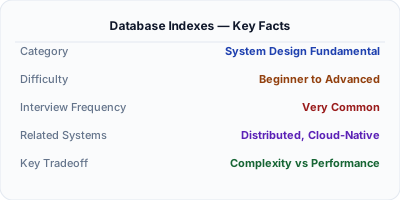
When You Need Database Indexes
Indexes are the single most impactful performance optimization for databases. A query that takes 30 seconds without an index can take 1 millisecond with one. Understanding indexing is critical for system design — slow queries are the #1 cause of system performance issues.
What It Is
A database index is a data structure (typically a B-tree or hash table) that speeds up data retrieval at the cost of additional storage and slower writes. Without indexes, the database must scan every row (full table scan). With the right index, it can jump directly to the matching rows.
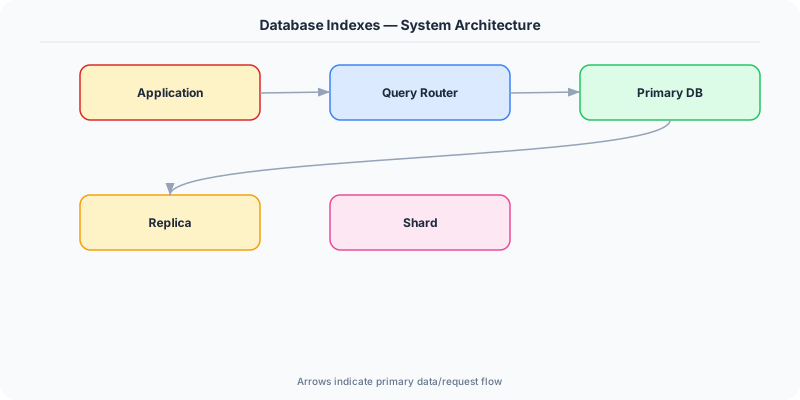
How It Works
Without an index on email, SELECT * FROM users WHERE email = 'john@example.com' scans all 10 million rows. With a B-tree index on email, the database traverses the tree in ~23 steps (log2 of 10M) and finds the exact row.
The database query optimizer decides which index to use. EXPLAIN ANALYZE shows you the query plan — whether it uses an index scan, sequential scan, or index-only scan.
The Decision Framework
- B-tree index: Default index type. Sorted tree structure. Supports range queries (WHERE age > 25), equality, and ordering. O(log n) lookup.
- Hash index: Hash table. Only supports exact equality (WHERE id = 123). O(1) lookup. Cannot do range queries.
- Composite index: Index on multiple columns (name, city). Follows the leftmost prefix rule — an index on (A, B, C) can be used for queries on A, A+B, or A+B+C, but NOT B alone.
- Covering index: Contains all columns needed by a query. The database reads only the index, not the table. Fastest possible query.
- Write penalty: Every INSERT, UPDATE, DELETE must also update all affected indexes. Too many indexes slow down writes.
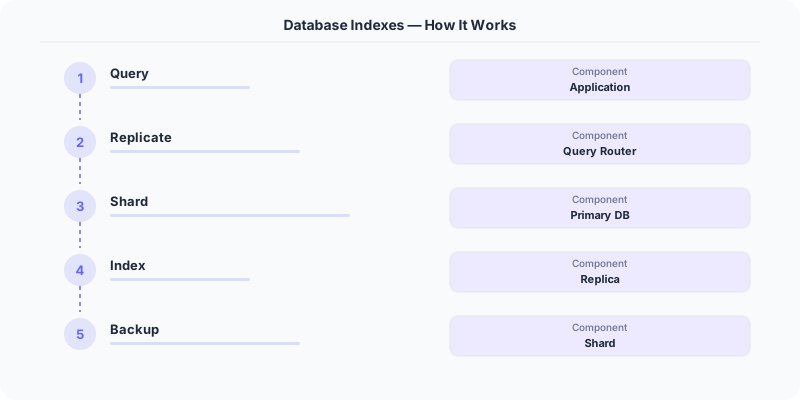
What the Industry Uses
Facebook uses extensive indexing on TAO (their social graph store) to serve billions of queries per second.
PostgreSQL supports partial indexes (index only rows matching a condition), expression indexes, and GiST/GIN indexes for full-text search.
MySQL InnoDB uses clustered indexes — the primary key IS the table, and rows are physically ordered by the primary key.
Performance and Tradeoffs
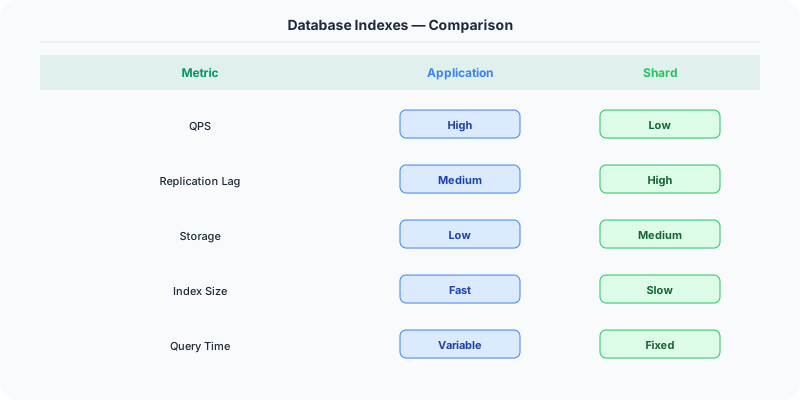
- Read speed vs Write speed: Indexes speed up reads but slow down writes.
- Storage: Each index adds storage overhead (typically 5-20% of table size).
- Maintenance: Indexes need to be analyzed and potentially rebuilt as data patterns change.
Mistakes Engineers Make
- Not indexing columns used in WHERE clauses
- Adding indexes on every column — bloats storage and kills write performance
- Violating the leftmost prefix rule with composite indexes
- Not using EXPLAIN to verify indexes are being used
Practice These Interview Questions
- What is a database index and how does it work?
- When should you NOT add an index?
- What is a composite index and how does the leftmost prefix rule work?
- What is a covering index?
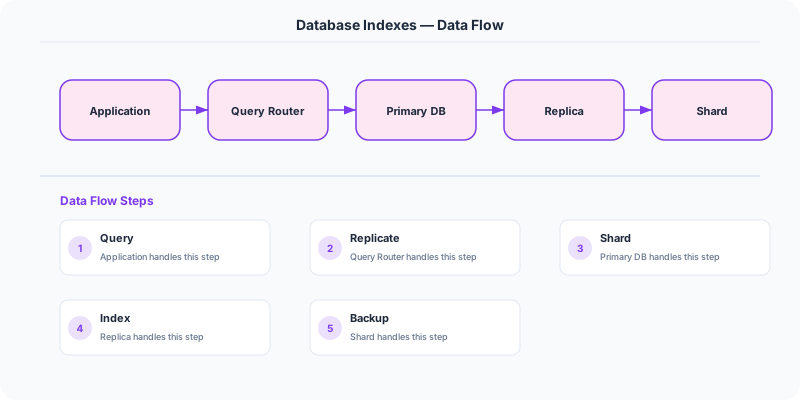
Original DosiBridge notes for Database Indexes
This section is written specifically for this page, not copied from a general system-design checklist. The useful way to study Database Indexes is to connect the concept to a retrieval path where users judge quality by relevance, latency, and how quickly updates become searchable. That framing changes the design discussion from definitions to operating choices.
What makes this topic distinct
- Query Shape: For Database Indexes, decide the query shape before choosing tools; otherwise the design looks clean but fails when database changes.
- Write Amplification: For Database Indexes, decide the write amplification before choosing tools; otherwise the design looks clean but fails when indexes changes.
- Replication Lag: For Database Indexes, decide the replication lag before choosing tools; otherwise the design looks clean but fails when database changes.
- Migration Safety: For Database Indexes, decide the migration safety before choosing tools; otherwise the design looks clean but fails when indexes changes.
- Data Ownership: For Database Indexes, decide the data ownership before choosing tools; otherwise the design looks clean but fails when database changes.
Production review question
If a team adopts Database Indexes, what observable signal proves it helped instead of only making the architecture diagram more fashionable?
Practical metric to track
Track database-indexes health as a named dashboard or review item: combine one user-facing metric, one saturation metric, and one correctness metric. For Database Indexes, this keeps the discussion grounded in behavior that can be measured after deployment instead of generic advice that sounds good in an interview but never gets verified.
Further Reading
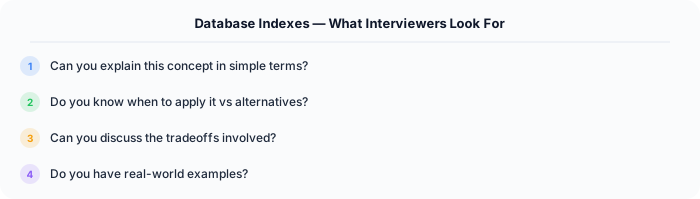
Production angle: indexes are read acceleration with write cost
A database index is a separate access structure that helps the database find rows without scanning the whole table. The production tradeoff is that every useful index consumes storage, slows writes, changes query plans, and must be maintained as data changes. Indexes are not "free speed"; they are a deliberate read/write tradeoff.
How to choose an index
Start from real queries, not from column names. The best index supports a filter, join, sort, or uniqueness rule that appears on a critical path. For example, an ecommerce order table might need:
- '(user_id, created_at desc)' for user order history.
- '(status, created_at)' for worker jobs or admin queues.
- A unique index on 'payment_intent_id' to prevent duplicate payment capture.
- A partial index on active records when archived rows dominate the table.
Why indexes still fail
An index can exist but not help. Common reasons include low selectivity, functions around indexed columns, leading wildcard searches, mismatched sort order, stale statistics, or a composite index where the query does not use the leftmost columns. A query like 'WHERE lower(email) = ?' may ignore an index on 'email' unless a functional index exists.
Example: feed pagination
For a social feed, 'ORDER BY created_at DESC LIMIT 20' looks simple. At small size it works. At scale, offset pagination gets slower because the database still walks skipped rows. A better design uses a composite index like '(user_id, created_at, id)' and cursor pagination. The index matches the access pattern, and the cursor keeps each page bounded.
Interview checklist
- Name the read query you are optimizing.
- Estimate cardinality and selectivity.
- Pick single-column, composite, unique, partial, full-text, or spatial index based on query shape.
- Check write amplification and storage cost.
- Explain the query plan before and after.
- Monitor slow queries because data distribution changes over time.