Database Scaling
The database is almost always the first bottleneck in a growing system. Knowing the scaling playbook — and the order in which to apply techniques — is.
Quick answer: Database Scaling
Database Scaling is covered here as a practical system design concept. The database is almost always the first bottleneck in a growing system. Knowing the scaling playbook — and the order in which to apply techniques — is. Use it to understand the Databases idea, where it appears in production systems, and how to discuss it clearly in interviews.
Focus on the problem being solved, the main design choice, the failure mode, and the tradeoff you would defend in front of a senior engineer. This page is part of the DosiBridge system design knowledge graph, so it links related concepts, interview problems, tradeoffs, and references instead of leaving the topic isolated.
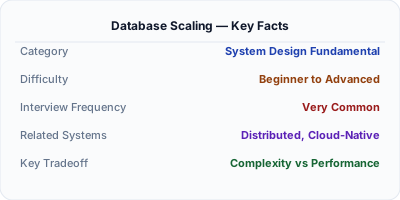
The Core Idea
Database scaling is the process of increasing a database's capacity to handle more data, more queries, or more concurrent users. It involves vertical scaling (bigger server), read replicas, caching, connection pooling, query optimization, and ultimately sharding.
Step-by-Step Walkthrough
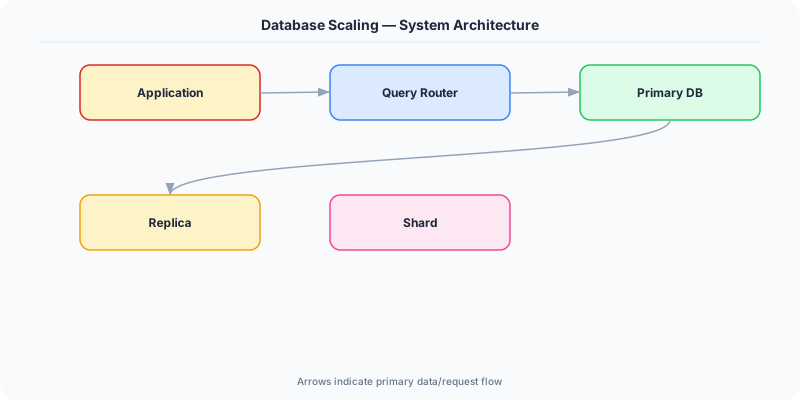
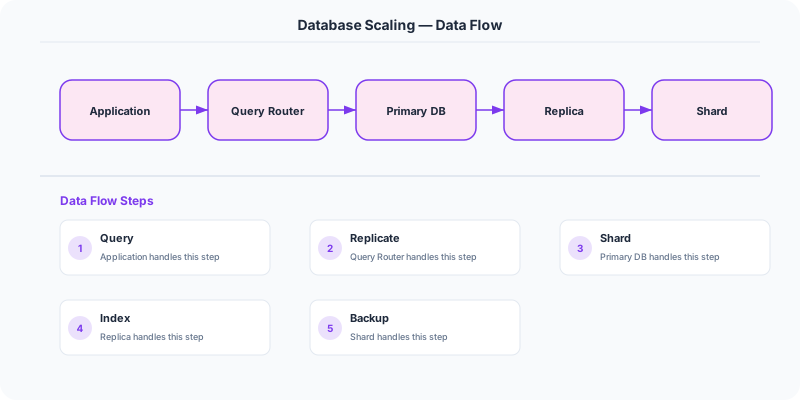
The scaling journey: Most systems start with a single PostgreSQL/MySQL instance. As traffic grows, you add indexes and caching. Then vertical scaling (AWS RDS supports instances with 768 GB RAM). Then read replicas for read-heavy workloads. Finally, sharding when a single primary cannot handle write volume.
The key insight: exhaust simpler options before moving to more complex ones. Many companies run for years on a single database with good indexing and caching.
Why This Approach Wins
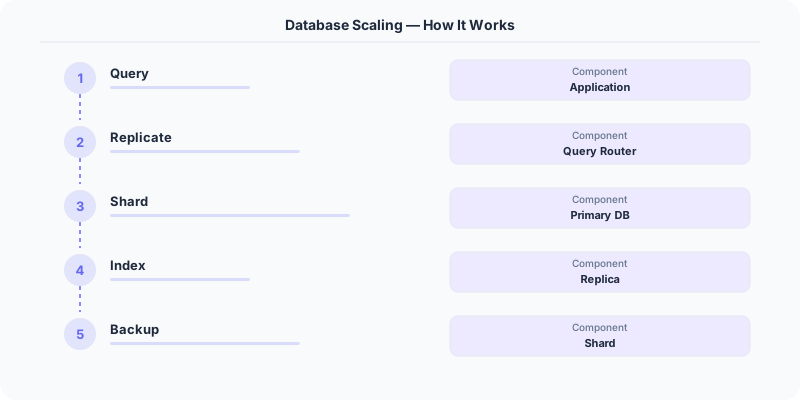
- Step 1 - Optimize queries: Add indexes, rewrite slow queries, use EXPLAIN ANALYZE. This is free and often sufficient.
- Step 2 - Add caching: Cache hot data in Redis/Memcached. Reduces database load by 80-95% for read-heavy workloads.
- Step 3 - Vertical scaling: Upgrade to a bigger server (more CPU, RAM, faster SSD). Simple but has limits.
- Step 4 - Read replicas: Route read queries to replicas. The primary handles only writes.
- Step 5 - Connection pooling: Use PgBouncer or ProxySQL to manage database connections efficiently.
- Step 6 - Sharding: Split data across multiple databases. Last resort due to complexity.
In Production
StackOverflow runs its entire site on a single SQL Server instance with good caching and query optimization. Proof that you do not always need to shard.
Shopify scaled from a single MySQL to a sharded architecture using Vitess as traffic grew to millions of merchants.
Pinterest scales their MySQL with custom sharding middleware, placing each user's data on a specific shard.
Tradeoffs and Limitations
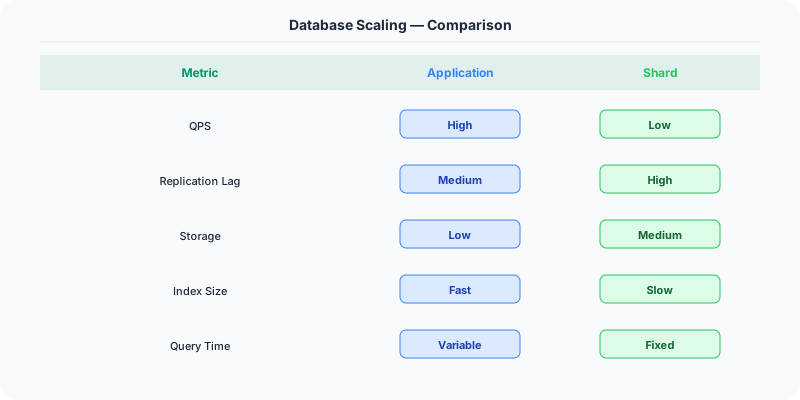
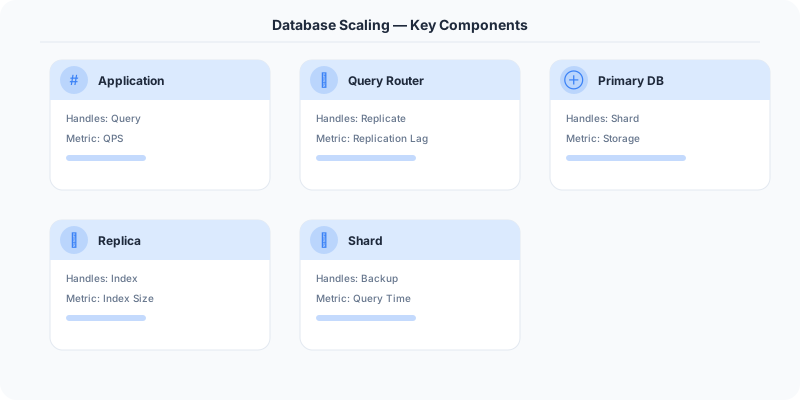
- Each step adds complexity: Caching adds cache invalidation challenges. Replicas add replication lag. Sharding adds cross-shard query issues.
- Cost: Vertical scaling is expensive per unit of performance. Horizontal scaling is cheaper per unit but has higher operational cost.
- Diminishing returns: Caching gives the biggest bang for the buck. Sharding gives the least improvement per unit of engineering effort.
Production Gotchas
- Sharding too early — most systems never need it
- Not adding indexes before considering scaling
- Not using connection pooling — many connection issues look like scaling problems
The Interview Angle
- What is your step-by-step approach to scaling a database?
- When would you add read replicas vs sharding?
- How does caching reduce database load?
- What are the tradeoffs of each scaling technique?
Next Up
Original DosiBridge notes for Database Scaling
This section is written specifically for this page, not copied from a general system-design checklist. The useful way to study Database Scaling is to connect the concept to a data path where correctness, access pattern, and future migrations matter more than benchmark numbers. That framing changes the design discussion from definitions to operating choices.
What makes this topic distinct
- Query Shape: For Database Scaling, decide the query shape before choosing tools; otherwise the design looks clean but fails when database changes.
- Write Amplification: For Database Scaling, decide the write amplification before choosing tools; otherwise the design looks clean but fails when scaling changes.
- Replication Lag: For Database Scaling, decide the replication lag before choosing tools; otherwise the design looks clean but fails when database changes.
- Migration Safety: For Database Scaling, decide the migration safety before choosing tools; otherwise the design looks clean but fails when scaling changes.
- Data Ownership: For Database Scaling, decide the data ownership before choosing tools; otherwise the design looks clean but fails when database changes.
Production review question
If a team adopts Database Scaling, what observable signal proves it helped instead of only making the architecture diagram more fashionable?
Practical metric to track
Track database-scaling health as a named dashboard or review item: combine one user-facing metric, one saturation metric, and one correctness metric. For Database Scaling, this keeps the discussion grounded in behavior that can be measured after deployment instead of generic advice that sounds good in an interview but never gets verified.