Client-Server Architecture
Client-server is the most fundamental architectural pattern. Understanding it is the starting point for all system design discussions.
Quick answer: Client-Server Architecture
Client-Server Architecture is covered here as a practical system design concept. Client-server is the most fundamental architectural pattern. Understanding it is the starting point for all system design discussions. Use it to understand the Architecture Patterns idea, where it appears in production systems, and how to discuss it clearly in interviews.
Focus on the problem being solved, the main design choice, the failure mode, and the tradeoff you would defend in front of a senior engineer. This page is part of the DosiBridge system design knowledge graph, so it links related concepts, interview problems, tradeoffs, and references instead of leaving the topic isolated.
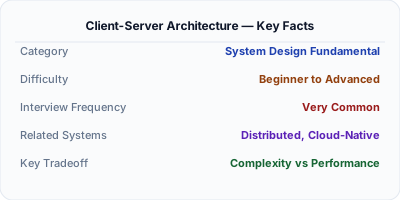
What Client-Server Architecture Actually Means
Client-server architecture divides a system into two roles: clients (request services) and servers (provide services). The client initiates communication; the server listens, processes, and responds. This is the foundation of web applications, mobile apps, and most networked systems.
When to Use It (and When Not To)
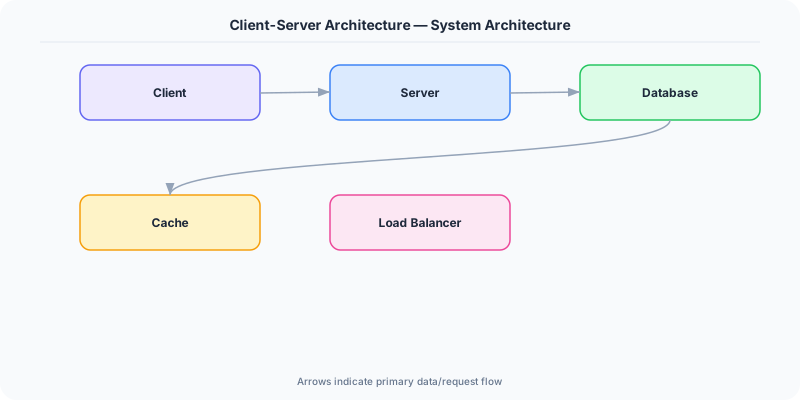
Client-server is the most fundamental architectural pattern. Understanding it is the starting point for all system design discussions. Web browsers are clients; web servers are servers; databases are servers to the application and clients to the storage layer.
The Architecture
A user opens a browser (client) and types a URL. The browser sends an HTTP request to the web server. The server processes the request — queries the database, applies business logic — and returns an HTTP response (HTML, JSON). The browser renders the response for the user.
Key Principles
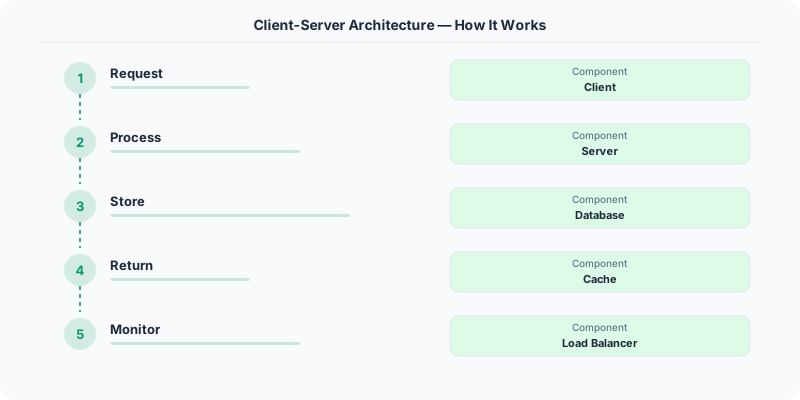
- Separation of concerns: Clients handle presentation/UI; servers handle business logic and data.
- Stateless communication: Each request is independent. The server does not remember previous requests (stateless HTTP).
- Scalability: Servers can be scaled horizontally (add more servers) to handle more clients.
- Thin client vs Thick client: Thin clients (browsers) rely on the server for processing. Thick clients (native apps) do more work locally.
- Multi-tier: Most systems use multiple server tiers — web server, application server, database server.
Who Does This Well
Every web application uses client-server architecture — the browser is the client, the backend is the server.
Mobile apps are thick clients that communicate with backend servers via REST or GraphQL APIs.
Email is client-server: email clients (Outlook, Gmail) communicate with email servers (SMTP, IMAP).
The Hard Parts Nobody Talks About
- Not separating concerns — putting business logic in the client
- Not planning for server scalability from the start
- Ignoring network unreliability between client and server
The Tradeoffs
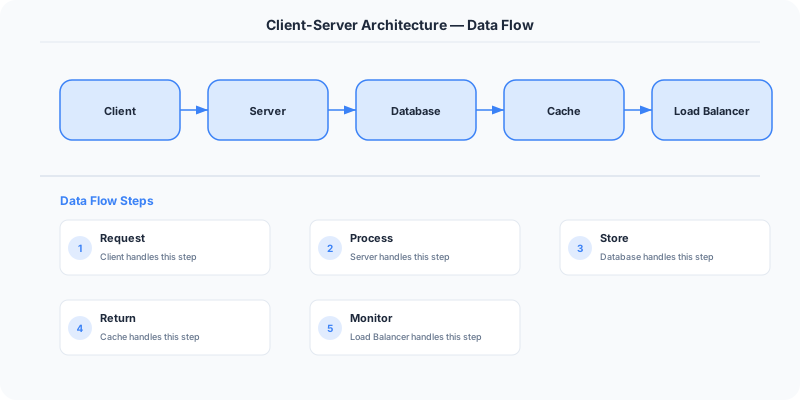
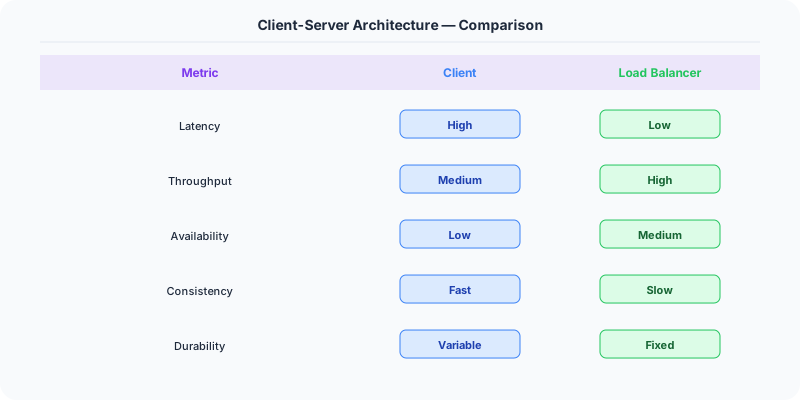
- Centralization: Server is a potential bottleneck and SPOF. Can be mitigated with load balancing and replication.
- Latency: Every interaction requires a network round trip to the server.
- Offline capability: Clients depend on server availability. Offline-first approaches (PWAs) mitigate this.
Interview Angles
- Describe client-server architecture.
- What are the advantages of client-server over peer-to-peer?
- What is a three-tier architecture?
Keep Learning
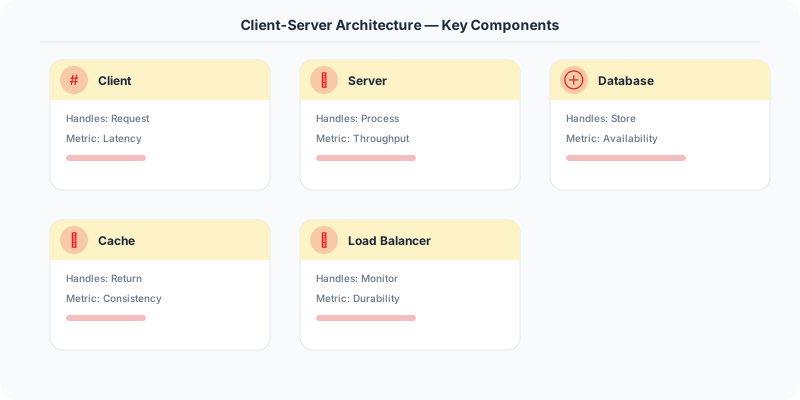
Original DosiBridge notes for Client-Server Architecture
This section is written specifically for this page, not copied from a general system-design checklist. The useful way to study Client-Server Architecture is to connect the concept to a production service where growth exposes the first weak assumption in the original design. That framing changes the design discussion from definitions to operating choices.
What makes this topic distinct
- Ownership Boundary: For Client-Server Architecture, decide the ownership boundary before choosing tools; otherwise the design looks clean but fails when client changes.
- Blast Radius: For Client-Server Architecture, decide the blast radius before choosing tools; otherwise the design looks clean but fails when server changes.
- Deployment Path: For Client-Server Architecture, decide the deployment path before choosing tools; otherwise the design looks clean but fails when client changes.
- Runtime Coupling: For Client-Server Architecture, decide the runtime coupling before choosing tools; otherwise the design looks clean but fails when server changes.
- Operational Handoff: For Client-Server Architecture, decide the operational handoff before choosing tools; otherwise the design looks clean but fails when client changes.
Production review question
If a team adopts Client-Server Architecture, what observable signal proves it helped instead of only making the architecture diagram more fashionable?
Practical metric to track
Track client-server health as a named dashboard or review item: combine one user-facing metric, one saturation metric, and one correctness metric. For Client-Server Architecture, this keeps the discussion grounded in behavior that can be measured after deployment instead of generic advice that sounds good in an interview but never gets verified.