Rate Limiting
Without rate limiting, a single client can overwhelm your service (intentionally via DDoS or unintentionally via a bug).
Quick answer: Rate Limiting
Rate Limiting is covered here as a practical system design concept. Without rate limiting, a single client can overwhelm your service (intentionally via DDoS or unintentionally via a bug). Use it to understand the APIs idea, where it appears in production systems, and how to discuss it clearly in interviews.
Focus on the problem being solved, the main design choice, the failure mode, and the tradeoff you would defend in front of a senior engineer. This page is part of the DosiBridge system design knowledge graph, so it links related concepts, interview problems, tradeoffs, and references instead of leaving the topic isolated.
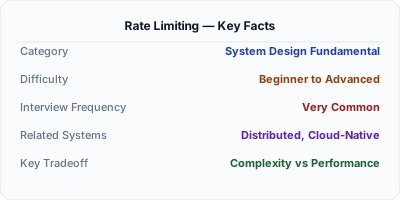
Rate limiting controls how many requests a client can make in a given time window. It protects servers from traffic spikes, abusive clients, and DDoS attacks. The most common algorithms are token bucket, sliding window, and fixed window — typically implemented with Redis counters at the API gateway layer.
| Aspect | Details |
|---|---|
| What it is | Restricting the number of requests a client can make per time window |
| When to use | Public APIs, authentication endpoints, any resource-intensive operation, DDoS protection |
| When NOT to use | Internal trusted service-to-service calls; read endpoints fully served by CDN cache |
| Real-world example | GitHub API: 5,000 req/hour per token; Stripe rate-limits per API key; Cloudflare edge rate limiting |
| Interview tip | Know token bucket vs sliding window — interviewers expect you to compare algorithms and tradeoffs |
| Common mistake | Only rate-limiting by IP — shared corporate NATs get unfairly throttled; rate-limit by API key or user ID instead |
| Key tradeoff | Too strict rejects legitimate traffic; too lenient fails to protect against abuse |
What Rate Limiting Actually Means
Rate limiting restricts the number of requests a client can make to an API within a time window. It protects backend services from abuse, prevents resource exhaustion, and ensures fair usage among clients. Common limits: 100 requests/minute for free tier, 1000 requests/minute for paid tier.
When to Use It (and When Not To)
Without rate limiting, a single client can overwhelm your service (intentionally via DDoS or unintentionally via a bug). Rate limiting is a fundamental defense mechanism for any production API.
The Architecture
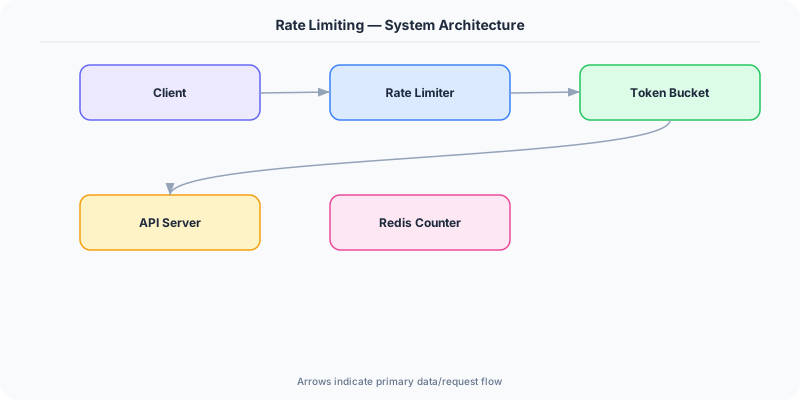
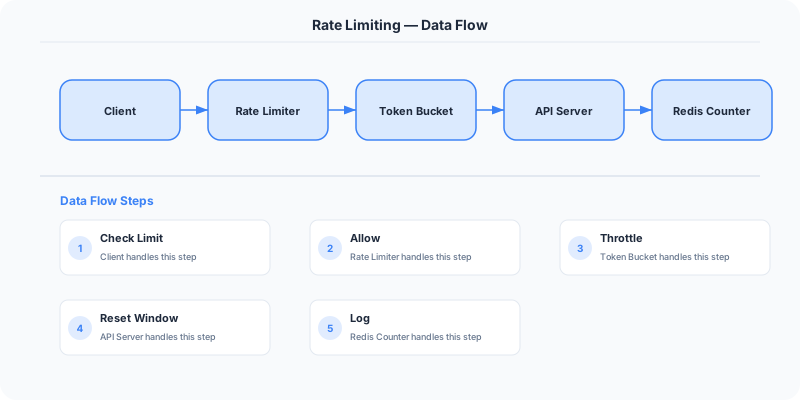
The most common approach in production: Use Redis to implement a token bucket per client (identified by API key or IP). When a request arrives, check the bucket. If tokens remain, decrement and allow. If empty, return HTTP 429 Too Many Requests with a Retry-After header.
For distributed rate limiting (multiple API servers), use a centralized Redis instance. For edge rate limiting, use CDN-level rate limiting (Cloudflare, AWS WAF).
Key Principles
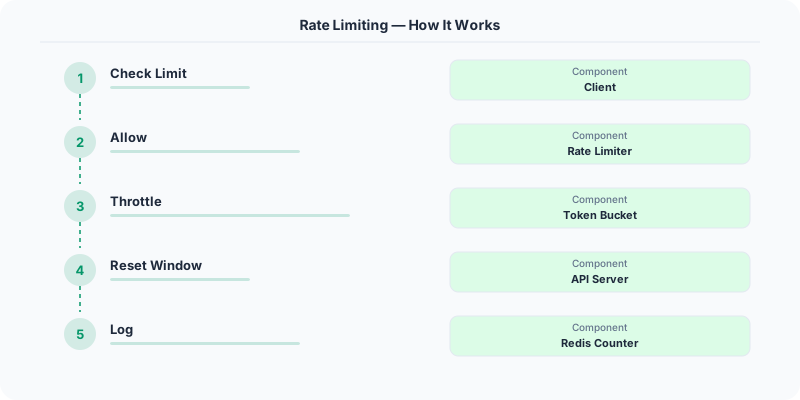
- Token Bucket: A bucket holds tokens (capacity N). Each request consumes one token. Tokens are added at a fixed rate (R per second). If the bucket is empty, requests are rejected. Allows bursts up to N.
- Leaky Bucket: Requests enter a queue (bucket). They are processed at a fixed rate. If the queue is full, new requests are dropped. Produces a smooth output rate.
- Sliding Window Log: Track the timestamp of every request. Count requests in the current window. Precise but memory-intensive.
- Sliding Window Counter: Combines fixed window and sliding window. Estimates the count using weighted averages of current and previous windows. Good balance of precision and efficiency.
- Fixed Window Counter: Count requests in fixed time intervals (e.g., every minute). Simple but has boundary burst issues (200 requests in 1 second if the window resets).
Who Does This Well
GitHub API: 5,000 requests/hour for authenticated users, 60/hour for unauthenticated.
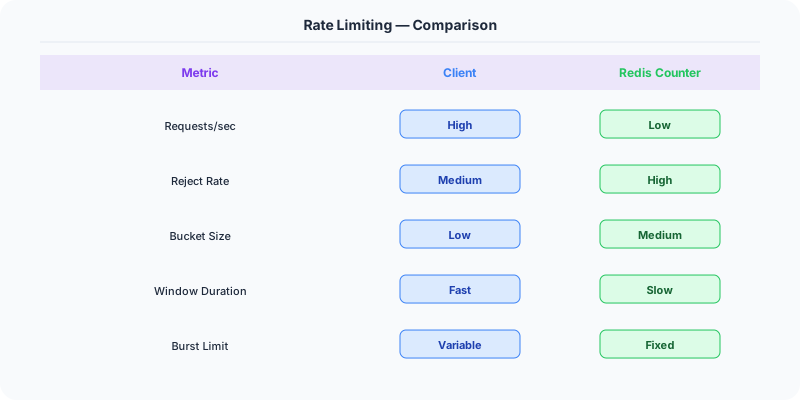
Stripe API: 100 read requests/second and 100 write requests/second per API key.
Twitter API: 300 tweets/3-hour window, 900 timeline reads/15 minutes.
The Hard Parts Nobody Talks About
- Rate limiting only by IP — shared IPs (corporate NAT, mobile carriers) can lock out legitimate users
- Not returning Retry-After header — clients cannot know when to retry
- Not rate limiting internal services — cascading failures between microservices
The Tradeoffs
- Token Bucket vs Leaky Bucket: Token bucket allows bursts; leaky bucket enforces a smooth rate.
- Precision vs Memory: Sliding window log is precise but stores every timestamp; fixed window counter uses minimal memory.
- Local vs Distributed: Local rate limiting per server is fast but inaccurate globally; distributed (Redis) is accurate but adds latency.
Interview Angles
- What rate limiting algorithms do you know?
- How would you implement distributed rate limiting?
- What is the difference between token bucket and leaky bucket?
- How do you handle rate limiting in a microservices architecture?
- How do you choose rate limits for a public API?
Keep Learning
How to Explain This in an Interview
Here is how I would explain Rate Limiting in a system design interview:
Rate limiting prevents any single client from overwhelming your system. I would implement it with a token bucket algorithm in Redis: each API key gets N tokens per minute, each request costs one token, tokens refill at a fixed rate. When tokens run out, return HTTP 429 Too Many Requests with a Retry-After header. Place the rate limiter at the API gateway so it runs before any business logic executes. For distributed systems, use a centralized Redis counter — the alternative is local per-instance limiting, which is inaccurate when you have many server instances behind a load balancer.
Rate Limiting in ASP.NET Core
.NET 7+ has built-in rate limiting middleware — no third-party packages needed:
// Program.cs — configure rate limiting
builder.Services.AddRateLimiter(options =>
    options.AddFixedWindowLimiter("api", config =>
        config.PermitLimit = 100;
        config.Window = TimeSpan.FromMinutes(1);
        config.QueueLimit = 10;
    );
    options.AddSlidingWindowLimiter("search", config =>
        config.PermitLimit = 30;
        config.Window = TimeSpan.FromMinutes(1);
        config.SegmentsPerWindow = 6;
    );
    options.RejectionStatusCode = 429;
);

app.UseRateLimiter();

// Apply to endpoints
app.MapGet("/api/products", GetProducts)
    .RequireRateLimiting("api");
Distributed rate limiting with Redis: For multi-server deployments, the built-in rate limiter only works per-instance. Use Redis-backed rate limiting with a sliding window implementation to share counts across all servers. The RedisRateLimiting NuGet package provides this.
Azure API Management: If you are on Azure, API Management provides rate limiting at the gateway level with policies — no code changes needed in your .NET application. It supports rate limiting by subscription key, IP address, or custom headers.
Real example: The Azure DevOps REST API (built on .NET) uses tiered rate limiting: 200 requests per minute for authenticated users, 30 per minute for anonymous. They return Retry-After headers so clients know exactly when to retry.
Original DosiBridge notes for Rate Limiting
This section is written specifically for this page, not copied from a general system-design checklist. The useful way to study Rate Limiting is to connect the concept to a traffic-management problem where overload behavior matters more than the happy-path diagram. That framing changes the design discussion from definitions to operating choices.
What makes this topic distinct
- Contract Evolution: For Rate Limiting, decide the contract evolution before choosing tools; otherwise the design looks clean but fails when rate changes.
- Idempotency: For Rate Limiting, decide the idempotency before choosing tools; otherwise the design looks clean but fails when limiting changes.
- Pagination: For Rate Limiting, decide the pagination before choosing tools; otherwise the design looks clean but fails when rate changes.
- Error Shape: For Rate Limiting, decide the error shape before choosing tools; otherwise the design looks clean but fails when limiting changes.
- Consumer Compatibility: For Rate Limiting, decide the consumer compatibility before choosing tools; otherwise the design looks clean but fails when rate changes.
Production review question
If a team adopts Rate Limiting, what observable signal proves it helped instead of only making the architecture diagram more fashionable?
Practical metric to track
Track rate-limiting health as a named dashboard or review item: combine one user-facing metric, one saturation metric, and one correctness metric. For Rate Limiting, this keeps the discussion grounded in behavior that can be measured after deployment instead of generic advice that sounds good in an interview but never gets verified.