Latency vs Throughput
Optimizing for low latency (fast individual requests) often conflicts with optimizing for high throughput (maximum requests per second).
Quick answer: Latency vs Throughput
Latency vs Throughput is covered here as a practical architecture tradeoff. Optimizing for low latency (fast individual requests) often conflicts with optimizing for high throughput (maximum requests per second). Use it when comparing two architecture choices and explaining the operational cost, latency, reliability, and team-complexity impact of each option.
Focus on the problem being solved, the main design choice, the failure mode, and the tradeoff you would defend in front of a senior engineer. This page is part of the DosiBridge system design knowledge graph, so it links related concepts, interview problems, tradeoffs, and references instead of leaving the topic isolated.
The Tradeoff
Optimizing for low latency (fast individual requests) often conflicts with optimizing for high throughput (maximum requests per second). Batching improves throughput but increases latency. Pipelining improves both but adds complexity.
Optimize for Latency: A Closer Look
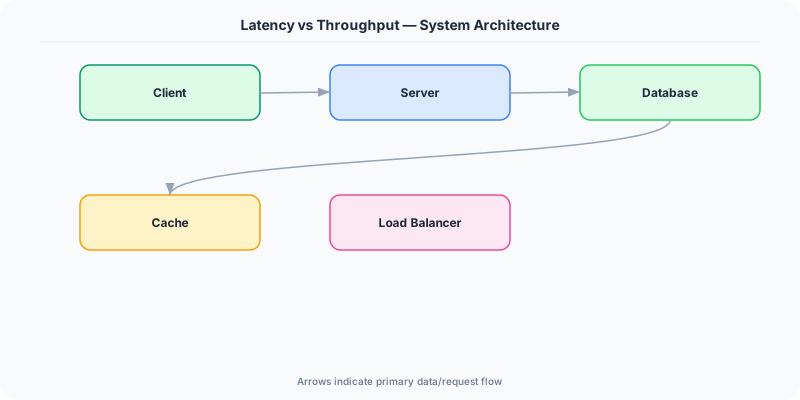
Process each request as fast as possible. No batching, no queuing.
The Good
- Instant response times
- Better user experience
- Required for real-time systems
The Bad
- Lower throughput
- More expensive per request
- Cannot leverage batching efficiencies
Optimize for Throughput: A Closer Look
Maximize the number of requests processed per second. Batch operations, queue processing.
The Good
- Higher resource utilization
- Lower cost per operation
- Better for bulk processing
The Bad
- Higher individual request latency
- Buffering adds delay
- Not suitable for real-time
Quick Comparison
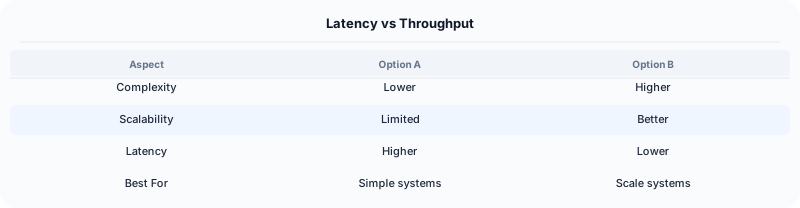
| Optimize for Latency | Optimize for Throughput | |
|---|---|---|
| Best for | User-facing API responses | Data pipelines and ETL |
Real-World Examples
Kafka optimizes for throughput by batching writes — millions of messages per second, but individual message latency is higher than direct delivery.
Redis optimizes for latency — single-threaded event loop processes commands in microseconds.
Google BigQuery optimizes for throughput — queries scan terabytes of data but have seconds of startup latency.
Interview Advice
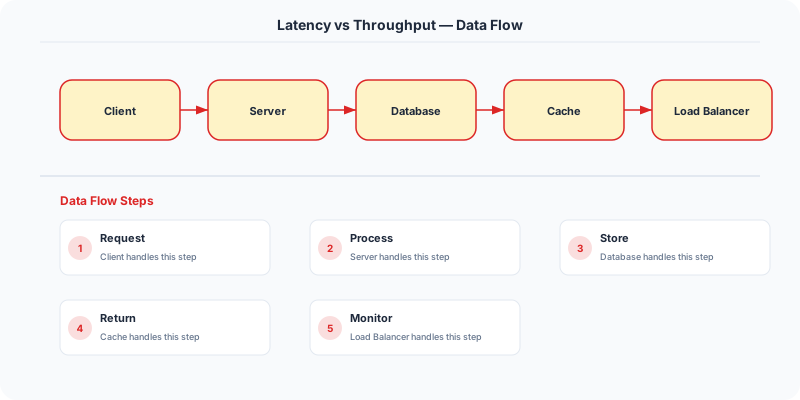
Always clarify latency requirements in the interview. 'Is this a user-facing request that needs <200ms response, or a background job where 5-second latency is acceptable?' This drives the entire architecture.
Source | System-Design-Overview
Real-World Decision Framework
Latency is the time it takes to complete a single operation. Throughput is the number of operations completed per unit of time. Optimizing for one often comes at the expense of the other.
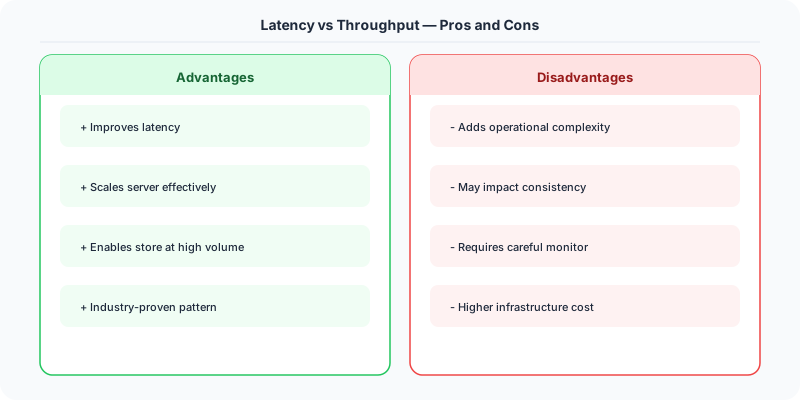
When to Optimize for Latency
Low latency matters when individual request speed directly affects user experience or business outcomes:
- Search results: Google targets under 200ms for search. Every 100ms of added latency reduces revenue by 1%.
- Trading systems: High-frequency trading firms pay millions for microseconds of advantage. A 1ms delay can cost a trade.
- Gaming: Online multiplayer games need under 50ms latency for acceptable responsiveness.
- Interactive APIs: A REST endpoint serving a mobile app should respond in under 100ms for a snappy feel.
Techniques: In-memory caching, read replicas near users, CDNs, connection pooling, pre-computed results.
When to Optimize for Throughput
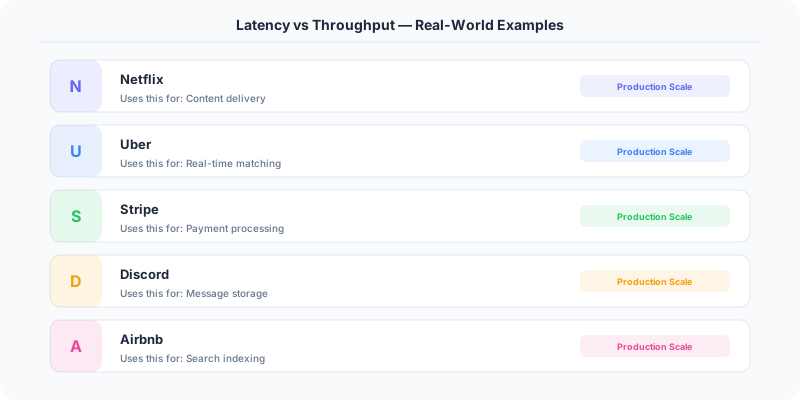
High throughput matters when you need to process large volumes efficiently:
- Data pipelines: Ingesting millions of events per second into a data warehouse.
- Batch processing: Processing a day's worth of transactions for billing.
- File uploads: Handling thousands of concurrent image uploads for a social media platform.
- Log aggregation: Collecting and indexing logs from thousands of servers.
Techniques: Batching requests, async processing, parallel workers, message queues, write-ahead logs.
The Tradeoff in Practice
Batching is the most common tradeoff. Instead of writing each database row individually (low latency per write, low throughput), you batch 1,000 writes into a single transaction (higher latency per batch, much higher throughput). Kafka uses this — producers batch messages for higher throughput at the cost of slightly higher per-message latency.
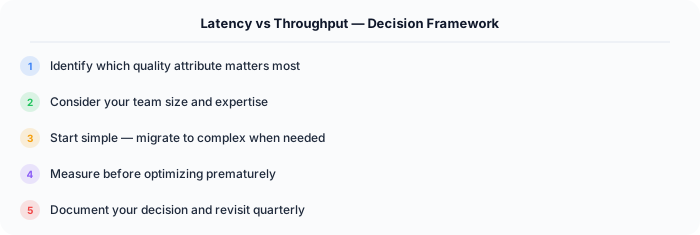
Queuing trades latency for throughput stability. A message queue absorbs traffic spikes, maintaining consistent throughput but adding queue wait time to individual message latency.
Interview Tip
When discussing latency vs throughput, mention specific numbers. "We need P99 latency under 100ms" or "The system must handle 50,000 requests per second." Quantifying requirements shows maturity. Also mention that you would measure both in production using percentile metrics (P50, P95, P99) rather than averages.
.NET Implementation
Latency: Use IMemoryCache and output caching in ASP.NET Core. Throughput: Use Channel<T> for batching, System.Threading.Tasks.Dataflow for parallel pipelines, and Azure Service Bus for queue-based load leveling.
Differentiation note: this page is about choosing the tradeoff
This tradeoff page is intentionally different from the latency/throughput concept page. The concept page explains metrics and queueing. This page helps choose architecture behavior when the system cannot optimize both at the same time.
Decision matrix
Choose lower latency when the user is waiting directly: checkout confirmation, search autocomplete, voice/video, ride matching, login, payment authorization, and dashboard interactions. In those paths, tail latency damages trust even if total throughput is high.
Choose higher throughput when work can be delayed or batched: analytics ingestion, video transcoding, email delivery, billing exports, fraud model scoring, and search indexing. In those paths, completing more work per dollar may matter more than every item finishing immediately.
Concrete design moves
- Use synchronous APIs for low-latency confirmation paths.
- Use queues and batch workers when throughput matters more than immediacy.
- Use backpressure to protect tail latency during overload.
- Use bulk writes or compaction when write amplification dominates cost.
- Split interactive traffic from background traffic so batch jobs do not steal capacity from users.
Interview phrasing
A senior answer says: "For this path I optimize p95 latency because the user is waiting. For this other path I optimize throughput because delayed processing is acceptable. I separate the workloads so one goal does not destroy the other."
Original DosiBridge notes for Latency vs Throughput
This section is written specifically for this page, not copied from a general system-design checklist. The useful way to study Latency vs Throughput is to connect the concept to a traffic-management problem where overload behavior matters more than the happy-path diagram. That framing changes the design discussion from definitions to operating choices.
What makes this topic distinct
- Decision Boundary: For Latency vs Throughput, decide the decision boundary before choosing tools; otherwise the design looks clean but fails when latency changes.
- Reversal Cost: For Latency vs Throughput, decide the reversal cost before choosing tools; otherwise the design looks clean but fails when vs changes.
- Operating Cost: For Latency vs Throughput, decide the operating cost before choosing tools; otherwise the design looks clean but fails when throughput changes.
- Team Maturity: For Latency vs Throughput, decide the team maturity before choosing tools; otherwise the design looks clean but fails when tradeoff changes.
- Growth Trigger: For Latency vs Throughput, decide the growth trigger before choosing tools; otherwise the design looks clean but fails when latency changes.
Production review question
If a team adopts Latency vs Throughput, what observable signal proves it helped instead of only making the architecture diagram more fashionable?
Practical metric to track
Track latency-tradeoff health as a named dashboard or review item: combine one user-facing metric, one saturation metric, and one correctness metric. For Latency vs Throughput, this keeps the discussion grounded in behavior that can be measured after deployment instead of generic advice that sounds good in an interview but never gets verified.