The Google File System
Google's distributed file system designed for large-scale data-intensive applications — the blueprint for HDFS and modern distributed storage.
Quick answer: The Google File System
The Google File System is covered here as a practical system design resource. Google's distributed file system designed for large-scale data-intensive applications — the blueprint for HDFS and modern distributed storage. Use it as a curated reference while connecting the original engineering lesson to practical system design decisions.
Focus on the problem being solved, the main design choice, the failure mode, and the tradeoff you would defend in front of a senior engineer. This page is part of the DosiBridge system design knowledge graph, so it links related concepts, interview problems, tradeoffs, and references instead of leaving the topic isolated.
Historical Context
Published by Sanjay Ghemawat, Howard Gobioff, and Shun-Tak Leung at Google in 2003 (SOSP), GFS was designed to run on thousands of inexpensive commodity servers where hardware failure was the norm, not the exception. Google's workloads — web crawling, indexing, log processing — involved enormous files accessed via large sequential reads and append-heavy writes, a pattern poorly served by existing distributed file systems like AFS or NFS.
Core Problem
How do you build a reliable, high-throughput file system on top of thousands of failure-prone commodity machines, optimized for large files with append-dominated write patterns?
Key Innovation
GFS made three unconventional design choices that broke from traditional file system wisdom. First, it assumed component failures are routine, not exceptional, and baked recovery into every layer. Second, it optimized for large files (multi-GB), using a 64 MB chunk size instead of the typical 4 KB block size. Third, it favored append operations over random writes, introducing an atomic "record append" operation that lets multiple clients append to the same file concurrently without locking.
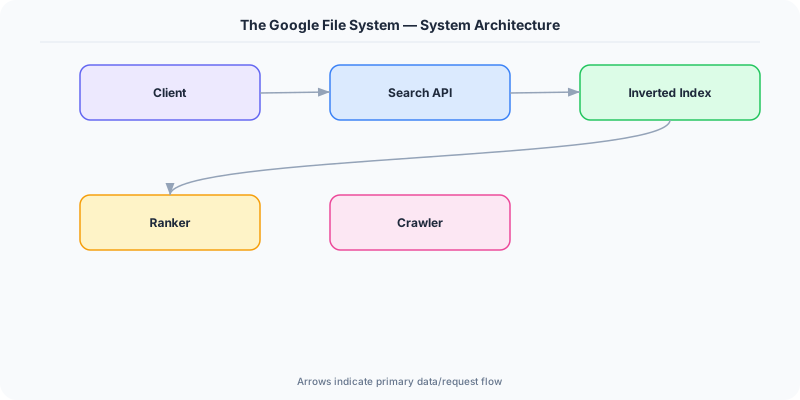
The architecture uses a single master that stores all metadata (namespace, chunk-to-server mappings, access control) in memory. Clients contact the master only for metadata lookups, then read/write data directly to chunkservers, keeping the master off the data path. Each chunk is replicated across three chunkservers by default. The master uses a simple lease mechanism to designate one replica as the primary for each chunk, which serializes concurrent mutations.
When a chunkserver fails, the master detects the missing heartbeat and re-replicates under-replicated chunks on surviving servers — no manual intervention required.
Architecture / Algorithm
- Master: Holds all metadata in memory, manages chunk leases, garbage collection, and chunk migration. Persists mutations to an operation log replicated to backups.
- Chunkservers: Store 64 MB chunks as Linux files. Report chunk inventories via heartbeats.
- Chunk Size (64 MB): Reduces metadata overhead and number of master interactions. Downside: small files can create hotspots.
- Write Path: Client pushes data to a chain of replicas, then the primary orders the mutations and forwards to secondaries.
- Record Append: Atomic append-at-least-once semantics, allowing concurrent producers.
Strengths
- Simple architecture with a single master avoids complex distributed metadata protocols
- Optimized for Google's actual workload: large sequential reads and appends
- Automatic re-replication handles hardware failures transparently
- High aggregate throughput by keeping data transfers off the master
Weaknesses
- Single master is a scalability bottleneck (addressed in Colossus, GFS's successor)
- 64 MB chunk size wastes space for small files and causes hotspots
- Relaxed consistency model (record append is "at least once") requires application-level deduplication
- Not suitable for low-latency random reads
Modern Systems Influenced
Apache HDFS is a direct open-source clone of GFS, powering the entire Hadoop ecosystem. Colossus (GFS v2) replaced the single master with a distributed metadata layer. The concept of separating metadata from data path influenced Azure Blob Storage, Amazon S3's internal architecture, and Ceph.
Interview Relevance
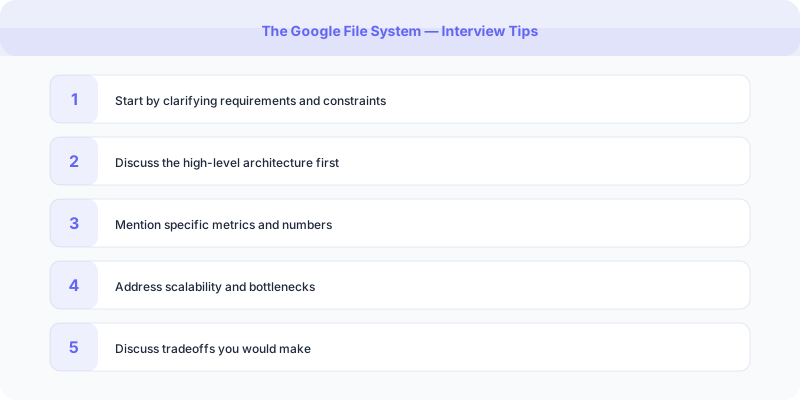
Reference GFS when designing any large-scale storage system. Know why the single-master design was acceptable (metadata fits in memory, clients bypass master for data), the tradeoff of large chunk sizes, and how replication provides fault tolerance. Discuss the read/write data flow to show deep understanding.
Plain-English Summary
GFS splits files into 64 MB chunks stored across thousands of commodity servers, each chunk replicated three times. A single master server tracks which chunks live where but never handles actual data — clients talk directly to chunkservers for reads and writes. If a server dies, the master automatically copies its chunks elsewhere. This design trades strict consistency for massive throughput on large files.
Original DosiBridge notes for The Google File System
This section is written specifically for this page, not copied from a general system-design checklist. The useful way to study The Google File System is to connect the concept to a production service where growth exposes the first weak assumption in the original design. That framing changes the design discussion from definitions to operating choices.
What makes this topic distinct
- Practice Loop: For The Google File System, decide the practice loop before choosing tools; otherwise the design looks clean but fails when google changes.
- Implementation Exercise: For The Google File System, decide the implementation exercise before choosing tools; otherwise the design looks clean but fails when file changes.
- Review Checkpoint: For The Google File System, decide the review checkpoint before choosing tools; otherwise the design looks clean but fails when system changes.
- Failure Drill: For The Google File System, decide the failure drill before choosing tools; otherwise the design looks clean but fails when google changes.
- Comparison Target: For The Google File System, decide the comparison target before choosing tools; otherwise the design looks clean but fails when file changes.
Production review question
If a team adopts The Google File System, what observable signal proves it helped instead of only making the architecture diagram more fashionable?
Practical metric to track
Track google-system health as a named dashboard or review item: combine one user-facing metric, one saturation metric, and one correctness metric. For The Google File System, this keeps the discussion grounded in behavior that can be measured after deployment instead of generic advice that sounds good in an interview but never gets verified.