Reliability
A system can be available (running) but unreliable (returning wrong results). A payment system that double-charges customers is available but unreliable.
Quick answer: Reliability
Reliability is covered here as a practical system design concept. A system can be available (running) but unreliable (returning wrong results). A payment system that double-charges customers is available but unreliable. Use it to understand the Core Concepts idea, where it appears in production systems, and how to discuss it clearly in interviews.
Focus on the problem being solved, the main design choice, the failure mode, and the tradeoff you would defend in front of a senior engineer. This page is part of the DosiBridge system design knowledge graph, so it links related concepts, interview problems, tradeoffs, and references instead of leaving the topic isolated.
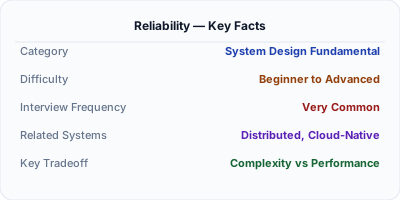
The Problem Reliability Solves
A system can be available (running) but unreliable (returning wrong results). A payment system that double-charges customers is available but unreliable. Reliability is about correctness under adversity — tolerating faults without failing.
How It Works Under the Hood
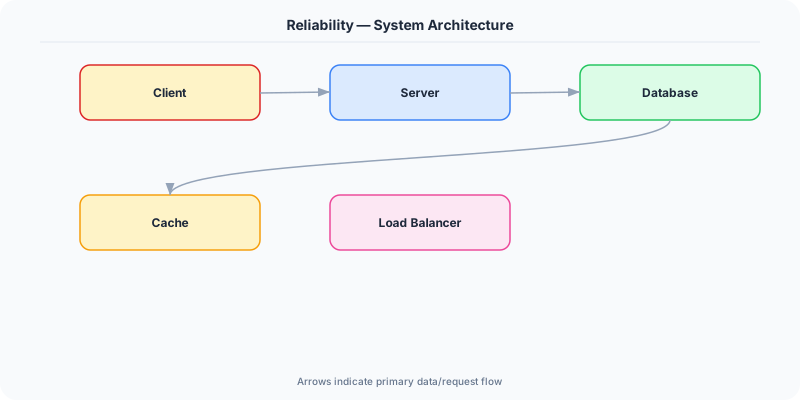
Reliability is the ability of a system to function correctly and consistently over time, even in the face of hardware failures, software bugs, and human errors. A reliable system produces correct results, handles faults gracefully, and prevents unauthorized access or data corruption.
Reliability is built in layers. At the hardware level: RAID arrays, ECC memory, and redundant power supplies. At the software level: retries with exponential backoff, circuit breakers, and transaction logs. At the data level: replication, backups, and checksums. At the operational level: automated deployment, canary releases, and runbooks for incident response.
The key insight: faults are inevitable. Hard drives fail, networks partition, engineers deploy bugs. A reliable system is not one that never has faults — it is one that handles faults without affecting users.
The Mental Model
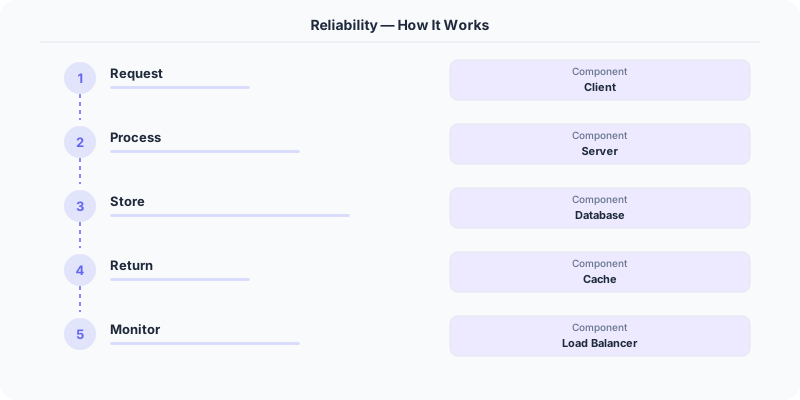
- Fault tolerance: The system continues operating correctly when components fail. This requires redundancy, replication, and automatic recovery.
- Idempotency: Operations can be retried safely without side effects. If a payment request is retried, the customer should not be charged twice.
- Data integrity: Data is never silently corrupted or lost. Use checksums, write-ahead logs, and replication to protect data.
- Monitoring and alerting: You cannot fix what you cannot see. Comprehensive monitoring detects issues before users do.
- Testing for failure: Netflix's Chaos Monkey randomly kills production instances to verify the system handles failures correctly.
Real Systems That Depend on This
Amazon DynamoDB guarantees durability by replicating data across three availability zones before confirming a write. Even if two data centers go offline, your data is safe.
Stripe uses idempotency keys to ensure payment operations are never duplicated, even if the network drops during processing.
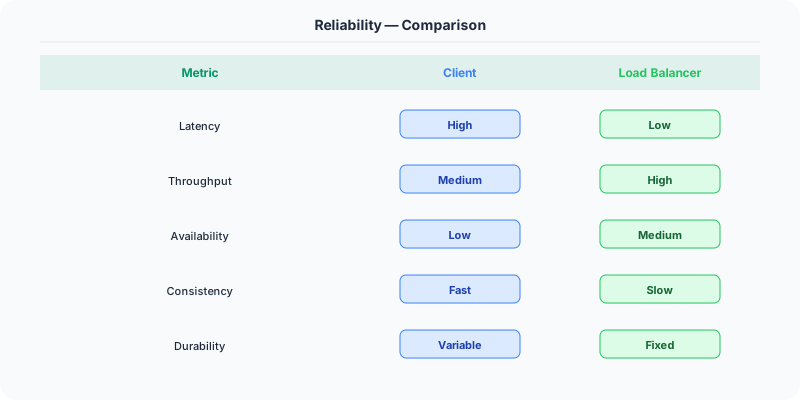
Netflix runs Chaos Monkey in production — randomly terminating instances — to continuously validate that their system recovers from failures.
Where This Shows Up in Interviews
- What is the difference between reliability and availability?
- How do you ensure data is never lost in a distributed system?
- What is idempotency and why does it matter?
- How would you design a system to tolerate an entire data center going offline?
Tradeoffs
- Reliability vs. Performance: Synchronous replication is more reliable but slower than asynchronous replication.
- Reliability vs. Cost: Triple replication costs 3x storage. You must decide which data needs the highest guarantees.
- Reliability vs. Simplicity: Reliable systems are inherently more complex — more components, more failure modes, more testing.
Watch Out For
- Confusing availability with reliability — a system can be 'up' but returning wrong results
- Not handling partial failures — in distributed systems, some nodes may fail while others succeed
- Skipping chaos testing — if you have not tested failure scenarios, your redundancy is theoretical
Go Deeper
- Availability — start here if this is new to you
- fault-tolerance
- idempotency
- Data Replication
- checksums
Original DosiBridge notes for Reliability
This section is written specifically for this page, not copied from a general system-design checklist. The useful way to study Reliability is to connect the concept to a production service where growth exposes the first weak assumption in the original design. That framing changes the design discussion from definitions to operating choices.
What makes this topic distinct
- SLO: For Reliability, decide the SLO before choosing tools; otherwise the design looks clean but fails when reliability changes.
- Capacity Headroom: For Reliability, decide the capacity headroom before choosing tools; otherwise the design looks clean but fails when reliability changes.
- Failure Mode: For Reliability, decide the failure mode before choosing tools; otherwise the design looks clean but fails when reliability changes.
- Degradation Path: For Reliability, decide the degradation path before choosing tools; otherwise the design looks clean but fails when reliability changes.
- Operator Signal: For Reliability, decide the operator signal before choosing tools; otherwise the design looks clean but fails when reliability changes.
Production review question
If a team adopts Reliability, what observable signal proves it helped instead of only making the architecture diagram more fashionable?
Practical metric to track
Track reliability health as a named dashboard or review item: combine one user-facing metric, one saturation metric, and one correctness metric. For Reliability, this keeps the discussion grounded in behavior that can be measured after deployment instead of generic advice that sounds good in an interview but never gets verified.