Caching 101: Cache-Aside, TTL, Invalidation and Redis Basics
Learn caching fundamentals for system design: cache-aside, TTLs, invalidation, Redis, hit rate, stampedes, consistency, and interview examples.
Quick answer: Caching 101: Cache-Aside, TTL, Invalidation and Redis Basics
Caching 101: Cache-Aside, TTL, Invalidation and Redis Basics is covered here as a practical system design concept. Learn caching fundamentals for system design: cache-aside, TTLs, invalidation, Redis, hit rate, stampedes, consistency, and interview examples. Use it to understand the Caching idea, where it appears in production systems, and how to discuss it clearly in interviews.
Focus on the problem being solved, the main design choice, the failure mode, and the tradeoff you would defend in front of a senior engineer. This page is part of the DosiBridge system design knowledge graph, so it links related concepts, interview problems, tradeoffs, and references instead of leaving the topic isolated.
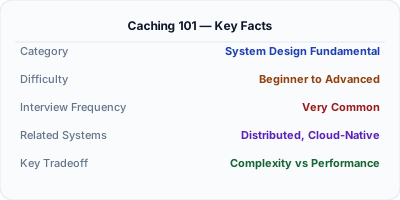
Caching stores frequently accessed data in a fast storage layer — usually in-memory with Redis or Memcached — to avoid hitting the database on every request. A well-configured cache handles 80-90% of reads without touching the database, reducing latency from 50ms to under 1ms. It is the single highest-impact performance optimization in most web applications.
| Aspect | Details |
|---|---|
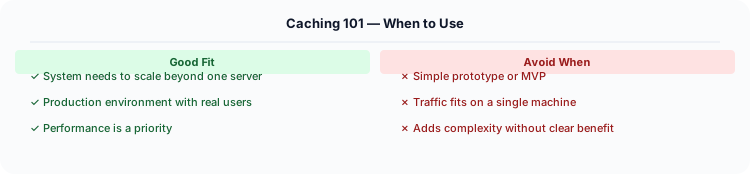
| What it is | Storing copies of data in fast in-memory storage to speed up repeated reads |
| When to use | Read-heavy workloads, expensive database queries, session storage, computed results, API responses |
| When NOT to use | Write-heavy workloads with strict consistency; data that changes on every request; data too large for memory |
| Real-world example | Twitter caches timeline reads in Redis; Facebook runs Memcached clusters with 100TB+ of cached data |
| Interview tip | Know cache-aside vs write-through vs write-back — each has different consistency and performance tradeoffs |
| Common mistake | Not planning for cache invalidation — stale data is the #1 caching problem in production |
| Key tradeoff | Dramatically faster reads vs. risk of serving stale data; memory cost vs. database load reduction |
When You Need Caching 101
Caching reduces latency (memory access: ~100ns vs disk: ~10ms), reduces database load (cache absorbs 80-95% of reads), and reduces costs (fewer database queries = smaller database needed). Every production system uses caching.
What It Is
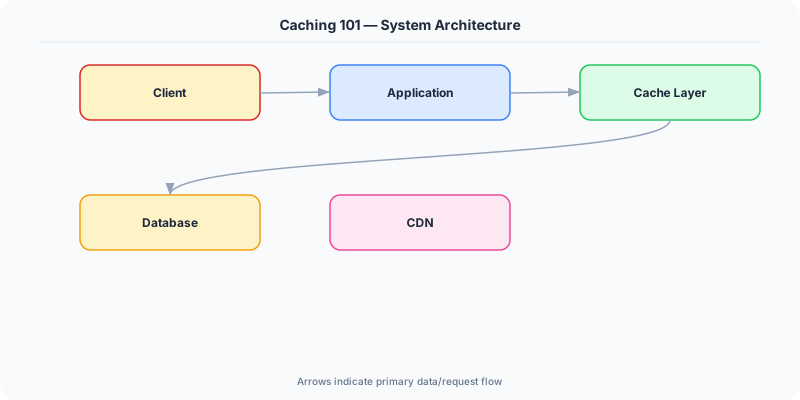
Caching stores frequently accessed data in a fast storage layer (in-memory) so future requests can be served without hitting the slower origin (database, API, disk). Caching is the single most effective technique for improving system performance.
How It Works
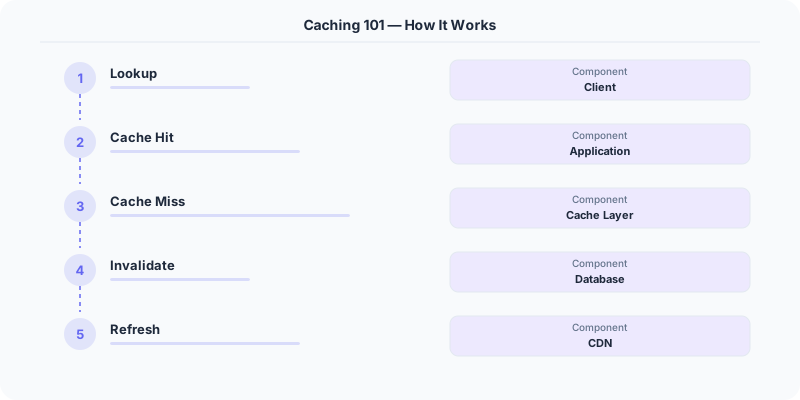
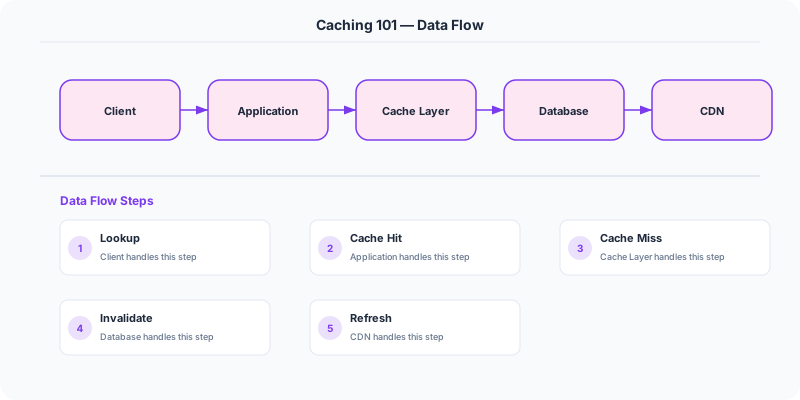
Application requests data → check Redis cache → if hit, return cached data (1ms). If miss, query database (50ms), store result in Redis with TTL, return data. Subsequent requests for the same data hit the cache.
For write operations, you must decide how to keep the cache and database in sync (see caching strategies).
The Decision Framework
- Cache hit/miss: A hit means data was found in cache. A miss means data must be fetched from origin and cached for future use.
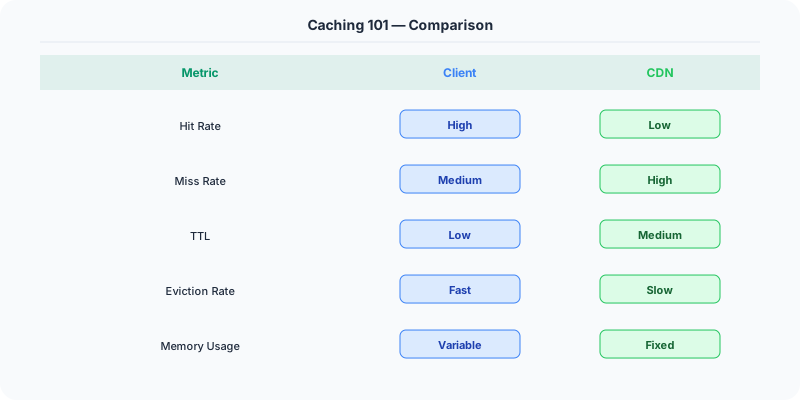
- Cache layers: Browser cache → CDN → Application cache (Redis) → Database query cache → OS page cache.
- Cacheability: Cache data that is read frequently, changes infrequently, and is expensive to compute. Do NOT cache sensitive data or rapidly changing data.
- TTL (Time to Live): Every cache entry should have an expiration time. Prevents serving infinitely stale data.
- Cache warming: Pre-populate the cache before traffic arrives (after deployment, after cache flush) to avoid a thundering herd of cache misses.
What the Industry Uses
Facebook caches social graph data in Memcached — 75 billion requests per day served from cache.
Twitter caches timelines in Redis. When you open Twitter, your feed is served from cache, not computed on the fly.
Stack Overflow caches HTML fragments, query results, and user sessions in Redis, serving millions of requests per second.
Performance and Tradeoffs
- Freshness vs Performance: Longer TTL = faster but potentially stale. Shorter TTL = fresher but more origin hits.
- Memory vs Hit rate: Bigger cache = higher hit rate but more expensive.
- Consistency: Cache and database can get out of sync if invalidation fails.
Mistakes Engineers Make
- Caching without a TTL — stale data stays forever
- Not handling cache misses gracefully — thundering herd crashes the database
- Caching too much — fills memory with rarely accessed data
- Not monitoring cache hit rate — a low hit rate means caching is not helping
Practice These Interview Questions
- What is caching and why is it important?
- What data is suitable for caching?
- What is cache invalidation and why is it hard?
- What is a thundering herd problem?
Caching in .NET Applications
The .NET ecosystem provides multiple caching layers, from in-memory to distributed:
IMemoryCache for single-server caching — built into ASP.NET Core, zero configuration:
// Register in Program.cs
builder.Services.AddMemoryCache();

// Use in your service
public class CatalogService
    private readonly IMemoryCache _cache;
    public Product GetProduct(int id)
        return _cache.GetOrCreate($"product:{id}", entry =>
            entry.AbsoluteExpirationRelativeToNow = TimeSpan.FromMinutes(5);
            return _dbContext.Products.Find(id);
        );
IDistributedCache for multi-server caching — backed by Redis in production. This is critical when you have multiple application servers behind a load balancer. Every server must see the same cached data.

Response Caching Middleware — cache entire HTTP responses at the middleware level. Add [ResponseCache(Duration = 60)] to controller actions for static content like product pages or blog posts.
Real example at scale: Microsoft Teams (built on .NET) caches user presence data, channel memberships, and recent messages in Redis. When you open Teams and see "2 unread messages" instantly, that is coming from cache — not a database query.
Original DosiBridge notes for Caching 101: Cache-Aside, TTL, Invalidation and Redis Basics
This section is written specifically for this page, not copied from a general system-design checklist. The useful way to study Caching 101: Cache-Aside, TTL, Invalidation and Redis Basics is to connect the concept to a production service where growth exposes the first weak assumption in the original design. That framing changes the design discussion from definitions to operating choices.
What makes this topic distinct
- Freshness Window: For Caching 101: Cache-Aside, TTL, Invalidation and Redis Basics, decide the freshness window before choosing tools; otherwise the design looks clean but fails when caching changes.
- Eviction Pressure: For Caching 101: Cache-Aside, TTL, Invalidation and Redis Basics, decide the eviction pressure before choosing tools; otherwise the design looks clean but fails when 101 changes.
- Hot Key Behavior: For Caching 101: Cache-Aside, TTL, Invalidation and Redis Basics, decide the hot-key behavior before choosing tools; otherwise the design looks clean but fails when caching changes.
- Cache Stampede: For Caching 101: Cache-Aside, TTL, Invalidation and Redis Basics, decide the cache stampede before choosing tools; otherwise the design looks clean but fails when 101 changes.
- Invalidation Owner: For Caching 101: Cache-Aside, TTL, Invalidation and Redis Basics, decide the invalidation owner before choosing tools; otherwise the design looks clean but fails when caching changes.
Production review question
If a team adopts Caching 101: Cache-Aside, TTL, Invalidation and Redis Basics, what observable signal proves it helped instead of only making the architecture diagram more fashionable?
Practical metric to track
Track caching-101 health as a named dashboard or review item: combine one user-facing metric, one saturation metric, and one correctness metric. For Caching 101: Cache-Aside, TTL, Invalidation and Redis Basics, this keeps the discussion grounded in behavior that can be measured after deployment instead of generic advice that sounds good in an interview but never gets verified.
Further Reading
How to Explain This in an Interview
Here is how I would explain Caching 101 in a system design interview:
Caching is the most impactful performance optimization in any system. I would use the cache-aside pattern: the application checks Redis first, on a miss reads from the database, stores the result in Redis with a TTL, and returns it to the client. This handles 80-90% of reads without hitting the database at all. The hard part is invalidation — when the underlying data changes, you need to either delete the cache key or accept stale reads for the TTL duration. I would start with TTL-based expiration (say 5 minutes) and only add active invalidation for data where freshness is critical, like account balances or inventory counts. In .NET, you would use IDistributedCache with a Redis backing store — ASP.NET Core has built-in support for this pattern.
Production angle: caching is a correctness decision, not just a speed trick
Caching stores a copy of data closer to the reader so the system can reduce latency, database load, or external API calls. The hard part is deciding how stale the copy may be and what happens when many clients request the same missing value at once.
Pick the cache by the user promise
- Browser cache: good for static assets and public content.
- CDN cache: good for global reads such as images, docs, landing pages, and public API responses.
- Application memory cache: fast but local to an instance; best for small reference data.
- Distributed cache: shared across instances; useful for sessions, rate limits, feature flags, and expensive query results.
- Database cache: buffer pools and materialized views improve repeated data access near storage.
Example: product catalog
A product detail page can cache title, image, price, and stock differently. Title and image may be cached for hours. Price may need minutes or explicit invalidation. Stock may need near-real-time accuracy or a reservation system. Treating the whole page as one cache object either makes the page stale or wastes load. Good caching separates data by freshness requirements.
Failure modes to design for
- Cache stampede: many requests rebuild the same expired key.
- Stale reads: users see old data after an update.
- Hot key: one key receives a disproportionate share of traffic.
- Cache penetration: repeated misses hit the database.
- Eviction surprise: memory pressure removes important keys.
Practical checklist
- Define freshness tolerance for each data type.
- Choose TTL, explicit invalidation, or write-through strategy.
- Add request coalescing or locks for expensive rebuilds.
- Use jitter so many keys do not expire at the same second.
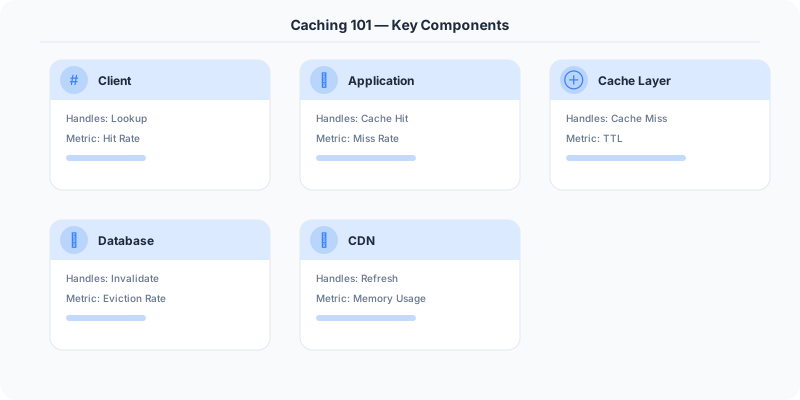
- Monitor hit rate, miss rate, evictions, latency, and backend load.
- Keep the source of truth clear; the cache should not become accidental primary storage.