How Distributed Locks Fail
Quick answer: How Distributed Locks Fail
How Distributed Locks Fail is covered here as a practical system design article. Why distributed locks are harder than they seem — clock skew, GC pauses, split brain, and how fencing tokens prevent unsafe operations. Use it to turn a broad system design idea into an interview-ready checklist with practical examples and links to deeper topics.
Focus on the problem being solved, the main design choice, the failure mode, and the tradeoff you would defend in front of a senior engineer. This page is part of the DosiBridge system design knowledge graph, so it links related concepts, interview problems, tradeoffs, and references instead of leaving the topic isolated.
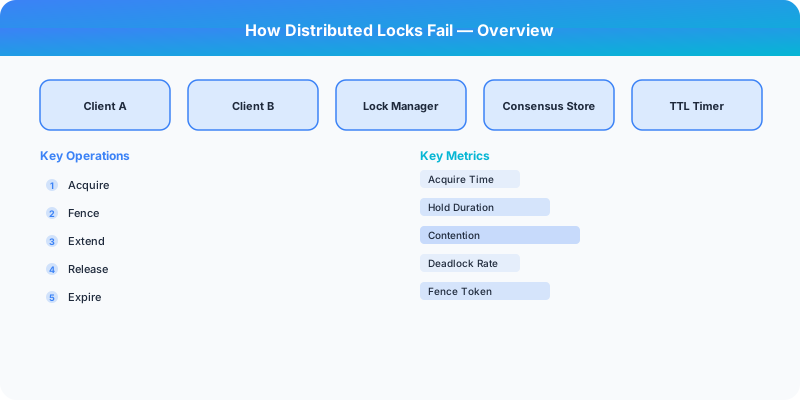
How Distributed Locks Fail
A distributed lock seems simple: acquire a lock, do work, release the lock. In a single-process application, mutexes provide this guarantee reliably. In a distributed system, almost every assumption that makes local locks work is violated.
Failure Mode 1: Clock Skew
Many distributed lock implementations use time-based expiration: "this lock expires in 30 seconds." This assumes all machines agree on what time it is. They do not.
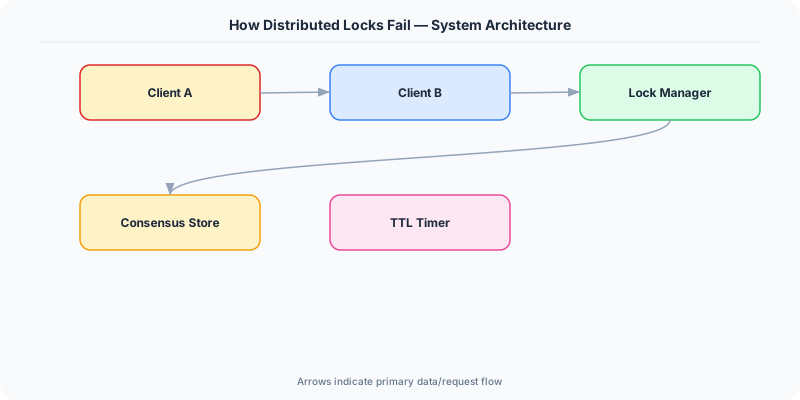
NTP synchronization keeps clocks within tens of milliseconds of each other, but network delays, NTP server issues, or misconfigured machines can cause clocks to drift by seconds or more. If machine A acquires a lock with a 30-second TTL, but machine B's clock is 5 seconds ahead, machine B may see the lock as expired 5 seconds before machine A thinks it is.
The Redis Redlock controversy: Martin Kleppmann criticized Redis's Redlock algorithm precisely because it relies on clock synchronization across multiple Redis nodes. If clocks drift, the safety guarantee breaks. Antirez (Redis creator) disagreed, arguing that bounded clock drift is a reasonable assumption. This debate remains unresolved and illustrates the fundamental difficulty.
Failure Mode 2: GC Pauses
Garbage-collected languages (Java, Go, C#) can pause all application threads for tens or hundreds of milliseconds during a GC cycle. During a "stop-the-world" pause, a process holding a lock cannot renew it or do useful work.
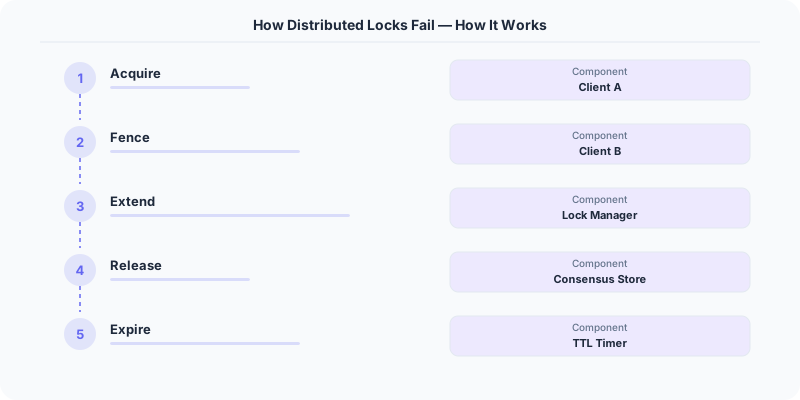
Scenario: Process A acquires a lock with a 10-second TTL. Process A enters a GC pause lasting 15 seconds. The lock expires while A is paused. Process B acquires the now-available lock and begins its critical section. Process A wakes up from GC, believes it still holds the lock, and enters the critical section. Both processes are now in the critical section simultaneously.
This is not hypothetical — it happens in production systems running on JVM-based services.
Failure Mode 3: Split Brain
In a network partition, the lock service itself may disagree about who holds the lock.
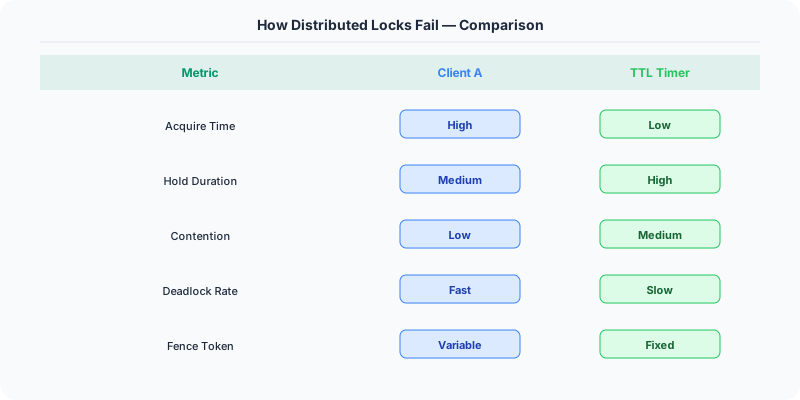
If you use a single Redis node for locking, and that node fails, the lock disappears entirely. If you use Redis replication, the lock might not have been replicated to the new primary before failover, so a second client can acquire a lock that the first client believes it still holds.
If you use a consensus-based system (ZooKeeper, etcd), network partitions can prevent the lock holder from renewing its session, causing the lock to be revoked while the holder is still running and still believes it holds the lock.
Failure Mode 4: Process Pauses Beyond GC
Operating system scheduling, VM live migration, container rescheduling, disk I/O stalls, and memory pressure can all cause a process to pause for significant durations. Any pause longer than the lock's TTL creates the same danger as a GC pause: the lock expires while the holder is still running.
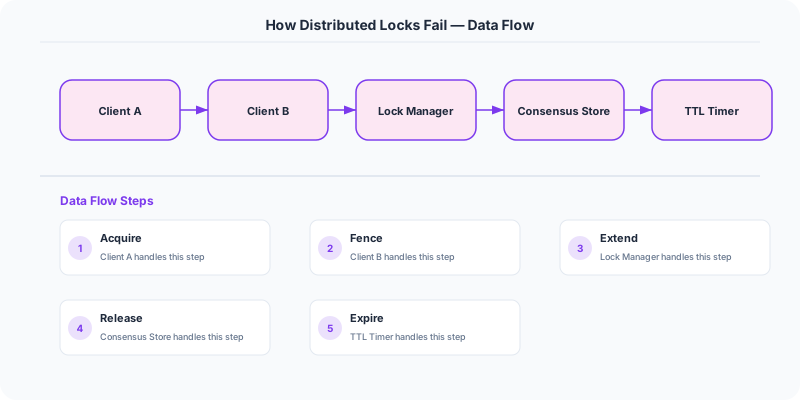
The Solution: Fencing Tokens
Fencing tokens solve the safety problem regardless of clocks, GC pauses, or process delays. When a client acquires a lock, the lock service issues a monotonically increasing token (a number that goes up with every lock acquisition). The client includes this token with every operation on the shared resource. The resource (e.g., a database) rejects any operation with a token lower than the highest token it has already seen.
Example: Client A acquires the lock with fencing token 33. Client A enters a GC pause. The lock expires. Client B acquires the lock with fencing token 34. Client B writes to the database with token 34. Client A wakes up and tries to write with token 33. The database rejects the write because it has already seen token 34.
Fencing tokens shift the safety guarantee from the lock service to the resource being protected. Even if the lock service fails to prevent two clients from thinking they hold the lock, the fencing token ensures only one client's operations are accepted.
When You Actually Need Distributed Locks
Efficiency locks: Preventing duplicate work (e.g., two cron jobs running the same task). If both occasionally run, the only cost is wasted computation. A simple Redis lock with TTL is sufficient.
Correctness locks: Preventing data corruption (e.g., two processes updating the same bank account). If both run, data is lost. You need fencing tokens or a consensus-based system with fencing.
For efficiency, use Redis SETNX with a TTL. For correctness, use ZooKeeper/etcd with fencing tokens, or redesign to avoid locks entirely (use database transactions, CAS operations, or idempotent operations).
Summary
Distributed locks fail due to clock skew, GC pauses, process stalls, and network partitions. The common thread is that a lock holder can be delayed or disconnected while another process acquires the same lock. Fencing tokens are the only reliable solution for correctness-critical operations: even if two clients believe they hold the lock, the resource rejects stale tokens.
Original DosiBridge notes for How Distributed Locks Fail
This section is written specifically for this page, not copied from a general system-design checklist. The useful way to study How Distributed Locks Fail is to connect the concept to a production service where growth exposes the first weak assumption in the original design. That framing changes the design discussion from definitions to operating choices.
What makes this topic distinct
- Practical Lesson: For How Distributed Locks Fail, decide the practical lesson before choosing tools; otherwise the design looks clean but fails when how changes.
- Migration Story: For How Distributed Locks Fail, decide the migration story before choosing tools; otherwise the design looks clean but fails when distributed changes.
- Production Symptom: For How Distributed Locks Fail, decide the production symptom before choosing tools; otherwise the design looks clean but fails when locks changes.
- Decision Checklist: For How Distributed Locks Fail, decide the decision checklist before choosing tools; otherwise the design looks clean but fails when fail changes.
- Rollback Plan: For How Distributed Locks Fail, decide the rollback plan before choosing tools; otherwise the design looks clean but fails when how changes.
Production review question
If a team adopts How Distributed Locks Fail, what observable signal proves it helped instead of only making the architecture diagram more fashionable?
Practical metric to track
Track how-fail health as a named dashboard or review item: combine one user-facing metric, one saturation metric, and one correctness metric. For How Distributed Locks Fail, this keeps the discussion grounded in behavior that can be measured after deployment instead of generic advice that sounds good in an interview but never gets verified.