Caching Mistakes That Break Production
Quick answer: Caching Mistakes That Break Production
Caching Mistakes That Break Production is covered here as a practical system design article. Common caching pitfalls — thundering herd, stale data, cache stampede, missing TTLs — and how to prevent them in production systems. Use it to turn a broad system design idea into an interview-ready checklist with practical examples and links to deeper topics.
Focus on the problem being solved, the main design choice, the failure mode, and the tradeoff you would defend in front of a senior engineer. This page is part of the DosiBridge system design knowledge graph, so it links related concepts, interview problems, tradeoffs, and references instead of leaving the topic isolated.
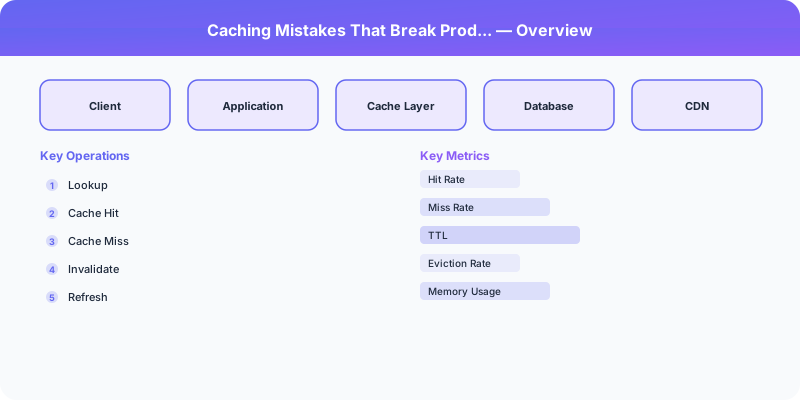
Caching Mistakes That Break Production
Caching is one of the highest-leverage performance optimizations available. A 95% cache hit rate means your database handles 20x fewer queries. But caching introduces failure modes that do not exist in a cache-free system. These mistakes are responsible for some of the most dramatic production incidents.
Mistake 1: The Thundering Herd
A popular cache key expires. Hundreds of concurrent requests arrive simultaneously, all miss the cache, and all hit the database at once. The database, which was comfortably handling 50 QPS while the cache was warm, is suddenly hit with 5,000 concurrent queries for the same data. It overloads and everything downstream fails.
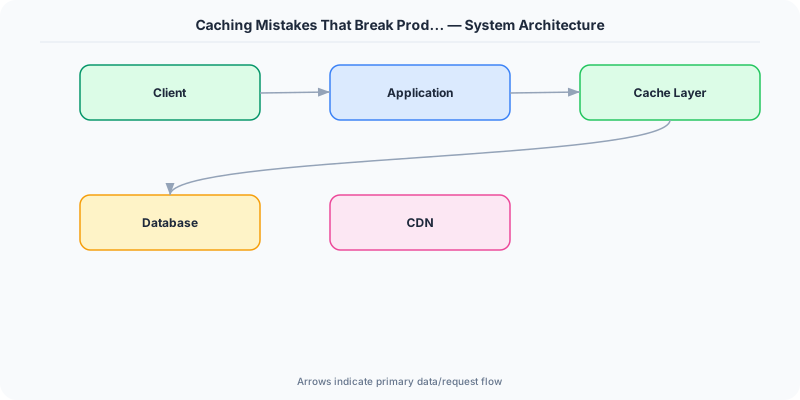
Solution: Cache stampede protection. Use a lock-based approach: when a cache miss occurs, the first request acquires a short-lived lock and fetches from the database. All other requests for the same key wait for the lock holder to populate the cache, then read from cache. Alternatively, use probabilistic early expiration: each request has a small random chance of refreshing the cache before the TTL expires, ensuring the cache is refreshed gradually rather than all at once.
Mistake 2: No TTL (Time-to-Live)
Setting data in cache without a TTL means it stays there forever — or until the cache evicts it under memory pressure. This leads to stale data that never gets refreshed, and in the worst case, a cache full of useless entries that evicts useful ones.
Solution: Always set a TTL. Choose it based on how stale the data can be. User profile: 5-15 minutes. Product catalog: 1-5 minutes. Session data: matches session timeout. Configuration: 30-60 seconds.
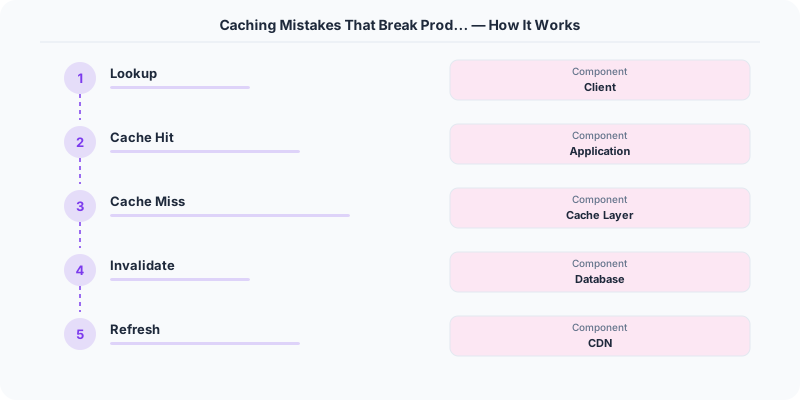
Exception: Cache entries that are explicitly invalidated on write (write-through caching) can have longer TTLs because they are refreshed by the write path, not by expiration.
Mistake 3: Stale Data After Writes
User updates their profile name. The database is updated, but the cache still holds the old name. The user sees their old name on the next page load and files a bug report.
Solution: Cache invalidation on write. When writing to the database, delete the corresponding cache key. The next read will miss the cache, fetch from the database, and populate the cache with fresh data. This is the cache-aside pattern with explicit invalidation.
Caution: Avoid updating the cache on write. If two concurrent writes arrive, the slower one might overwrite the cache with older data (a race condition). Delete-then-repopulate-on-read avoids this because the read always fetches the latest data.
Mistake 4: Cache-Database Inconsistency
Even with invalidation, there is a window between the database write and the cache deletion where the cache holds stale data. In some patterns, the order of operations matters:
Dangerous: Update cache, then update database. If the database write fails, the cache has data that does not exist in the database.
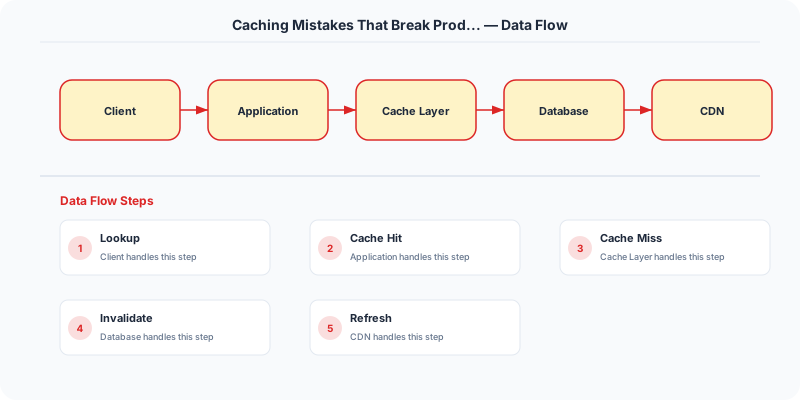
Safe: Update database, then delete cache. If the cache deletion fails, the worst case is a brief period of stale data (which the TTL will eventually fix).
Safest: Use a change-data-capture (CDC) stream from the database to invalidate cache entries. This guarantees that every database change triggers a cache update, even if the application code misses it.
Mistake 5: Caching Errors
A database query fails, and the application caches the error response (or null) with a long TTL. Now every request for that data returns an error from cache, even though the database has recovered.
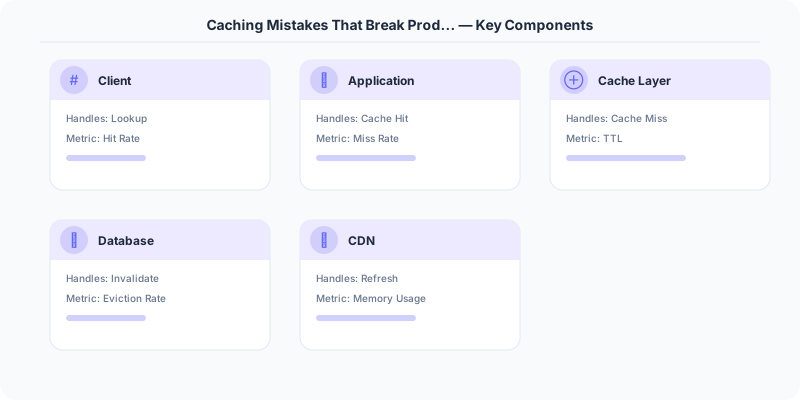
Solution: Never cache error responses. If the source query fails, do not write to cache. Alternatively, cache errors with a very short TTL (e.g., 5 seconds) to prevent hammering a failing database.
Mistake 6: The Hot Key Problem
One cache key receives a disproportionate share of traffic (a viral post, a trending product). Even with caching, the single cache server holding that key becomes a bottleneck.
Solution: Key replication — store the hot key on multiple cache nodes with slight TTL variation. Read from a random replica. Alternatively, use a local in-process cache (L1 cache) in front of the distributed cache (L2 cache) so each application server caches the hot key locally.
Mistake 7: Ignoring Cache Warm-Up
After a deployment, cache restart, or scaling event, the cache is empty. All requests hit the database simultaneously ("cold start" thundering herd).
Solution: Pre-warm the cache on startup by loading frequently accessed data before accepting traffic. Alternatively, use a gradual traffic ramp-up so the cache fills naturally before reaching full load.
Summary
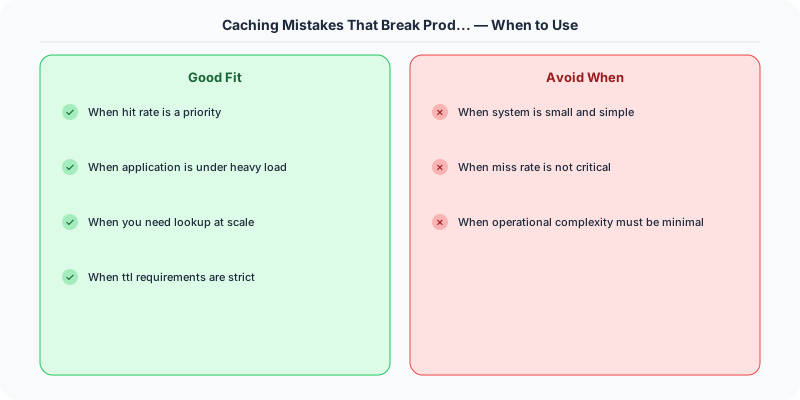
Set TTLs on everything. Invalidate on write (delete, do not update). Protect against thundering herds with locks or probabilistic expiration. Never cache errors. Handle hot keys with replication. Warm the cache before accepting full traffic. Caching is powerful but demands defensive programming.
Original DosiBridge notes for Caching Mistakes That Break Production
This section is written specifically for this page, not copied from a general system-design checklist. The useful way to study Caching Mistakes That Break Production is to connect the concept to a production service where growth exposes the first weak assumption in the original design. That framing changes the design discussion from definitions to operating choices.
What makes this topic distinct
- Practical Lesson: For Caching Mistakes That Break Production, decide the practical lesson before choosing tools; otherwise the design looks clean but fails when caching changes.
- Migration Story: For Caching Mistakes That Break Production, decide the migration story before choosing tools; otherwise the design looks clean but fails when mistakes changes.
- Production Symptom: For Caching Mistakes That Break Production, decide the production symptom before choosing tools; otherwise the design looks clean but fails when in changes.
- Decision Checklist: For Caching Mistakes That Break Production, decide the decision checklist before choosing tools; otherwise the design looks clean but fails when production changes.
- Rollback Plan: For Caching Mistakes That Break Production, decide the rollback plan before choosing tools; otherwise the design looks clean but fails when caching changes.
Production review question
If a team adopts Caching Mistakes That Break Production, what observable signal proves it helped instead of only making the architecture diagram more fashionable?
Practical metric to track
Track caching-production health as a named dashboard or review item: combine one user-facing metric, one saturation metric, and one correctness metric. For Caching Mistakes That Break Production, this keeps the discussion grounded in behavior that can be measured after deployment instead of generic advice that sounds good in an interview but never gets verified.